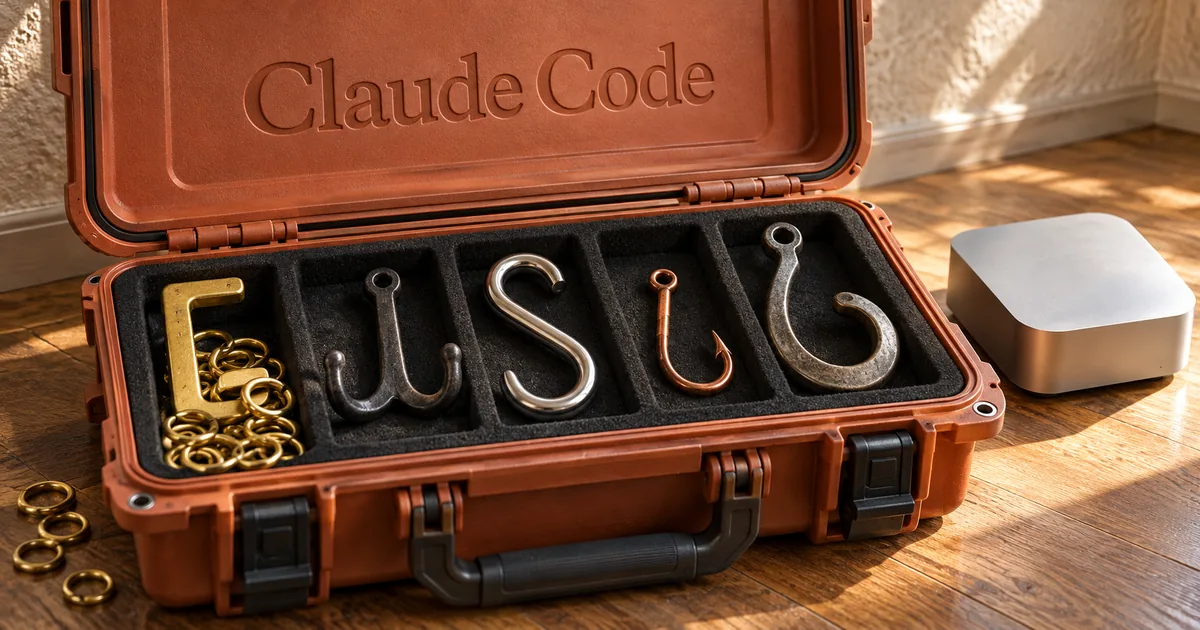
Claude Code hooks come in five types that run in parallel
The five hook types (the type field in settings.json)
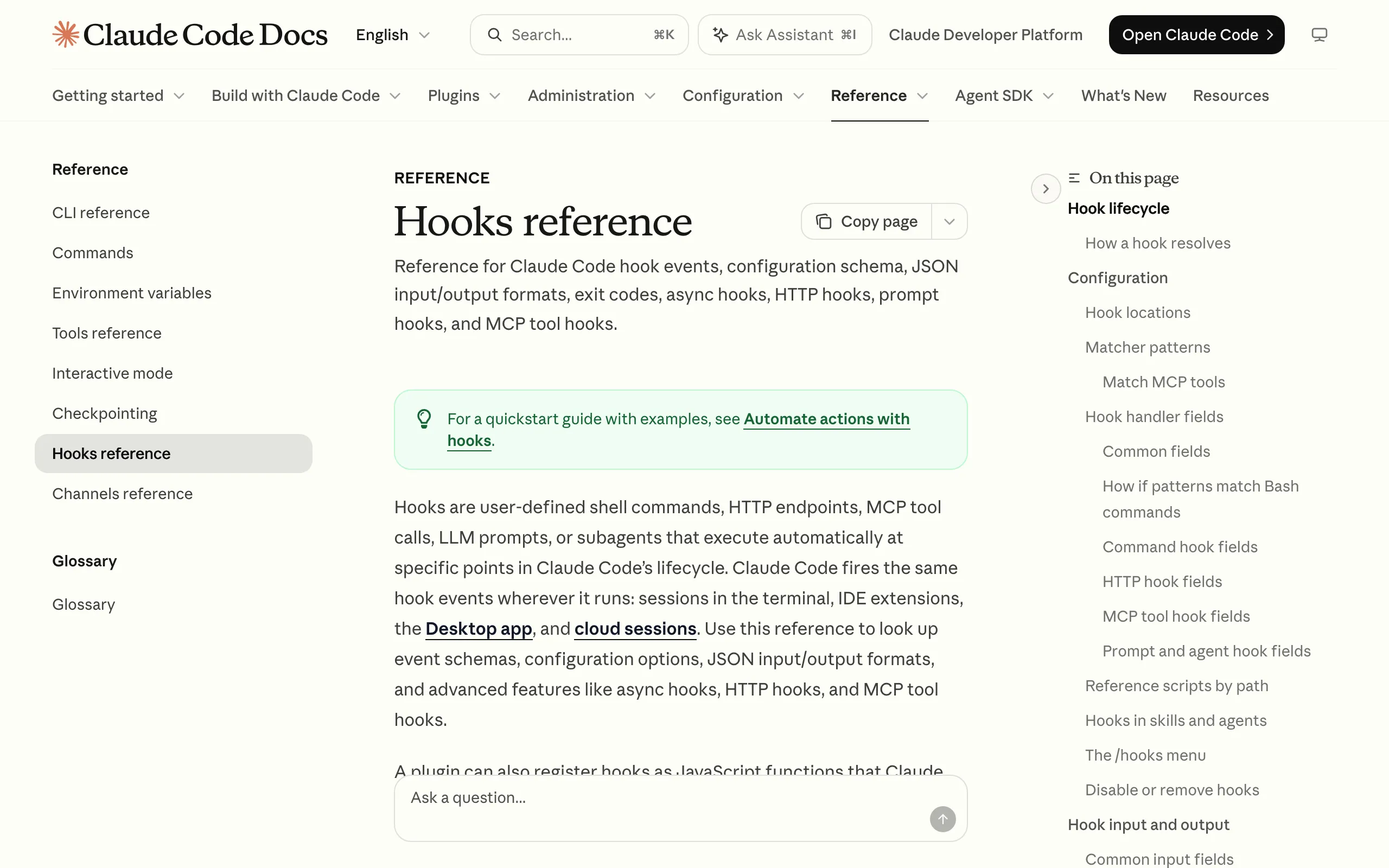
Claude Code hooks are handlers you register in settings.json to run at fixed points, such as when a session starts or right before a tool call. Each handler has a type, and there are five of them. All five are covered in the Hooks reference.
What command, http, mcp_tool, prompt and agent hooks do
A command hook starts a shell command, hands it the event as JSON on stdin, and reads the result from the exit code and stdout. It can call any script you already have, which makes it the easiest type to start with.
An http hook POSTs the same event JSON to a URL. The endpoint answers in the same JSON format a command hook prints, so the decision logic can live on a server that is already running. An mcp_tool hook calls a tool on an MCP server you have configured, and the tool's text output is handled the way a command hook's stdout is.
The last two hand the decision to a model. A prompt hook sends a prompt to a Claude model and gets back a JSON verdict from a single turn.
An agent hook spawns a subagent that can use tools such as Read, Grep and Glob to check conditions before it answers, and Anthropic marks agent hooks as experimental. Not every event accepts every type, so check the event before you pick one.
"send the event’s JSON input as an HTTP POST request to a URL. The endpoint communicates results back through the response body using the same JSON output format as command hooks."View official source →
Matching hooks run in parallel, with timeouts set per type
When several hooks match the same event, Claude Code runs all of them in parallel, not one after another. Register five command hooks on one event and five processes start together every time it fires.
How often that happens depends on the event. Hook events fire at three cadences:
- Once per session: SessionStart and SessionEnd
- Once per turn: UserPromptSubmit and Stop, among others
- On every tool call: PreToolUse and PostToolUse
Timeouts differ by type. The defaults are 600 seconds for command, http and mcp_tool hooks, 30 seconds for prompt hooks and 60 seconds for agent hooks. On UserPromptSubmit, the command, http and mcp_tool default is cut to 30 seconds.
"Defaults: 600 for command , http , and mcp_tool ; 30 for prompt ; 60 for agent ."View official source →
Command-only hooks launch node on every tool call
node processes launched by one tool call
Edit and Write each launched 17, and even Grep launched 6. Every extra tool call in a turn adds the same count again. Bar heights are scaled to the largest value.
I didn't know hooks had five types, so I wrote every one of them as a node script behind a command hook. On a busy machine that meant several node processes for every tool Claude touched. The machine was an M4 Mac with 16GB of memory that ran Claude Code 2.1.289 in 10 to 13 sessions at once.
One Edit launched 17 node processes and Stop about 209 git calls
I fired the production hooks by hand with the same input and counted processes: a single Edit launched 17 node processes. Write also launched 17. A short Bash command launched 12, Agent 10, Read 8 and Grep 6.
Tool-call hooks fire every time Claude uses a tool, so a turn with many edits pays those 17 launches again for each one. The end of a turn was heavier still: on Stop, about 209 git processes ran on top of the node launches.
Each node launch costs about 29ms of CPU and 44MB of memory
CPU time for one process launch (ms)
node needs about 9x the CPU time of /bin/sh just to start. A hook whose real work is a few lines still pays that gap on every launch. Bar heights are scaled to the largest value.
Measured on its own, one node launch cost about 29ms of CPU time and 44MB of resident memory. That is the price of loading the runtime before a single line of the hook runs.
For comparison, /bin/sh started in 3.3ms with 2MB, and /usr/bin/curl in 4.7ms. So node used about 9x the CPU time and 22x the memory of a plain shell. A hook that only checks one field in the input JSON still pays the full startup cost.
Hooks caused 47–87% of node launches across multiple sessions
Watching process IDs across the whole machine, I counted 9.6 to 15.9 node launches a second, and hooks were behind 47 to 87% of them. With 10 to 13 sessions open, the tool calls of every session stacked up, and a large share of the node processes on the machine came from their hooks.
If Claude Code feels slow with multiple sessions open, counting what your hooks launch is a quick first check. Startup tokens are a separate cost, covered in Claude Code Token Usage: 33K vs OpenCode's 7K.
Batching turn-boundary hooks cut prompt-submit launches from 42 to 1
Launches per event before and after batching turn-boundary hooks
After I moved the hooks on the three turn-boundary events into one process, node launches per prompt submit fell from 42 to 1. The three events were prompt submit, session start and the end of a turn. Each check that used to start its own script now runs as a call inside that one process.
SessionStart dropped from 48 launches to 3 and Stop from 40 to about 3
Session start went from 48 launches to 3, and the end of a turn went from 40 to about 3. Both counts are per single event, before and after batching.
Batching must not change what the hooks decide, so I replayed the inputs of 12 past turns through the batched version. The block-or-allow decisions and the text the hooks inject matched in every case, with 0 differences.
The notification sound broke up after a QoS demotion
Partway through the batching work, the sound I play at the end of a turn started breaking up whenever the machine was busy. I had switched it to play detached so the hook would not wait for it. The script that manages my hooks lowers detached child processes to background QoS, a low-priority tier macOS uses when it decides what to run first.
That script had an exemption list, but it only matched the file name of the program that launched the child. afplay, which plays the sound, never matched, so it ran at background priority. After I added afplay to the exemptions, its scheduler priority went from 4 to 31 and the sound stopped breaking up.
Why the 53,492-launch figure was a miscount
At one point I reported 53,492 node launches across sessions in 9 minutes, and that number was wrong. It turned out the lines I was counting were kernel log lines, and one line was not one node launch.
Counting process IDs instead gave 9.6 to 15.9 launches a second machine-wide, the figure the 47 to 87% share above is based on. When a count looks dramatically large, check what is being counted as one before acting on it.
How to choose a Claude Code hook type by CPU and memory cost
The order I pick hook types in (lightest first)
When I create or edit a hook, I now pick the hook type with the lowest machine load that still does the job. Load here means the CPU and memory a hook uses each time it fires. The six tiers above run from lightest to heaviest, and a heavier tier is only used when no lighter one can do the job.
Try an existing batch, then http, then mcp_tool before node
The lightest option is to run the check inside a process that is already batched, which adds 0 launches. Next is http: the hook POSTs to a server that is already running, so nothing starts per event. After that come mcp_tool, a small built-in macOS command, and finally a node launch.
http has one catch. By default a non-2xx status or a failed connection counts as a non-blocking error, so the tool call goes ahead unless the hook sets onFailure: "block". I'm still designing the switch to http on my machine, because the resident server it needs doesn't exist yet.
"To block the action when the request fails or returns a non-2xx status, set onFailure: "block"."View official source →
Keep prompt and agent hooks out of PreToolUse blocking
A model makes the decision in prompt and agent hooks, so the same input is not guaranteed to get the same answer. I don't use them for the block-or-allow decision in PreToolUse, where a tool call has to be stopped every time the rule says so.
They also sit in the heaviest tier, since each one runs an API call or a subagent. Anthropic's own guidance for agent hooks points the same way: for production workflows, prefer command hooks.
"For production workflows, prefer command hooks ."View official source →
Hooks without a type declaration line are blocked from settings.json
Every hook file now starts with a declaration line that names the type it uses and why a lighter type would not work. If that line is missing, creating the file, editing it and registering it in settings.json are all blocked by a check that runs automatically.
That check enforces the tier order instead of leaving it as a written guideline. A hook that skips the declaration cannot be created at all.
Start by counting what your hooks launch
Claude Code hooks come in five types, and building all of them as command hooks makes node launches pile up with every tool call. In my setup one Edit launched 17, and hooks accounted for 47 to 87% of the machine's node launches.
Count the processes one tool call launches in your own setup first. Then batch the hooks on turn-boundary events into one process; for me that took prompt submit from 42 launches to 1. For each new hook, start from the light end: an existing batch, http or mcp_tool.
FAQ
- How many hook types does Claude Code have?
- Five: command, http, mcp_tool, prompt and agent. You pick one with the type field in settings.json. A command hook runs a shell command, an http hook POSTs the event JSON to a URL, and an mcp_tool hook calls a tool on an MCP server.
- Do hooks on the same event run one after another?
- No. Every hook that matches an event runs in parallel, so five matching command hooks mean five processes starting at the same moment.
- What are the default hook timeouts?
- 600 seconds for command, http and mcp_tool hooks, 30 seconds for prompt hooks and 60 seconds for agent hooks. On UserPromptSubmit, the command, http and mcp_tool default drops to 30 seconds.
- Should I use a prompt or agent hook to block dangerous commands?
- Not for a block-or-allow decision that has to come out the same every time. A model makes the call in both types, so the same input can get a different answer, and Anthropic's docs point production workflows to command hooks instead of agent hooks.
Related articles
 Claude Code rule blocks recreating existing gamesA server-side rule stops Claude Code on Opus 5.5 from recreating existing games. Anthropic confirmed it on X, and a wargame studio says paid work stopped.
 Claude Code Auto Mode Is Now the Default SettingClaude Code auto mode is now the default on Pro, Max and Team. Learn what the classifier blocks, how to switch modes, and how to disable it.
 Alibaba Bans Claude Code Over Hidden Tracking CodeAlibaba bans Claude Code from July 10, citing back-door risks tied to hidden code that could identify China users. Staff are told to switch to Qoder.
 Claude Code Token Usage: 33K vs OpenCode's 7KClaude Code token usage starts near 33,000 before your prompt, 4.7x OpenCode. CLAUDE.md and MCP servers push it to 75,000, but requests set the total.