
How agentic autofix turns an alert into a draft PR
Agentic autofix takes a code scanning alert and carries it all the way to a draft pull request (PR) that Copilot has already tested against CodeQL. Code scanning is GitHub's built-in static analysis. CodeQL, GitHub's query engine, is the default scanner, and each suspected vulnerability it finds shows up as an alert on the repository.
Until now, the fix for an alert came as a single suggestion that a developer had to read and apply by hand. With agentic autofix, the only manual step is handing the alert to Copilot. Copilot then works through the codebase much like a developer would.
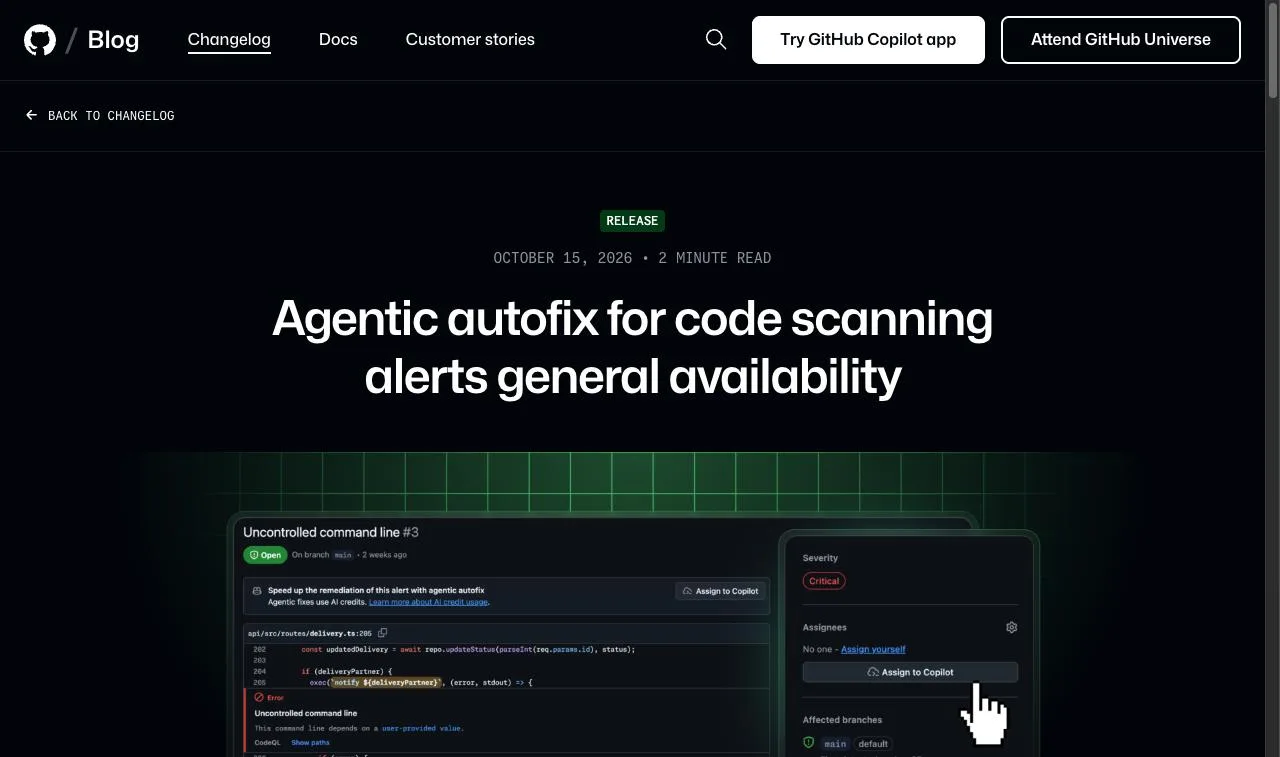
The four steps Copilot runs after you assign an alert
Once an alert is assigned, Copilot works through four steps on its own. The PR comes only at the last step, after the CodeQL rerun passes.
- It looks for files across the codebase that relate to the alert.
- It writes a candidate fix.
- It reruns CodeQL to see whether the alert closes.
- If the alert is still open, it tries again; when it passes, it opens a draft PR for review.
The PR description explains the fix, why it should close the alert, and how Copilot validated it. If you want changes, leave a comment on the PR or talk to the session in the repository's Agents tab. GitHub's July 10, 2026 preview post put typical fix time at 2–4 minutes.
Turning the feature on swaps the free Generate Fix button on each alert for an Assign to Copilot button. There are three ways to hand work over:
- Assign a single alert from its alert page.
- Pick up to 25 alerts in the repository's alert list or in a security campaign, and Copilot fixes them together in one PR.
- Call the Update a Code Scanning Alert REST endpoint with
copilot-swe-agent[bot]as the assignee.
"The pull request includes a summary of the fix, why it closes the alert, and the validation steps Copilot took to confirm that it works." — from "How it works"View official source →
How it differs from classic Copilot Autofix
GitHub now has two autofix features, and they return different things. Classic Copilot Autofix gives you one suggested change for one alert, and you decide whether to apply it and open the PR. Agentic autofix takes one or many alerts and returns a finished draft PR.
Classic Autofix doesn't go away. In any repository where agentic autofix stays off, the old suggestions keep working.
Agentic autofix vs. classic Copilot Autofix (per GitHub Docs)
| Agentic autofix | Copilot Autofix | |
|---|---|---|
| What you get | A validated draft PR | One suggested change per alert |
| Who opens the PR | Copilot | You |
| AI Credits | Spent on every session | Not spent |
| Default state | Off until an admin enables it | On for repos that use CodeQL |
"Use agentic autofix when you want Copilot to investigate and fix one or more alerts for you, end to end. / Use Copilot Autofix when you want a single suggested code change for one alert that you review and apply yourself." — from "What are the two types of autofix?"View official source →
Who can use it and how admins turn it on
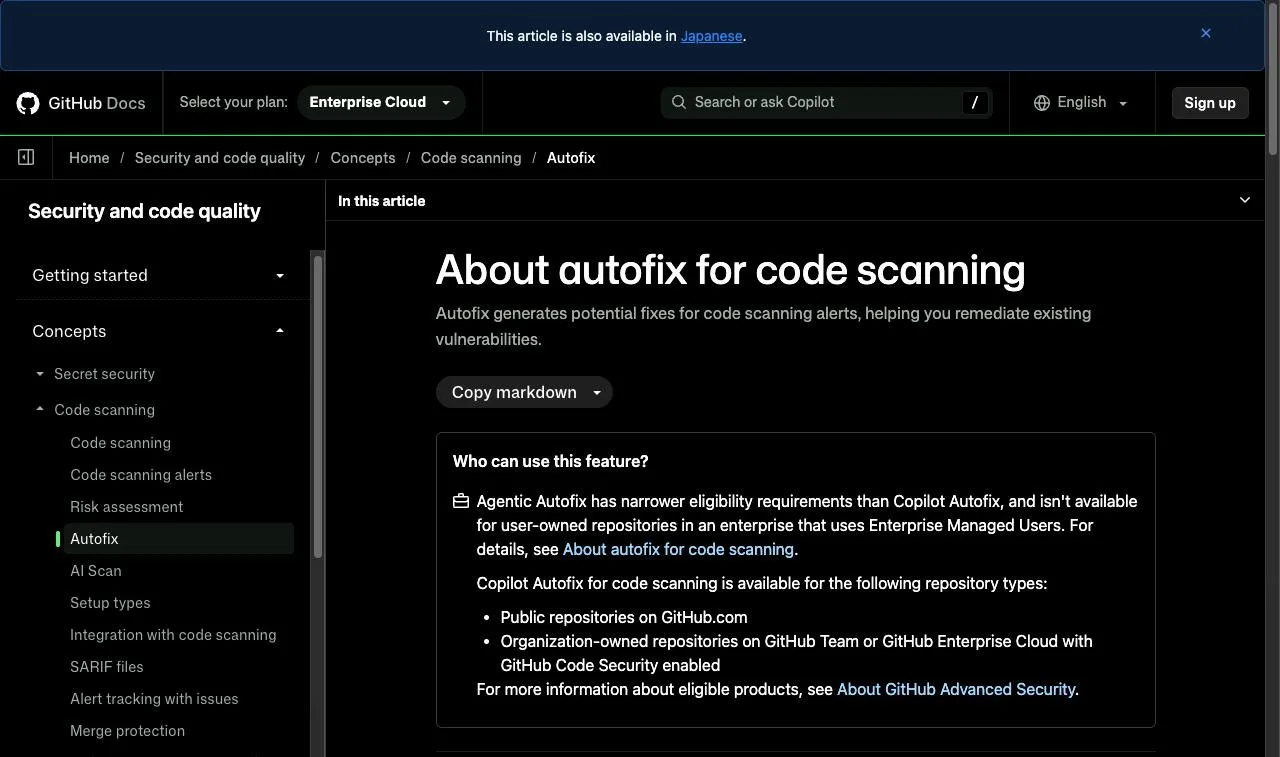
Agentic autofix is limited to GitHub Enterprise Cloud customers that pay for Code Security or Advanced Security. Enterprise Cloud with data residency counts too.
The requirements were different during the preview that began on July 10, 2026. Back then you also needed a Copilot license with Copilot cloud agent enabled.
Enterprise Cloud plans and default-branch alerts only
Copilot will only take alerts that live on the repository's default branch. If an alert shows up only on a pull request or a feature branch, you can't assign it.
On the licensing side, you need Enterprise Cloud plus either Code Security or Advanced Security. GitHub's docs say outright that agentic autofix has narrower eligibility than classic Copilot Autofix.
Enterprise policy first, then org or repo settings
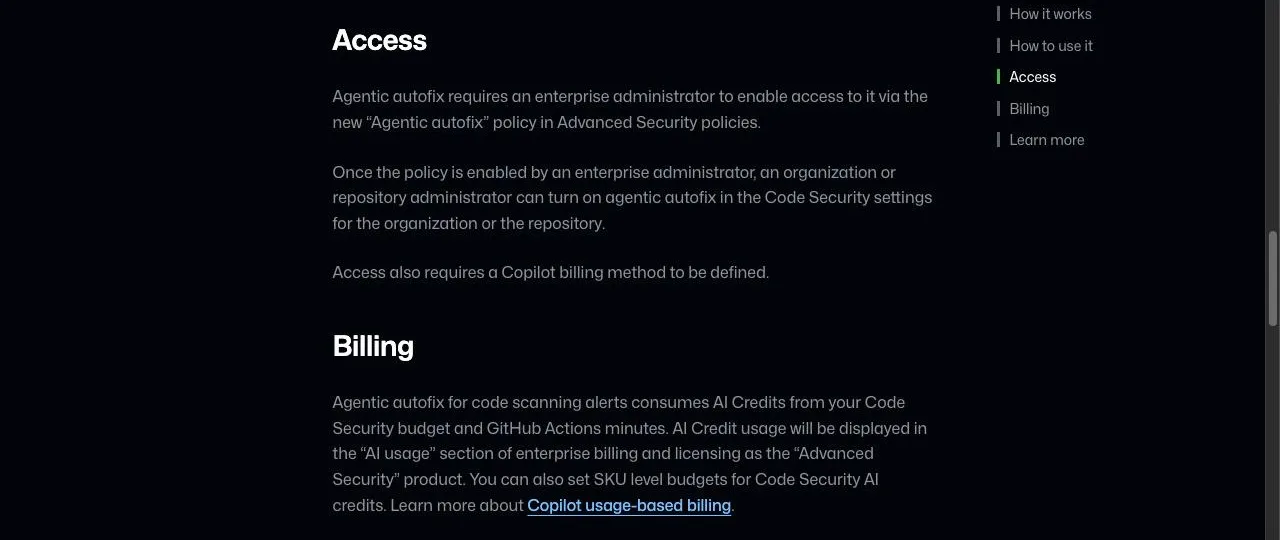
Turning agentic autofix on takes two admins, in a fixed order. First, an enterprise admin grants access with a policy called "Agentic autofix," which GitHub added to the Advanced Security policy list. Only then can an org or repo admin flip it on from the Code Security settings page.
The enterprise also needs a Copilot billing method on file. Without the enterprise policy, an org admin won't be able to enable it from their settings page.
"Agentic autofix requires an enterprise administrator to enable access to it via the new “Agentic autofix” policy in Advanced Security policies. / Once the policy is enabled by an enterprise administrator, an organization or repository administrator can turn on agentic autofix in the Code Security settings for the organization or the repository. / Access also requires a Copilot billing method to be defined." — from "Access"View official source →
AI Credits, Actions minutes, and alerts it can't verify
Before rolling it out, plan for the per-run cost and for alerts whose fixes Copilot can't confirm. GitHub's docs call agentic autofix best-effort and tell you to review and test every generated change before you merge.
Each session consumes AI Credits and Actions minutes
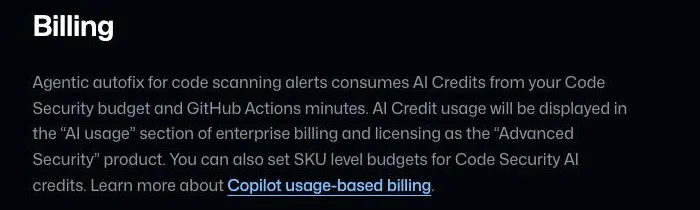
Every agentic autofix session uses AI Credits and GitHub Actions minutes. AI Credits are the unit GitHub uses to meter Copilot and other AI features. For agentic autofix, they come out of your Code Security budget.
Usage shows up in enterprise billing and licensing, under AI usage, filed as the Advanced Security product. You can cap spend by setting a SKU-level budget for Code Security AI credits. GitHub hasn't said how many credits a typical fix uses or what that comes to in dollars.
"AI Credit usage will be displayed in the “AI usage” section of enterprise billing and licensing as the “Advanced Security” product. You can also set SKU level budgets for Code Security AI credits." — from "Billing"View official source →
Custom queries and third-party alerts can't be verified
Copilot can only confirm a fix when the alert came from CodeQL's standard code scanning suite. It checks its own work by rerunning CodeQL with that suite, so three kinds of alerts fall outside what it can confirm:
- Alerts raised by your own custom CodeQL queries
- Alerts from the broader security-extended query suite
- Alerts imported from third-party scanning tools
That's a shift from the preview. The July 10 post said agentic autofix handled alerts from both CodeQL and third-party tools; the GA docs now list third-party alerts among those it can't confirm.
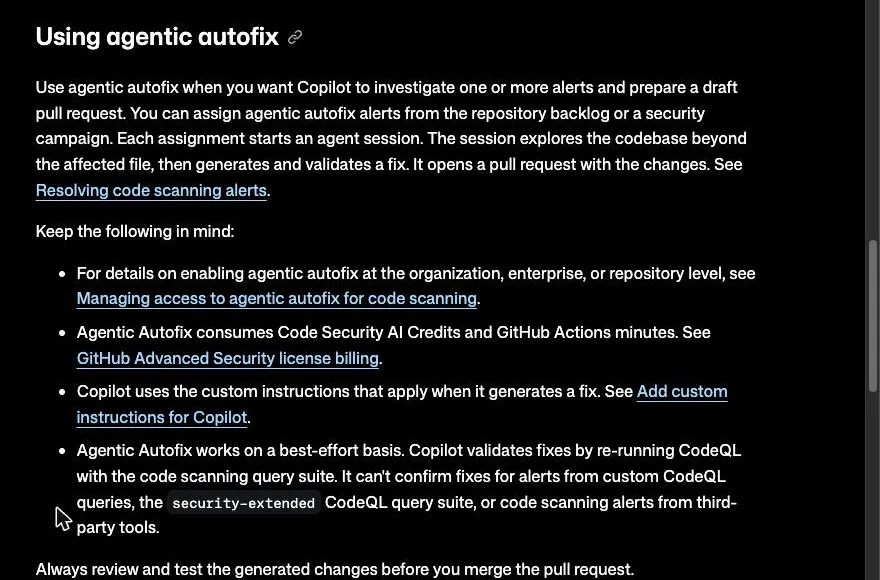
"Agentic Autofix works on a best-effort basis. Copilot validates fixes by re-running CodeQL with the code scanning query suite. It can't confirm fixes for alerts from custom CodeQL queries, the security-extended CodeQL query suite, or code scanning alerts from third-party tools." — from "Using agentic autofix"View official source →
CodeQL verification decides what to hand to Copilot
Whether CodeQL can check the result changes what a Copilot PR gives the reviewer. For a standard-suite alert, the PR arrives with Copilot's own proof that the alert closed, so reviewers can start from that. For a custom-query or third-party alert, you still pay the same AI Credits, but the reviewer has to prove the fix from scratch.
Switching it on is a per-repository trade: that repository gives up free single-fix suggestions for sessions that bill AI Credits. With no published per-run price, the AI usage page is where that cost first becomes visible.
FAQ
- Does classic Copilot Autofix still work after agentic autofix is turned on?
- In a repository where agentic autofix is on, the Generate Fix button on each alert becomes an Assign to Copilot button. In repositories where agentic autofix stays off, Copilot Autofix keeps producing its single suggested fix as before.
- How much does agentic autofix cost?
- Every session draws AI Credits from your Code Security budget and also uses GitHub Actions minutes. GitHub has not published a per-session price. You can watch usage under AI usage in enterprise billing and cap it with a budget for Code Security AI credits.
- Can Copilot fix an alert that only shows up on a pull request?
- No. Agentic autofix only accepts alerts found on the repository's default branch. An alert that exists only on a pull request or another branch can't be assigned to Copilot.
Related articles
 Copilot Fusion now picks the model for each taskGitHub made Copilot Fusion generally available Oct 28. Pick Standard, High or Max and Copilot picks the models. High and Max need Pro+. 30% off until Nov 30.
 EMBRACE flaws hit 5 AI coding tools, 2 unpatchedForever Security found flaws in the built-in browsers of Cursor, Copilot, Codex, VS Code and Claude Desktop. Codex and VS Code were unpatched at publication.
 GitHub Actions script injection at SnowflakeA GitHub Actions script injection let any GitHub user run commands on a Snowflake runner through an issue title. What Copilot did and did not do, and the fix.
 AI Worm: A Word Document That Copies ItselfAn AI worm hidden as white text in a Word file made Copilot copy it into new docs in a demo. The mechanism, the 144-day disclosure, and Microsoft’s fixes.