
Every .jp domain registrar is a Japanese company
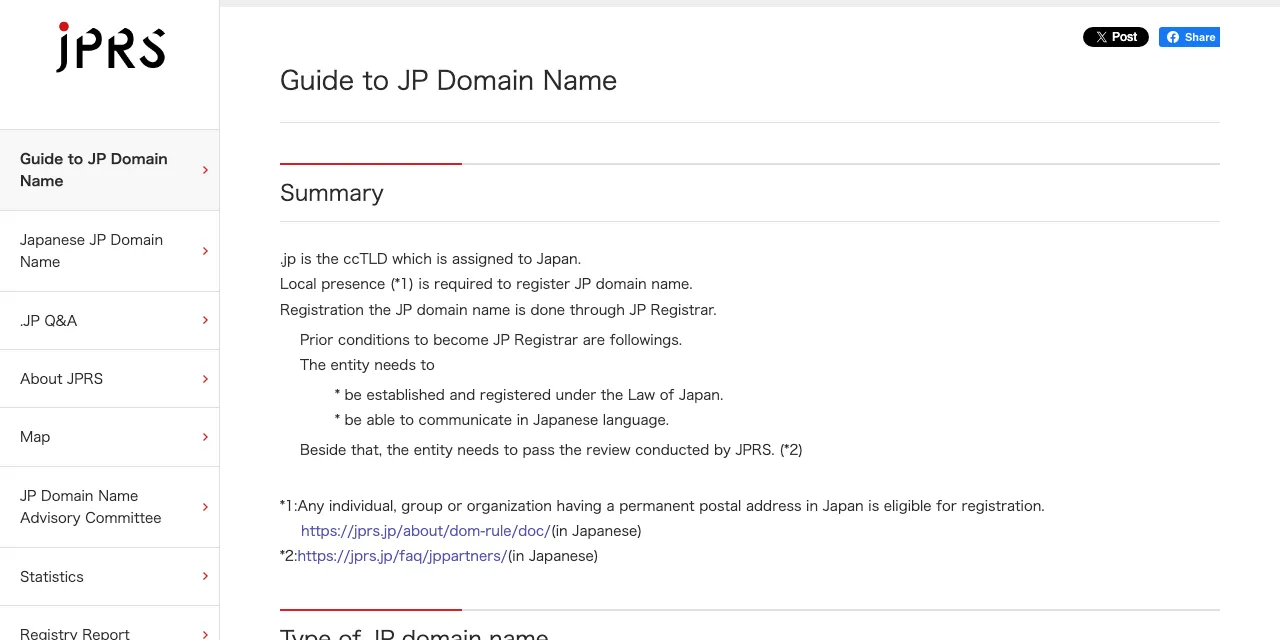
A .jp is always registered by a Japanese company, no matter where you place the order. Japan Registry Services (JPRS) runs the .jp registry and works only with registrars that meet its conditions in Japan.
What JPRS requires of a .jp registrar
JPRS lists three conditions for a company that wants to register .jp domains. It must be established and registered under Japanese law, it must be able to communicate in Japanese, and it must pass a review by JPRS.
These rules shut out registrars based only outside Japan. The companies that register .jp domains directly are Japanese firms such as Xserver Domain, Star Domain, Sakura Domain and JPDirect, which JPRS itself runs.
Foreign sellers pass your order to a Japanese registrar
When you buy a .jp from a registrar outside Japan, that seller passes the order to a Japanese registrar. You pay the seller, but the record at JPRS sits with a partner whose name the seller usually does not show.
That hidden layer matters if you are moving a .jp because of trouble at your current registrar. You cannot tell whether the partner behind a foreign seller is the same company you are trying to leave, so buying from abroad does not reliably spread your risk.
Registration the JP domain name is done through JP Registrar. — from JPRSView official source →
Who can register a .jp domain or a .co.jp
A .jp needs a registrant with a postal address in Japan, and a .co.jp needs a company registered in Japan. JPRS calls the first rule local presence.
A .jp needs a postal address in Japan
Any person, group or organization with a permanent postal address in Japan can register a .jp. Residents of Japan qualify on their own, whatever their nationality.
If you live outside Japan and have no address there, a foreign seller may offer a local presence or trustee service in which another party holds the .jp for you. In that case the registrant on record is not you, so read the seller's terms on who controls the domain before you rely on it.
A .co.jp needs a company registered in Japan
A .co.jp is limited to companies with a corporate registration in Japan, and each company can hold only one. A company from outside Japan qualifies once it is registered in Japan as a foreign company (Gaikoku Kaisha).
Any individual, group or organization having a permanent postal address in Japan is eligible for registration. — from JPRSView official source →
Cloudflare cannot register .jp, but it can run the DNS
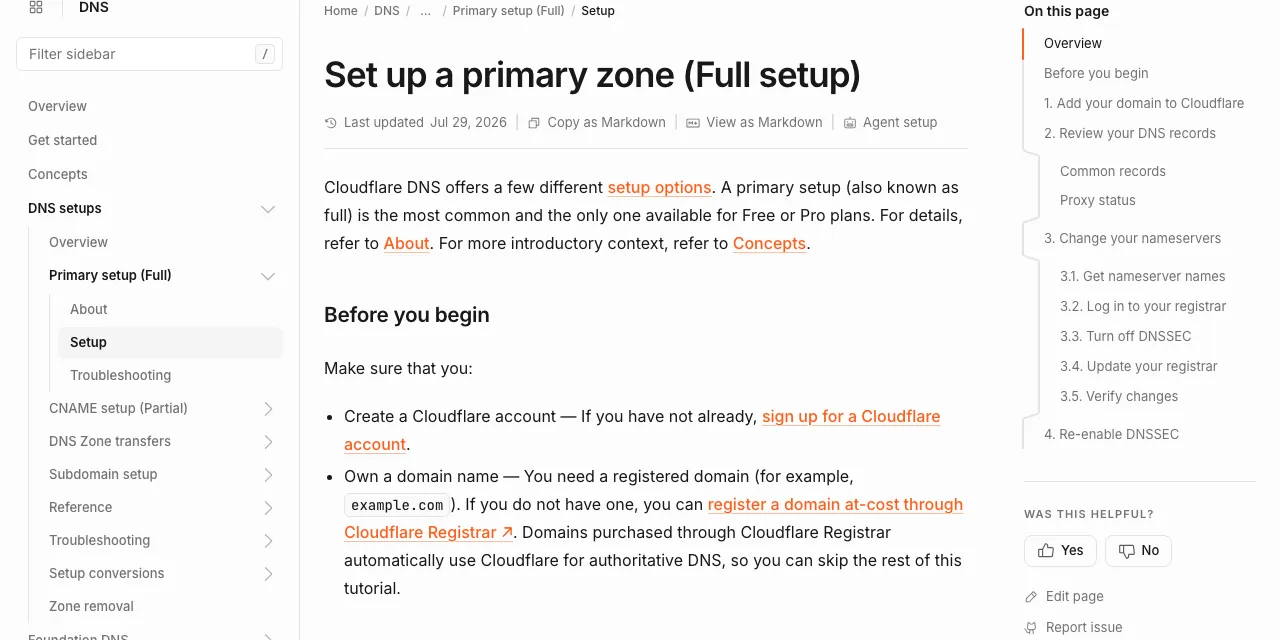
Cloudflare Registrar does not offer .jp or .co.jp, so you cannot register or transfer a .jp there. You can still put the DNS for a .jp on Cloudflare while the registration stays in Japan.
.jp is missing from Cloudflare Registrar
Cloudflare publishes the list of extensions its registrar supports, and .jp is not on it. The list covers extensions such as .com and .net. A .co.jp is a kind of .jp, so the same limit applies.
Point the nameservers to Cloudflare
DNS is the service that turns your domain name into the addresses of your web and mail servers, and it can be run by a different company from your registrar. Add the domain to Cloudflare, then replace the nameservers in your registrar's dashboard with the two that Cloudflare assigns.
The registrar keeps billing you for registration and renewal, while Cloudflare answers the DNS lookups for your site and email. Cloudflare says this full setup is available on its Free plan.
A primary setup (also known as full) is the most common and the only one available for Free or Pro plans. — from Cloudflare DocsView official source →
Compare Japanese registrars by operator and price
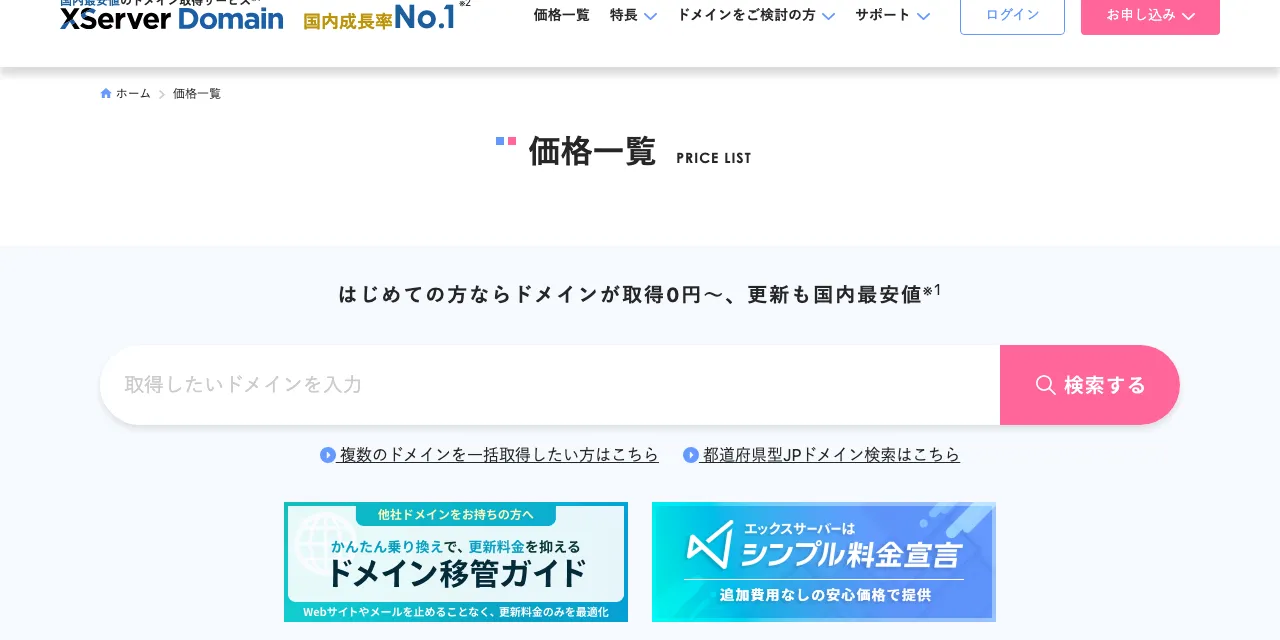
Among the four registrars below, Xserver Domain has the lowest .jp renewal at 3,102 yen(as of October 2026), and JPDirect and Sakura Domain can take a .jp in at no charge. Renewal is paid every year after the move, so it outweighs the one-time transfer fee over time.
Transfer and renewal prices for .jp
Transfer fees run from free to 3,982 yen(as of October 2026), and yearly renewal from 3,102 yen to 5,181 yen. Sakura Domain is free only when you move by registrar change, which moves every .jp under the same registrant number together.
.jp transfer and renewal prices (yen, tax included, as of October 27, 2026)
| Registrar | Transfer | Renewal |
|---|---|---|
| Xserver Domain | 3,102 yen | 3,102 yen |
| Star Domain | 3,201 yen | 3,201 yen |
| Sakura Domain | 3,982 yen, or free by registrar change | 3,982 yen |
| JPDirect | Free | 5,181 yen |
For a .co.jp, Sakura Domain charges nothing to transfer but 7,700 yen(as of October 2026) a year to renew, while Xserver Domain renews at 4,136 yen and Star Domain at 4,160 yen. All four sites are in Japanese, so expect to use a browser translator during sign-up.

Two brands run by the same company
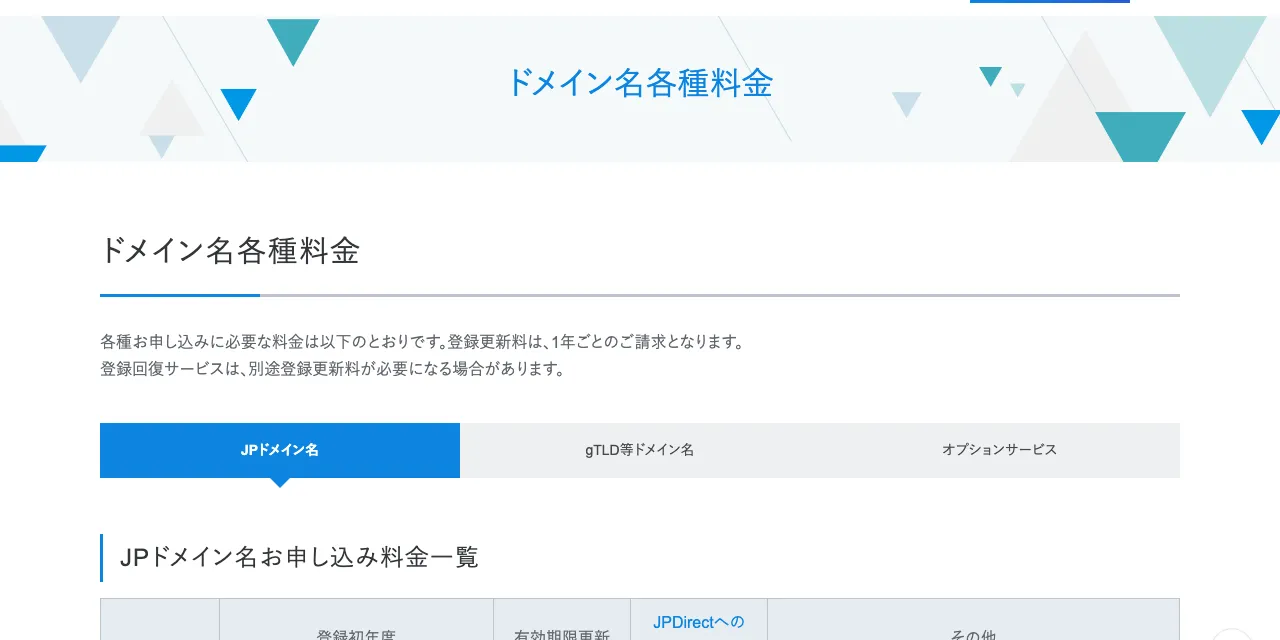
Star Domain and Xserver Domain are both run by the same company, XServer Inc. The two brands have separate sites and price lists. Yet the copyright line on both price pages names that one company.
If you are leaving a registrar after an outage or a security incident, check the operating company, not just the brand. Moving between two brands of one company does not protect you from problems at that company.
移転登録お申し込みの際、ご利用者が登録年月日の引き継ぎを選択された場合は、ドメイン名移転登録料は無料です。 — from JPDirectView official source →
How to transfer a .jp domain to another registrar
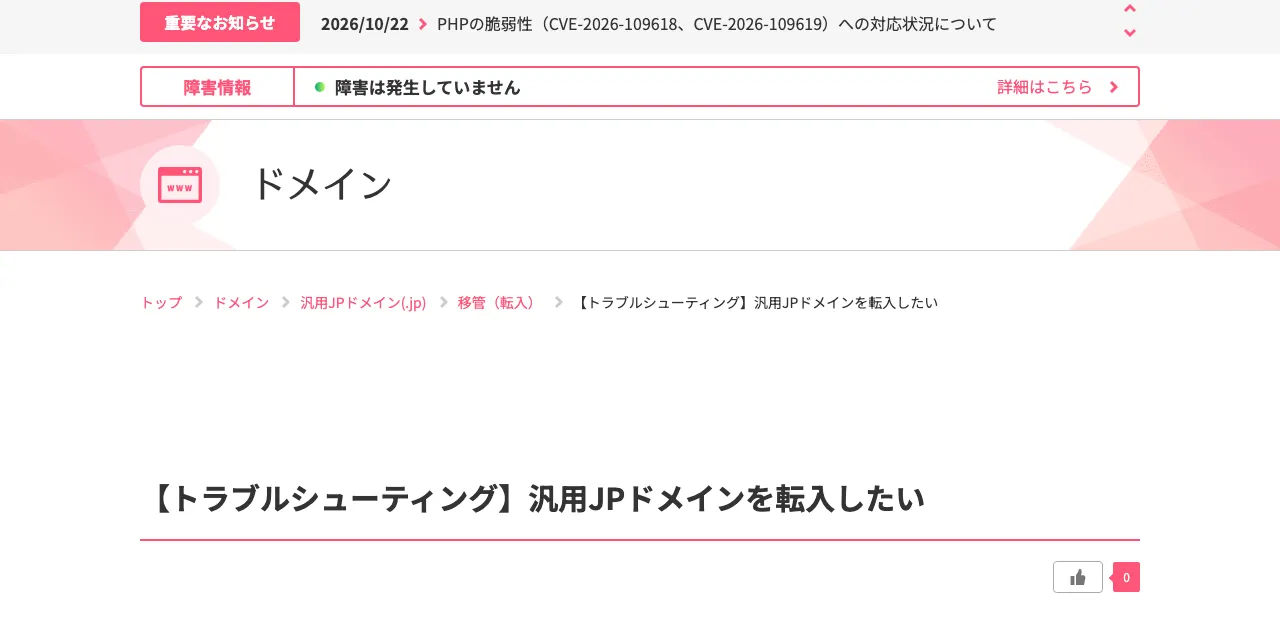
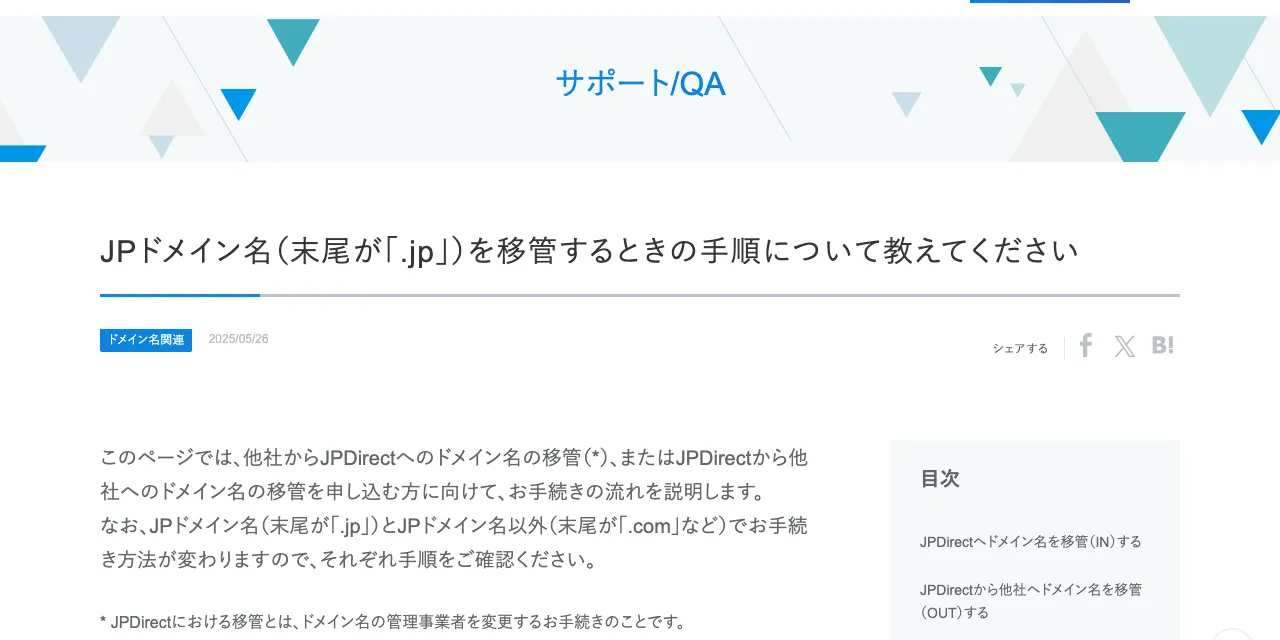
A .jp transfer starts with an auth code from your current registrar and finishes when that registrar approves, about 10 days after you apply at JPDirect. Check three things before you apply, because any one of them can block the move.
Check the expiry date and the transfer lock
JPDirect generally refuses a .jp that expires in less than 15 days, and Sakura Domain stops accepting transfers at the end of the month before expiry. If your domain expires soon, renew it at your current registrar first.
Since December 17, 2020, JPRS has let registrars lock a .jp against transfer. Ask your current registrar to remove the lock if one is set, and do not file a cancellation of the domain, because a domain under cancellation cannot be transferred.
Get the auth code and apply
Your current registrar issues the auth code, and you enter it with the domain name on the new registrar's order form. Some registrars email the code or the approval request to the registrant's address, so make sure that address is still yours.
After you pay, the old registrar approves the move. If it does not approve within the deadline, the request lapses and the domain stays where it was.
Move DNS before the transfer
JPDirect removes its own nameservers from a domain when the domain leaves, so DNS hosted at the old registrar stops answering at that moment. Copy your DNS records to Cloudflare or another DNS provider, switch the nameservers, and confirm your site and email work before you apply. Cancel the old registrar's DNS or hosting plan only after the transfer and the DNS switch are both done.
JPDirectのDNSサービス以外のネームサーバー(他社のレンタルサーバー、自社サーバーなど)の場合、ネームサーバーは解除されません。 — from JPDirectView official source →
Keep the registrar and DNS at different companies
Picking a registrar by its operating company only spreads risk if DNS sits somewhere else, because a registrar that also runs your DNS takes your site and email down with it. With registration in Japan and DNS at another company, a problem at the registrar leaves name resolution running.
The split also makes the next move simpler. A .jp cannot go to Cloudflare Registrar, but its DNS can stay on Cloudflare's Free plan, so later transfers come down to the expiry date and the price, with no change to your site or email settings. If the registrar you pick today has an outage or changes its prices, you can leave on your own schedule without a rushed DNS rebuild.
FAQ
- Can I buy a .jp domain from a registrar outside Japan?
- Yes, but the registration itself is made by a Japanese registrar behind that seller. JPRS only accepts registrars established and registered under the law of Japan, so a foreign seller passes your order on and you cannot see which company holds it.
- Can a foreign company get a .co.jp domain?
- Only if it is registered in Japan. JPRS accepts a non-Japanese company that is registered as a foreign company (Gaikoku Kaisha) in Japan, and each organization can hold one .co.jp.
- How do I use Cloudflare with a .jp domain?
- Keep the .jp at a Japanese registrar and move only the DNS. Add the domain to Cloudflare, then replace the nameservers in your registrar's dashboard with the two that Cloudflare assigns. The Free plan supports this setup.
Related articles
 Cloudflare's GLM-5.3 leaked data in 155 responsesFrom August 27 to September 9, 155 GLM-5.3 replies on Cloudflare Workers AI held other users' data. Only prompts over 681,280 tokens were hit; it is fixed.
 Cloudflare Clef vs Jev: decision model benchmarksCloudflare Clef is an open-weight decision model that speaks Jev's API and reads images, at about 6x Jev's price. Its benchmark lead is still self-reported.
 Cloudflare OS: An Open-Source AI Agent PlatformCloudflare OS is the AI agent platform Cloudflare runs internally, now open source under Apache-2.0. See how Gatekeepers hold the keys and how to deploy it.
 Claude Fable 5.2: 20% price cut, up to 30% fasterAnthropic released Claude Fable 5.2 on November 9, 2026. API prices fall 20% to $8/$40 per million tokens, and output is up to 30% faster than Fable 5.1.