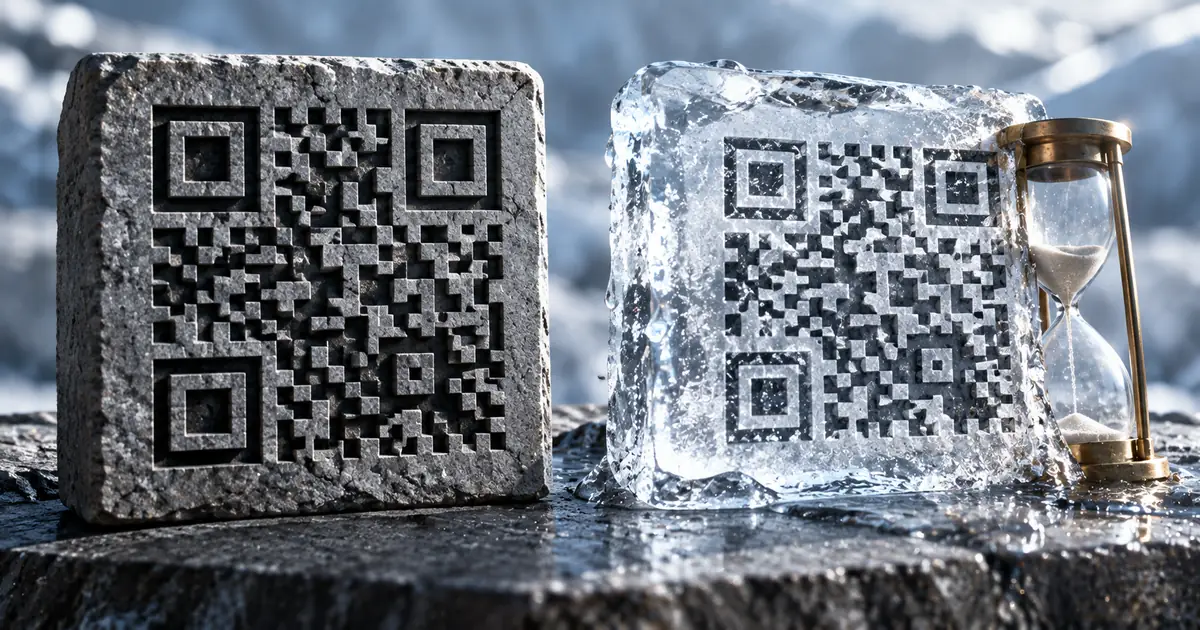
What "free" actually buys you in a QR code generator
Every roundup of QR tools scores them on design options and export formats. Those are the least consequential differences, because a QR code is a machine-readable square and all of these tools produce a valid one.
The difference that matters in practice is narrower. A free code is either permanent and frozen, or editable and rationed, and none of the four here offers both without payment.
Pick which of the two you need before you generate anything. A code that gets printed on 5,000 flyers must never break, and a campaign that needs a third code has already outgrown every free dynamic tier here.
Free allowances, and what each one costs you
| Tool | Free allowance | Editable after creation | Expires |
|---|---|---|---|
| QRCode Monkey | No stated cap | No | Never, no scan limit |
| The QR Code Generator | 2 dynamic, account lifetime | Yes | Tied to the account |
| Bitly Free | 2 per month | No — redirects are paid | Tied to the account |
| sakuttoAI | No stated cap | No | Never |
A static code never expires and never changes
QRCode Monkey publishes the guarantee outright: its codes work forever and carry no scan limit. That is not a claim you have to take on trust. It follows from how a static code works: the destination lives in the pattern, and no server is consulted at scan time.
You pay for that permanence later. You cannot change the destination, so a typo in the URL means reprinting everything the code was placed on.
For a menu board, a Wi-Fi password or a fixed product page, none of that matters. Those destinations were never going to move.
All generated QR codes will work forever, do not expire and have no scanning limits / The created QR codes are static so the only limitation is that you can't edit the QR code again / All generated QR Codes are 100% free and can be used for whatever you wantView official source →— from qrcode-monkey.com
A free dynamic code is capped at two
The QR Code Generator states its free allowance as two dynamic codes for the lifetime of the account. Those two are fully functional, and you can update where they point without producing a new image.
Two is a deliberate number. It is enough to prove the feature works and not enough to run anything on, which is the shape of most free tiers in this category.
The same vendor is unusually direct about what goes wrong elsewhere. Its own page tells readers to look out for tools that offer a free trial and then deactivate the codes or start charging.
The QR Code Generator offers 2 lifetime free dynamic QR Codes to its users / Create up to 2 dynamic QR Codes for free and update their content anytime without making a new one / Look out for tools that offer a "free trial" but later deactivate your QR codes or start charging unexpectedlyView official source →— from the-qrcode-generator.com
Bitly's free plan will not let you re-point a code
Bitly's free plan gives you two QR codes a month with unlimited scans, and no ability to change where either one goes. The plan table lists Custom Redirects across five columns as a dash followed by 5/mo, 20/mo, 110/mo and Custom. The dash is the free column.
That single character changes what the free tier is. A dynamic code you cannot re-point is a static code with a dependency on somebody else's server, which is strictly worse than a static code.
Getting redirects at all costs $10 a month on the Core plan, billed annually. That buys five redirects a month. Whether that is worth paying depends entirely on whether the destination was ever going to move.
2 QR Codes/month 5 links/month 2 custom landing pages / Unlimited clicks & QR Code scans / Custom Redirects Change the destination page for links and QR Codes - 5/mo 20/mo 110/mo CustomView official source →— from bitly.com
sakuttoAI builds the code inside your browser
The sakuttoAI generator produces static codes and does the work in the page, so the string you encode is never transmitted. For a URL that is already public, that property is uninteresting.
It stops being uninteresting the moment the content is not a public URL. Wi-Fi credentials and internal dashboard addresses are common QR payloads, and neither belongs on a third party's server in exchange for an image.
The output covers PNG, SVG, JPEG and WebP, and the encoder accepts URLs, plain text, Wi-Fi, email, phone numbers and SMS. No account is required, and the codes carry the same permanence as any other static code.
Decide before you print, not after
Start with one question: is this code going somewhere you cannot easily reprint? Flyers, packaging, signage and business cards all answer yes, and the answer eliminates every dynamic option that depends on an active account.
If the code is going to print, take a static one and check the destination twice. If it lives on a screen you control, a dynamic code is reasonable, but count the codes you actually need against a free allowance of two before you rely on it.
Scan a QR code proof on a phone at its printed size before the run. A code that reads on a monitor can fail on paper at a smaller size or in lower contrast, and the customer discovers that failure rather than you.
Summary: choose permanent or editable before you generate the code
The choice is not really between brands. It is between two contracts: permanent and frozen, or editable and rationed at two.
Decide which one your code needs before you generate it, because the decision is cheap now and expensive after the flyers come back from the printer. The allowances come from each vendor's own page and are worth rechecking, since free tiers are the part of any pricing table that moves most.
FAQ
- Do free QR codes expire?
- A static code cannot expire, because the destination is encoded in the image itself and no service sits in the middle. QRCode Monkey states this plainly for the codes it produces. A dynamic code is the opposite case: it resolves through the vendor's server, so it lasts only as long as that account does.
- How many free dynamic QR codes can I get?
- Two, at the two vendors with a published figure. The QR Code Generator gives two that last for the life of the account, and Bitly's free plan allows two a month. Neither number is enough for a campaign, and both are meant to move you onto a paid plan.
- Can I change where a free QR code points after printing?
- Usually not, and this is the detail worth checking before you commit to a print run. On Bitly the redirect feature is absent from the free plan entirely, so the free codes behave like static ones despite being dynamic. Read the plan table rather than the headline.
- Can I use a free QR code commercially?
- At QRCode Monkey, yes, without conditions attached to the output. Other vendors vary, and a few restrict commercial use to paid tiers, so the terms are worth reading once. The QR format itself is not owned by any of these companies.
- Does a QR code generator send my URL to its server?
- Most do, because the image is rendered server-side and handed back to you. The sakuttoAI generator does not: it builds the code in the page, so the URL, Wi-Fi password or contact details you encode stay on your machine. That matters when the destination is an internal address.
Related articles
 Merge PDF Free: What Happens to Your UploadMerge PDF free tools differ in what they keep: Smallpdf deletes uploads after one hour, Sejda after two. See the limits and a no-upload way to combine PDFs.
 Excel vs Google Sheets: price, limits and macrosExcel vs Google Sheets on price, sharing, row limits and macros. Sheets is free and shares by link. Excel holds 1,048,576 rows a sheet and runs VBA.
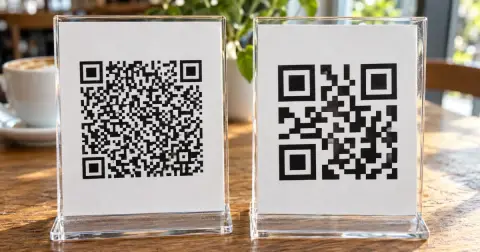 What is a dynamic QR code? Static vs dynamicA dynamic QR code stores a short link the provider forwards, so you can edit where it goes after printing. If the service ends, the code won't open your page.
 Do QR codes expire? How to make one that won'tDo QR codes expire? A QR code never does, but a dynamic code stops when its provider turns off forwarding. Find the cause, fix it, and make a code that lasts.