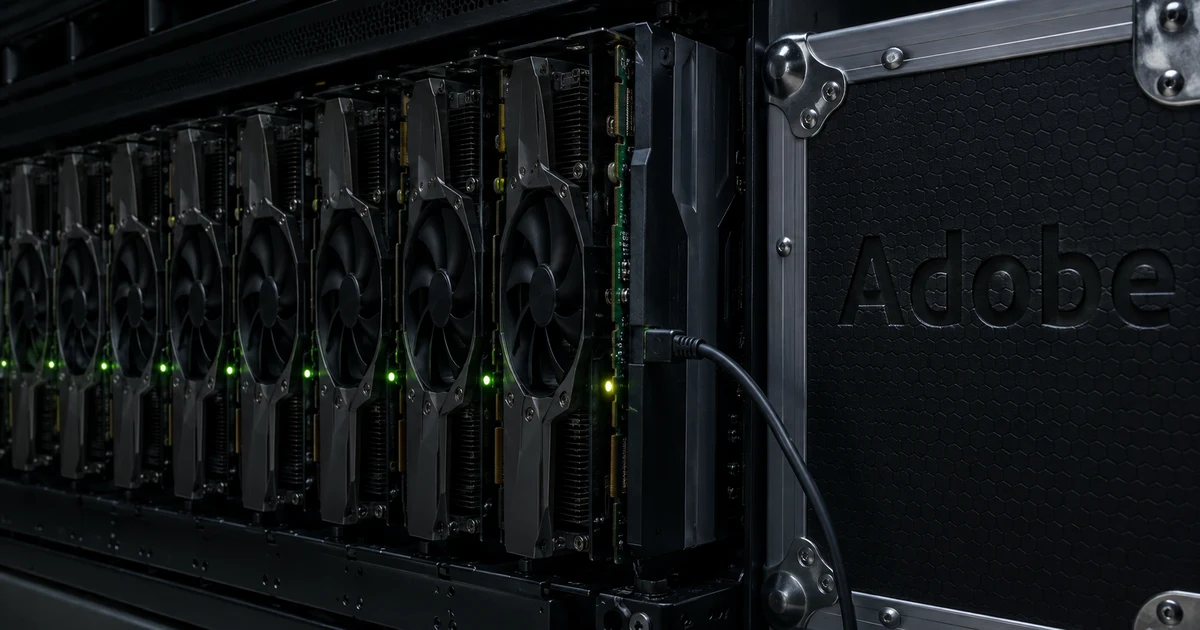
Low GPU utilization at Adobe: GPU idle two-thirds of the time
GPU utilization at Adobe was low in the early training runs. Backblaze reports that Adobe's CTO, Ely Greenfield, told the audience at NVIDIA's GTC about the company's three-year effort to build frontier generative AI models from scratch. Backblaze adds that the early runs showed roughly two-thirds of GPU time spent simply waiting for data.
Greenfield put the cost in dollars. Of every million dollars going into training, $600,000 was burned on GPUs sitting and doing nothing. Backblaze restates that as roughly sixty cents wasted per dollar of GPU compute.
What the early runs looked like, per Backblaze
| Measure | Value |
|---|---|
| GPU time spent waiting | Roughly two-thirds |
| Wasted per $1M put into training | $600,000 |
| Wasted per dollar of GPU compute | Roughly sixty cents |
All the Adobe figures come from Backblaze's post of August 25, 2026, not from the talk itself. The session is listed on NVIDIA On-Demand as S82197.
"At NVIDIA’s GTC conference , Adobe’s CTO Ely Greenfield walked the audience through the company’s three-year journey building frontier generative AI models from scratch."/"It revealed that roughly two-thirds of GPU time was spent simply waiting for data."/"“If we were putting a million dollars into training,” he told the room, “that was $600,000 we were burning away on GPUs sitting and doing nothing.” In other words, roughly sixty cents of every dollar spent on GPU compute was being wasted."(Introduction)View official source →
AI training bottleneck one: storage throughput and checkpointing
The first AI training bottleneck was how fast data could reach the GPUs. Backblaze says Greenfield's team traced the waste to two causes, neither unique to Adobe: whether data reaches the GPUs fast enough, and whether the work is spread evenly once it arrives.
Adobe's training data lived in petabytes of distributed cloud storage. That data was shipped constantly to thousands of GPUs over standard Ethernet.
Checkpointing added to the bill. A checkpoint is a saved copy of a training run's state. Backblaze reports that most of Adobe's checkpoints were never needed again, yet writing and reading them still consumed real GPU time, which cost a lot of money whether they were used or not.
Adobe's fix was to replace standard Ethernet with a high-performance networking fabric designed for the petabyte-scale traffic that distributed AI training generates. For a related effort on training network traffic, see MetaRoCE: Meta's RDMA over Ethernet for AI, No PFC.
The Backblaze post runs long, with the Adobe account and the product section in one page. To keep it as notes with its headings intact, the URL to Markdown tool converts a web page into Markdown from its address.
"Greenfield’s team traced the waste to two culprits, neither of which is unique to Adobe: whether data can reach your GPUs fast enough, and whether the work it represents is distributed evenly once it arrives."/"Adobe’s training data lived in petabytes of distributed cloud storage and had to be shipped out to thousands of GPUs constantly, over standard Ethernet."/"Most of those checkpoints were never needed again. But writing and reading them still consumed real GPU time, which cost a lot of money whether they were used or not."/"they replaced standard Ethernet with a high-performance networking fabric designed for the petabyte-scale traffic distributed AI training generates."(Culprit #1 section)View official source →
GPU bottleneck two: data parallelism with a balanced data loader
The second GPU bottleneck was how the work was divided. Adobe's pipeline used data parallelism in its simplest form: it sliced the training data into equal-sized chunks and assigned one chunk to each GPU in the cluster.
Equal-sized chunks, Backblaze notes, were not equal work. Some GPUs received simple, low-resolution assets that processed in seconds, while others received large, complex files that took minutes. The GPUs with light chunks finished early and then waited.
Adobe's answer was a custom-built balanced data loader. It understood the processing cost of each asset and distributed work so that every GPU finished at roughly the same time.
"Their pipeline used a straightforward data-parallelism approach: slice the training data into equal-sized chunks and assign one chunk to each GPU in the cluster."/"But equal-sized chunks weren’t equal work. Some GPUs got simple, low-resolution assets that processed in seconds; others got large, complex files that took minutes."/"They custom-built a balanced data loader that understood the processing cost of each asset and distributed work so every GPU finished at roughly the same time."(Culprit #2 section)View official source →
GPU utilization limit: Adobe reached about 80 percent
After both fixes, Adobe's GPUs ran at roughly 80% utilization. Backblaze calls that close to the practical maximum, because thousands of machines running together carry some coordination overhead. Its section title for this result, "From 40 to 80 cents", frames it per dollar of GPU compute: useful work rose from about 40 cents to about 80 cents.
GPU utilization before and after, per Backblaze
| State | GPU utilization |
|---|---|
| Early training runs | More time waiting than computing |
| After both fixes | About 80% |
"After addressing both culprits, Adobe’s GPUs ran at roughly 80% utilization. After accounting for the coordination overhead inherent to running thousands of machines together, 80% is close to the practical ceiling."(From 40 to 80 cents section)View official source →
How to increase low GPU utilization: fix storage, then the loader
Backblaze puts storage first and the data loader second. Its wording is that the loader optimizes what happens once data is there, but storage determines whether it is there at all.
Backblaze adds that building something like Adobe's balanced data loader takes real engineering investment. That includes time spent profiling workloads, testing distribution strategies, and tuning until every GPU finishes at roughly the same pace. Teams still fighting storage bottlenecks rarely get to that work.
"The loader optimizes what happens once data is there, but storage determines whether it’s there at all."/"And building something like Adobe’s balanced data loader takes real engineering investment, including time spent profiling workloads, testing distribution strategies, and tuning until every GPU finishes at roughly the same pace."/"Teams still fighting storage bottlenecks rarely get to that work."(From 40 to 80 cents section)View official source →
Adobe GPU idle fix: the Backblaze post is also a storage pitch
Backblaze sells cloud storage, and the post ends with a section titled "The Storage Side of the Solution" that promotes its own service. The Adobe figures above come from the first part of the post, not from that closing section.
- The Adobe account in the first half is Backblaze's report of a conference talk: the two-thirds figure, the two causes, the fixes and the roughly 80% result.
- The closing section describes Backblaze's own product.
FAQ
- Why is GPU utilization low during training?
- In Adobe's case, the GPUs were waiting for data. Backblaze reports that roughly two-thirds of GPU time went to waiting, which Greenfield put as $600,000 burned for every million dollars spent on training.
- What caused the idle GPU time?
- Two problems caused it: whether data reached the GPUs fast enough, and whether the work was spread evenly once it arrived. Backblaze says neither problem is unique to Adobe.
- Why does splitting data into equal chunks leave GPUs idle?
- Equal size does not mean equal work. In Adobe's pipeline, low-resolution assets finished in seconds while large, complex files took minutes, so some GPUs finished early and waited.
- What is the practical limit for GPU utilization?
- Backblaze calls roughly 80% close to the practical maximum for a cluster like Adobe's. Adobe reached that level after fixing both causes; running thousands of machines together carries some coordination overhead.
Related articles
 AMD ROCm 10: ROCm.AI Brings Skills, Hyperloom, CLIROCm 10 makes AMD's ROCm.AI generally available. What AMD Skills, Hyperloom, and the ROCm CLI do, and how to read the 3.3x claim for Radeon, Windows, CUDA.
 Twitch AI opt-out: default opt-in and a lawsuitTwitch AI opt-out: channels start opted in to Amazon AI training and the setting applies per channel. A streamer has sued and seeks class-action status.
 Data Center Economy: What Quincy Actually GotData center economy in Quincy, Washington: poverty fell from 29.4% to 6.2% and taxes funded public buildings, but an advocate says farmworkers missed out.
 Claude Fable 5.2: 20% price cut, up to 30% fasterAnthropic released Claude Fable 5.2 on November 9, 2026. API prices fall 20% to $8/$40 per million tokens, and output is up to 30% faster than Fable 5.1.