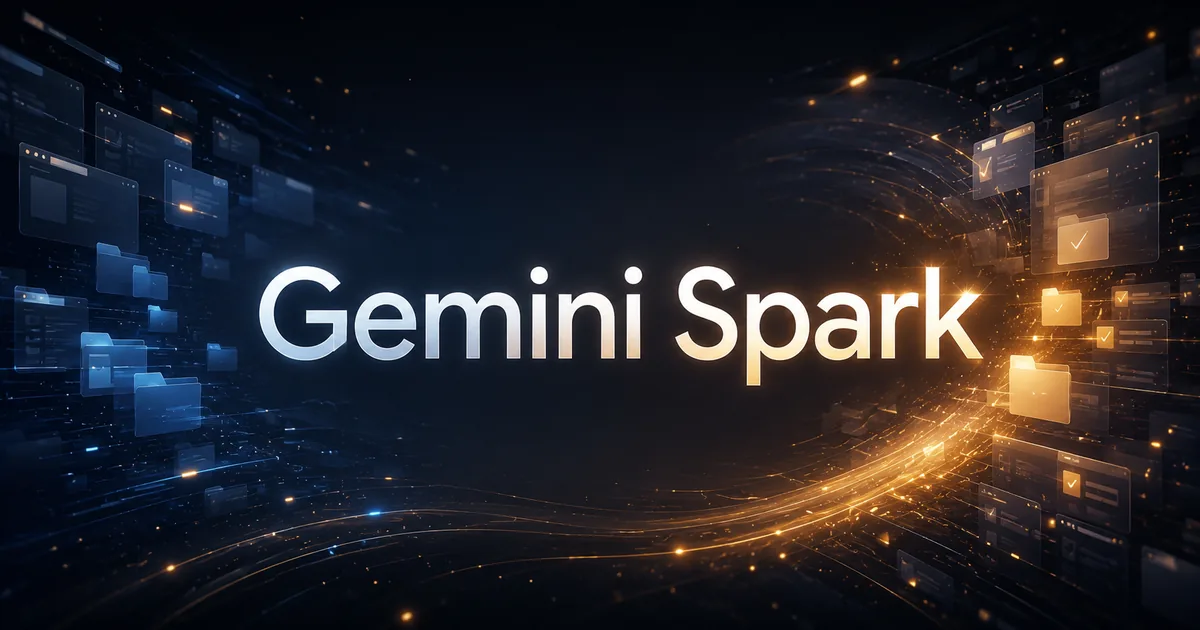
What is Gemini Spark in the Gemini Mac app?
Gemini Spark is a Gemini feature that does time-consuming work for you, and on June 30, 2026 Google added it to the Gemini macOS app. Spark goes beyond the chat window and works on files and apps across the desktop. At launch, Spark is a beta open to US subscribers of Google AI Ultra aged 18 and over.
Use cases: sorting PDFs and building a budget sheet
Suppose your Downloads folder is full of loose PDFs. Google's first example is to ask Spark to sort all of them into specific folders. Google describes this as turning hours of manual file sorting into one instruction.
The second example starts from invoices saved on your Mac. Ask Spark to create a budget spreadsheet from the latest ones, and to set up a schedule that updates the sheet regularly. Google says Spark connects your desktop with Google Workspace to do this.
These are the two examples Google gives for the launch itself. The announcement does not say how well Spark handles other jobs.
"We’re bringing Spark to the Gemini macOS app to help you automate time-consuming tasks across your desktop." / "Gemini Spark can now move beyond the chat window, and tackle the heavy lifting across your desktop files and apps."(Google Official Blog, "Bring Gemini Spark to your Mac" section)View official source →
Local file access: Spark only touches files you permit
Spark does not get a free run of your disk. Google's one statement on this is that Spark only has access to the files you give it permission to use.
That sentence is all the announcement says about file security. It does not describe how you grant permission, so treat anything more as unconfirmed.
"To keep your information secure, Gemini Spark only has access to the files you give it permission to use."(Google Official Blog, "Bring Gemini Spark to your Mac" section)View official source →
Remote tasks from your phone are coming soon
Imagine you are away from your desk and need a figure that sits in a report on your Mac. Google's example for remote tasks is a multi-step request sent from your phone: find a specific sales report on the Mac, pull out the total revenue number and email it to you. Spark does the work on the computer while you are away.
Google gave no date, only "coming soon". As of the June 30, 2026 announcement, starting a Mac task from your phone was not part of the launch.
"And coming soon, you’ll even be able to run tasks remotely." / "You can assign a multi-step task to Gemini Spark from your phone"(Google Official Blog, "Bring Gemini Spark to your Mac" section)View official source →
Gemini Spark beta access: Google AI Ultra, 18+ and US
Gemini Spark for Mac is a beta for Google AI Ultra subscribers aged 18 and over, starting in the US. Three conditions follow from that, as of the June 30, 2026 announcement:
- It is a beta, an early release.
- You need a Google AI Ultra subscription.
- You must be aged 18 or over, and access starts in the US.
If you miss any one of these, the post names no other way in. It also gives no price for Google AI Ultra, no other countries and no date for them. If you are outside the US, treat access as unconfirmed rather than ruled out.
"Gemini Spark for macOS is available in Beta to Google AI Ultra subscribers aged 18 and over, starting in the US."(Google Official Blog, "Bring Gemini Spark to your Mac" section)View official source →
Download Gemini for Mac to start using Spark
Google points to a single address for the app: gemini.google/mac. Its instruction is to download the app there to get started.
The post stops at that address. It lists no macOS version, no chip requirement and no steps for switching Spark on inside the app, so this page gives no setup procedure.
"Download the app at gemini.google/mac to get started."(Google Official Blog, "Bring Gemini Spark to your Mac" section)View official source →
Gemini Spark connected apps and custom MCP support
Google announced two ways to extend Spark: more ready-made connected apps, and support for custom MCP (Model Context Protocol). Custom MCP lets you plug in apps of your own choosing.
Integrations with Canva, Dropbox, Instacart and more
Google is launching integrations with five apps: Canva, Dropbox, Instacart, OpenTable and Zillow Rentals. In the same sentence, Google names these uses:
- design custom flyers
- access and share files
- reserve a table for date night
- order weekly groceries
- reserve an apartment tour
The post does not pair each use with one app. Only two matches are obvious: flyers with Canva and files with Dropbox. As of the announcement, none of the five had reached the macOS app yet.
"We’re also launching integrations with Canva, Dropbox, Instacart, OpenTable and Zillow Rentals"(Google Official Blog, "Connect Gemini Spark to your favorite apps" section)View official source →
Google Tasks and Keep: brain-dumps into action items
Say your quick notes are scattered across Google Keep. As of the announcement, Spark works with Google Keep and Google Tasks. Google's example is to ask Spark to scan those notes and turn them into action items in Tasks.
"It now works with Google Tasks and Google Keep, meaning you can ask Spark to scan your scattered brain-dumps in Keep and turn them into action items in Tasks."(Google Official Blog, "Connect Gemini Spark to your favorite apps" section)View official source →
Custom MCP: connect your own apps to Spark
MCP stands for Model Context Protocol. Google is rolling out support for custom MCP, which it says lets you connect your favorite apps directly into Spark to build a more tailored assistant.
"Custom" and "your favorite apps" suggest apps you pick yourself, not only the five above. The post does not say which apps work or how to connect one, and it gives no other definition of MCP.
"We’re also rolling out support for custom Model Context Protocol (MCP), giving you the ability to connect your favorite apps directly into Spark to build a more tailored assistant."(Google Official Blog, "Connect Gemini Spark to your favorite apps" section)View official source →
Release date and rollout: Mac app, web and mobile
Gemini Spark for Mac launched on June 30, 2026, the day Google announced it, as a beta. Other pieces arrive later. Every relative phrase in Google's post ("next week", "coming weeks", "this summer") counts from that date.
Mac launch on June 30 and the connected-app rollout
| What | Where | Status as of June 30, 2026 |
|---|---|---|
| Gemini Spark | Gemini macOS app (US, Ultra, beta) | Rolling out from June 30, 2026 |
| Canva, Dropbox, Instacart, OpenTable, Zillow Rentals | Spark on web and mobile | Rolling out over the week after the announcement |
| The same five apps | Gemini macOS app | Rolling out in the coming weeks |
| Custom MCP support | Not specified | Rolling out |
| Remote tasks from your phone | Mac, started from a phone | Coming soon, no date |
| More about what is next for Spark | Not specified | Google plans to share it this summer |
On the Mac, Spark came first and the five new apps follow in the coming weeks. Web and mobile get the apps sooner, over the week after the announcement. Google's own pages show what has shipped since June 30, 2026.
"These connected apps are rolling out over the next week on Gemini Spark on web and mobile and will be rolling out to the macOS app in the coming weeks." / "These updates are rolling out starting today"(Google Official Blog, "Connect Gemini Spark to your favorite apps" and closing paragraph)View official source →
Real-time tracking for news, sports and finance
Spark can now track topics and react to events as they happen. In Google's first example, Spark brings you highlights and analysis the moment your favorite soccer team's match ends. In the second, you ask it to send a detailed financial report once a stock reaches a certain threshold.
Spark can keep an eye on blogs, news sites, social media, finance, shopping, weather and sports, in addition to your email. Beyond tracking, three parts of the June 30, 2026 announcement are still to come: connected apps on the Mac, remote tasks, and whatever Google shares this summer.
"We’re also giving Gemini Spark the ability to intelligently track topics and react to events in real time." / "You can now ask Spark to keep an eye on blogs, news sites, social media, finance, shopping, weather and sports, in addition to your email, so you don't have to constantly hit refresh."(Google Official Blog, "Stay up to date on topics in real time" section)View official source →
FAQ
- Who can use Gemini Spark on Mac?
- Google AI Ultra subscribers aged 18 and over, in the US, as a beta. That is the condition in Google's June 30, 2026 announcement. The post names no other plan and no other country, and it gives no Ultra price.
- Can Gemini Spark read every file on my Mac?
- No. Google says Spark only has access to the files you give it permission to use. The announcement does not explain how that permission is set.
- Which apps does Gemini Spark connect to?
- As of June 30, 2026, Google Tasks and Google Keep work with Spark. Canva, Dropbox, Instacart, OpenTable and Zillow Rentals are rolling out, to web and mobile first and to the macOS app in the coming weeks. Support for custom MCP (Model Context Protocol) lets you connect other apps.
Related articles
 Gemini create files: edit PDFs and docs in chatGemini create files: docs, PDFs, slides and sheets now open in the chat as previews you can edit. Phones edit only PDFs; the web handles the rest.
 Gemini 4 Carbon vs Argon: Pricing and AccessGemini 4 Carbon vs Argon: Carbon opened to paid API developers, businesses and Google AI Ultra on Nov 10, at the same $2/$10 per 1M token price as Argon.
 Gemini free tier goes Flash-Lite only on October 9The Gemini free tier is Flash-Lite only from October 9, 2026. Flash needs AI Plus ($4.99/month), Pro needs AI Pro ($19.99), and Deep Think stays Ultra-only.
 Gemini Notebook (formerly NotebookLM) explainedGemini Notebook is what NotebookLM became on July 16, 2026. Free users get 50 chats and 3 Audio Overviews a day and it now reads ebooks bought on Google Play.