What LLM quantization means
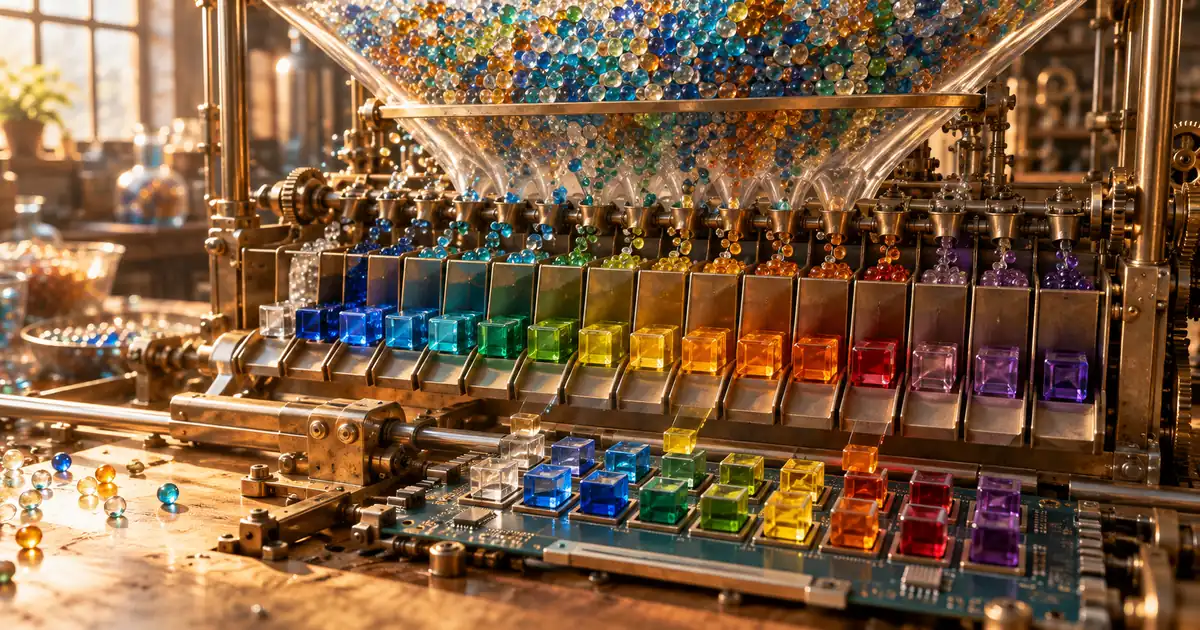
LLM quantization means storing a large language model's weights with fewer bits so the model takes less memory. The weights, also called parameters, are the billions of numbers a model learns during training. They are usually saved as 16-bit numbers, and quantization rewrites them as 8-bit or 4-bit ones.
A bit is one binary digit. The fewer bits each number gets, the smaller the file, and the less detail each number can keep.
Weight size of a 7B model at each bit width
| Bit width | Bytes per weight | Weight size (approx.) |
|---|---|---|
| 16-bit (original) | 2 | 14 GB |
| 8-bit | 1 | 7 GB |
| 4-bit | 0.5 | 3.5 GB |
Fewer bits per weight, same number of weights
Quantization changes how much space each weight takes, not how many weights the model has. An 8B model still holds 8 billion weights after it is quantized to 4 bits.
That is why a file name such as "8B-Q4" carries two separate facts: "8B" is the parameter count and "Q4" is the bit width. Quantization does not retrain the model. It keeps the trained weights and writes them down more coarsely.
A 4-bit model is about a quarter of the 16-bit size
Going from 16 bits to 4 bits cuts each weight to a quarter of its size, so the whole model shrinks to roughly a quarter too. 8 bits halves it. For a 7B model, that is about 14 GB at 16 bits, 7 GB at 8 bits and 3.5 GB at 4 bits.
Real files come out a little larger, because they also store the scales used for rounding. In the llama.cpp table, Llama-3.1-8B at Q4_K_M averages 4.8944 bits per weight and takes 4.58 GiB. Treat "4-bit" as a label, not an exact count.
Without quantization, LLMs don't fit on a home PC
Quantization matters because most open models are too big for consumer hardware in their original form. The llama.cpp documentation lists Llama 3.1 8B at 32.1 GB in its original form and 4.9 GB at Q4_K_M. The 70B model goes from 280.9 GB to 43.1 GB.
A file of tens of gigabytes will not load on a typical desktop GPU. Quantization is what turns those models into something you can run on your own machine.
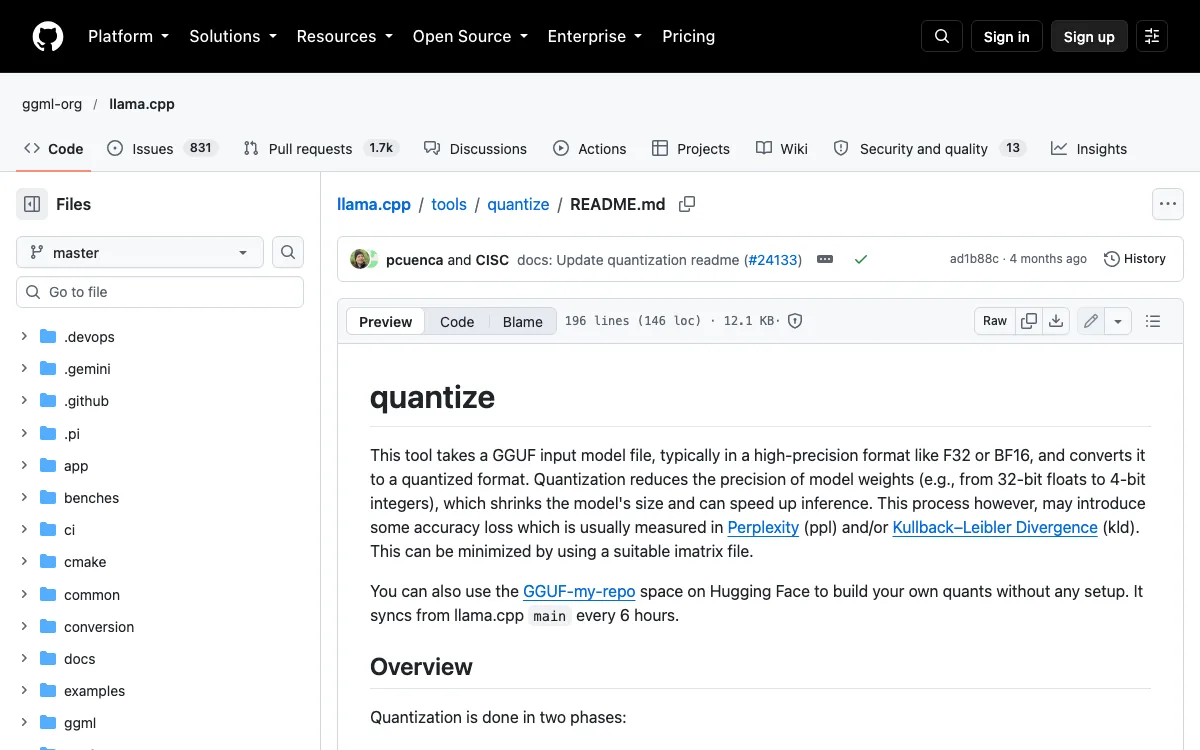
Quantization reduces the precision of model weights (e.g., from 32-bit floats to 4-bit integers), which shrinks the model's size and can speed up inference.(quantize, opening paragraph)— from GitHubView official source →
How LLM quantization works: rounding to fewer levels
Quantization works by rounding every weight to the nearest of a small, fixed set of levels. The original weights can take almost any value; the quantized ones can only take a few. The gap between a weight and its rounded value is the quantization error, and the methods below exist to keep that error small.
How many different values each bit width can store
| Bit width | Levels |
|---|---|
| 8-bit | 256 |
| 4-bit | 16 |
| 3-bit | 8 |
| 2-bit | 4 |
4 bits can hold only 16 different values
A 4-bit number has 2⁴ = 16 possible values, and an 8-bit number has 256. Hugging Face makes the same point for int8: it can represent only 256 values, while the 32-bit floats it replaces cover a huge range.
To fit the weights into those slots, quantization picks a scale and a zero-point that stretch the 16 or 256 levels over the range the weights actually use. Each weight is divided by the scale and rounded; anything outside the range is clipped to the nearest end.
Rounding in small blocks keeps the error low
Splitting the weights into small blocks, each with its own scale, makes the rounding error smaller. Hugging Face describes a scale shared by a whole tensor and finer scales per channel; finer scales are more accurate but cost extra memory to store.
Treating unusual values separately helps for the same reason. The LLM.int8() paper keeps a few outlier dimensions in 16-bit and runs more than 99.9% of the values in 8-bit, which lets it keep the original model's quality.
Post-training quantization vs quantization-aware training
Post-training quantization (PTQ) converts a model after training, while quantization-aware training (QAT) teaches the model to expect quantization while it trains. PTQ runs some representative data through a finished model to measure the ranges, then converts it. No extra training is needed, which is why most downloads you find are PTQ.
QAT simulates the rounding error during training, so the weights settle into values that survive it. It costs a training run, and in return the model loses less when it is finally quantized.

Only 256 values can be represented in int8, while float32 can represent a very wide range of values.(Quantization to int8)— from Hugging FaceView official source →
GGUF, GPTQ and AWQ: what the names mean
On a model download page, GGUF names a file format, while GPTQ and AWQ name quantization methods. They show up side by side as if they were three versions of the same thing, but they answer different questions: how the file is packaged, and how the weights were rounded.
Quantization names you will see on download pages
| Name | What it is | Introduced |
|---|---|---|
| GGUF | File format used by llama.cpp and Ollama | — |
| Q4_K_M and similar | Quantization type inside a GGUF file | June 2023 (k-quants) |
| GPTQ | Method that rounds weights to 3–4 bits | October 2022 |
| AWQ | Method that protects the most important weights | June 2023 |
GGUF is a file format, not a method
GGUF is a single-file format for storing models that run on GGML-based software such as llama.cpp. It is a binary format built for fast loading and saving. It replaced the older GGML, GGMF and GGJT formats, and everything a model needs fits in one file.
llama.cpp makes a quantized model in two steps: it first converts the original model to GGUF, then quantizes that GGUF. So a GGUF file can be unquantized (F16) or 4-bit. Google, for example, shipped its Gemma 3 QAT models as Q4_0 files for Ollama and llama.cpp.
What Q4_K_M and other GGUF names stand for
In a GGUF file name, "Q4" or "Q8" gives the bit width, and "K_M" or "K_S" names the k-quants variant. The GGUF specification sets the naming pattern: model name, size label such as 8B, version, then the weight encoding such as Q4_K_M, Q4_0 or F16.
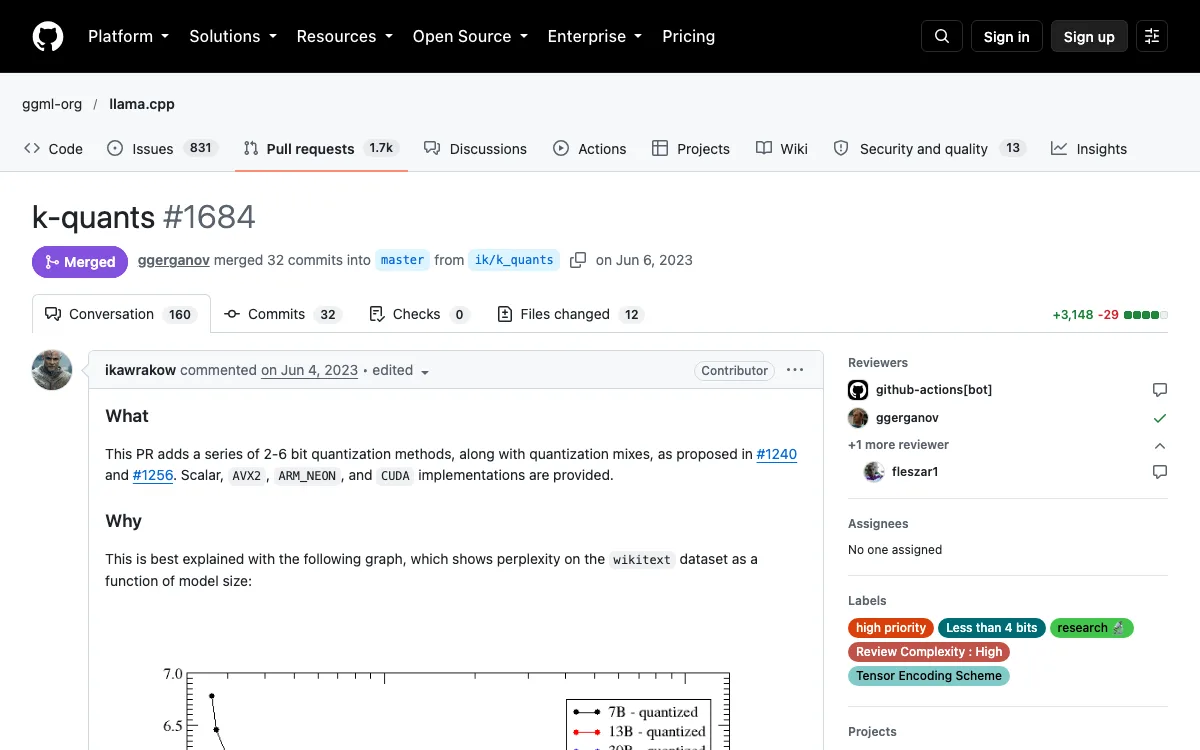
k-quants were added to llama.cpp on June 3, 2023, covering 2 to 6 bits. Q4_K_S stores every tensor in the 4-bit type. Q4_K_M keeps half of two sensitive tensor types at 6 bits, so it is slightly larger and loses less accuracy.
GPTQ and AWQ are quantization methods for GPUs
GPTQ and AWQ are methods for rounding weights to around 4 bits so that large models run fast on GPUs. GPTQ was published in October 2022.
Its authors quantized 175B-parameter GPT models in about four GPU hours, down to 3 or 4 bits per weight, with negligible accuracy loss. It was the first time a 175-billion-parameter model had run on a single GPU.
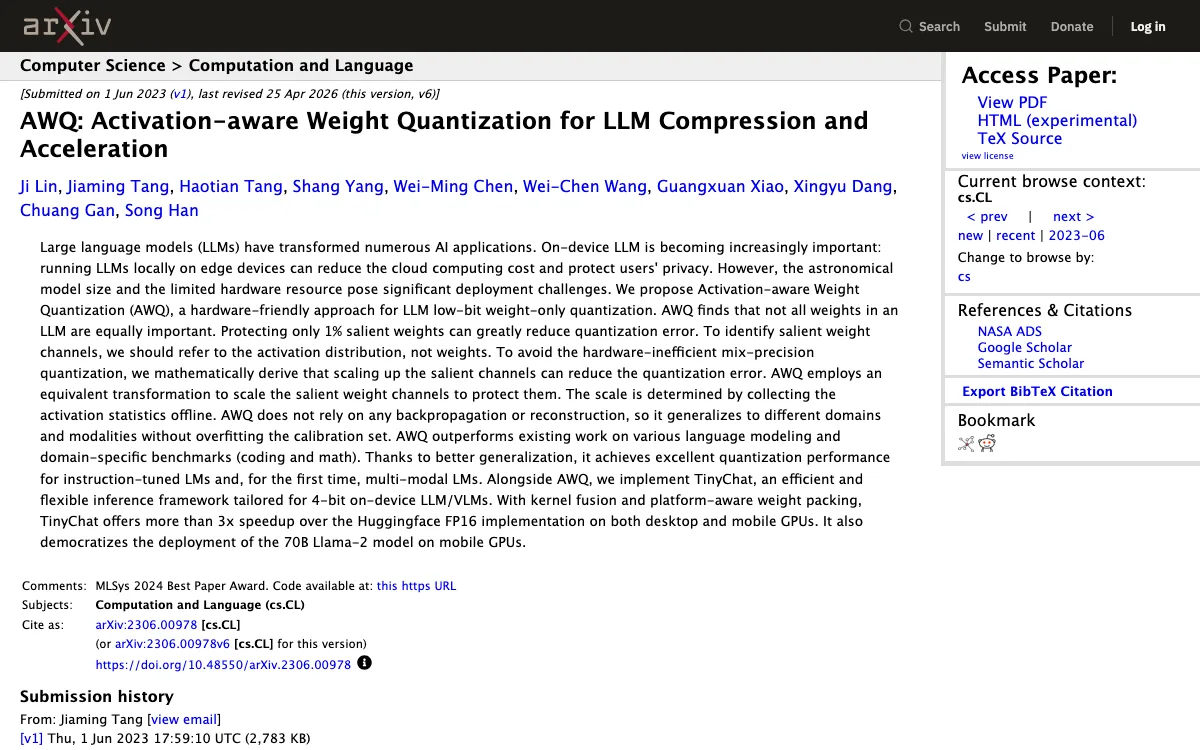
AWQ followed in June 2023. It starts from the observation that weights are not equally important: protecting just 1% of them, picked by looking at the activations rather than the weights, greatly reduces the error. Its companion inference engine ran more than 3x faster than the Hugging Face FP16 implementation on desktop and mobile GPUs.
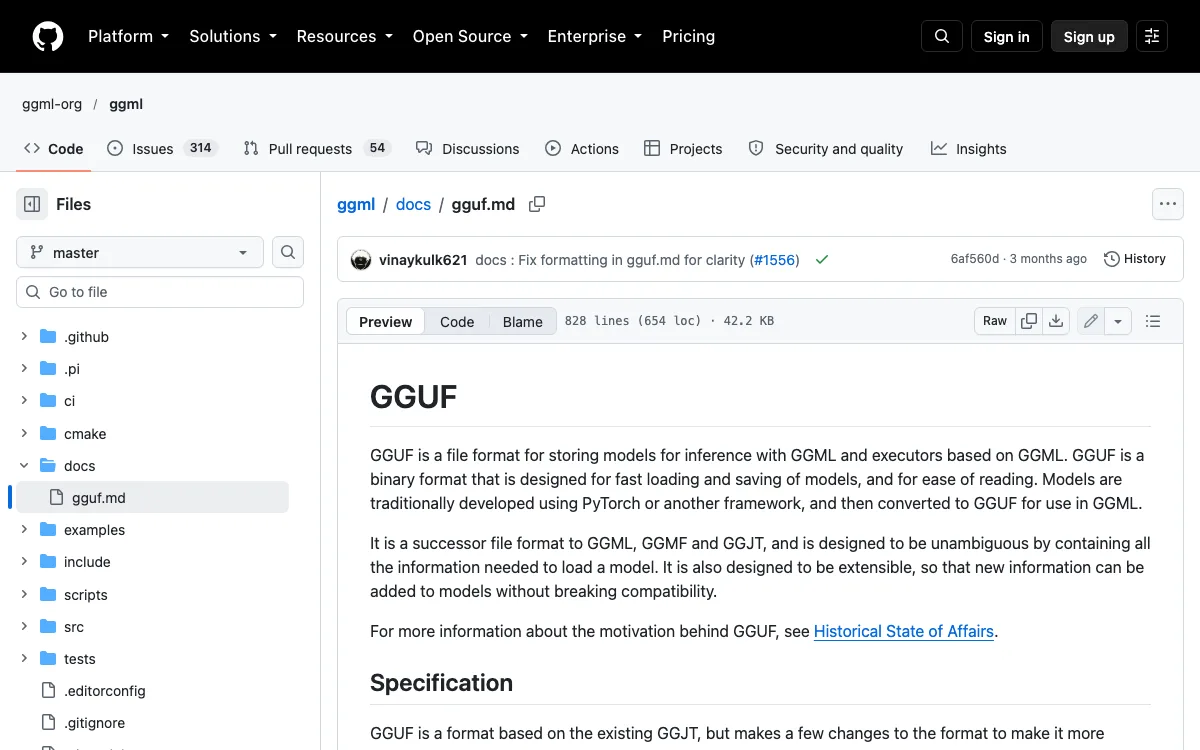
GGUF is a file format for storing models for inference with GGML and executors based on GGML.(GGUF, opening paragraph)— from GitHubView official source →
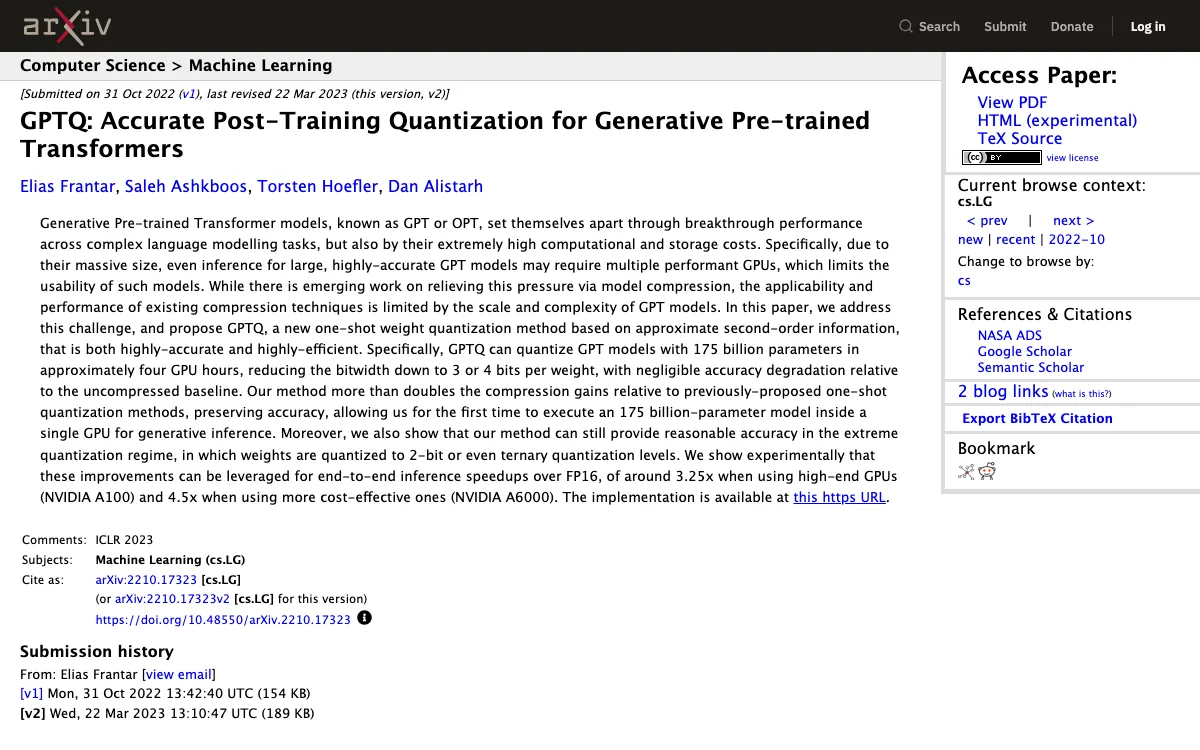
allowing us for the first time to execute an 175 billion-parameter model inside a single GPU for generative inference.(Abstract)— from arXivView official source →
Protecting only 1% salient weights can greatly reduce quantization error.(Abstract)— from arXivView official source →
How much accuracy quantization costs
Quantization costs almost nothing at 8 bits, a little at 4 bits and a lot at 3 bits and below. The usual metric is perplexity, a measure of how well a model predicts the next word in a test text. Lower is better.
LLaMA 7B: file size and perplexity by quantization type
| Type | File size | Perplexity (lower is better) |
|---|---|---|
| F16 (original) | 13.0 GB | 5.9066 |
| Q6_K | 5.15 GB | 5.9110 |
| Q4_K_M | 3.80 GB | 5.9601 |
| Q3_K_M | 3.06 GB | 6.1503 |
| Q2_K | 2.67 GB | 6.7764 |
Source: the results table in llama.cpp PR #1684 (k-quants).
8-bit is almost the same as the original
An 8-bit model performs almost exactly like the 16-bit original. The LLM.int8() paper, published in August 2022, converted a 175B model to 8 bits and used it right away with no loss in quality, at half the memory.
The llama.cpp numbers point the same way. Q6_K scores 5.9110 against 5.9066 for F16, within 0.1% of the original, so 6 bits and up are effectively lossless for this model.
4-bit loses a little, 3-bit and below lose a lot
At 4 bits the loss is small, and it grows quickly as you go to 3 and 2 bits. LLaMA 7B at Q4_K_M scores 5.9601, only slightly worse than F16. Q3_K_M rises to 6.1503 and Q2_K to 6.7764.
The size savings shrink at the same time: Q2_K is 2.67 GB against 3.80 GB for Q4_K_M. You give up a lot of quality for about a gigabyte. For a closer look at where very small quants stop working, see "Unsloth GGUF Dynamic 3.0: Where Small Quants Break."
QAT models hold up better at 4-bit
Models trained with quantization in mind lose less when they are cut to 4 bits. Google released QAT versions of Gemma 3 on April 18, 2025, and acknowledges that quantization often lowers quality. About 5,000 steps of QAT cut the perplexity drop at Q4_0 by 54%.
Other labs ship 4-bit files trained the same way. Liquid AI's release is covered in "LFM2.5 DSpark and QAD: Faster Decode, Better 4-bit."
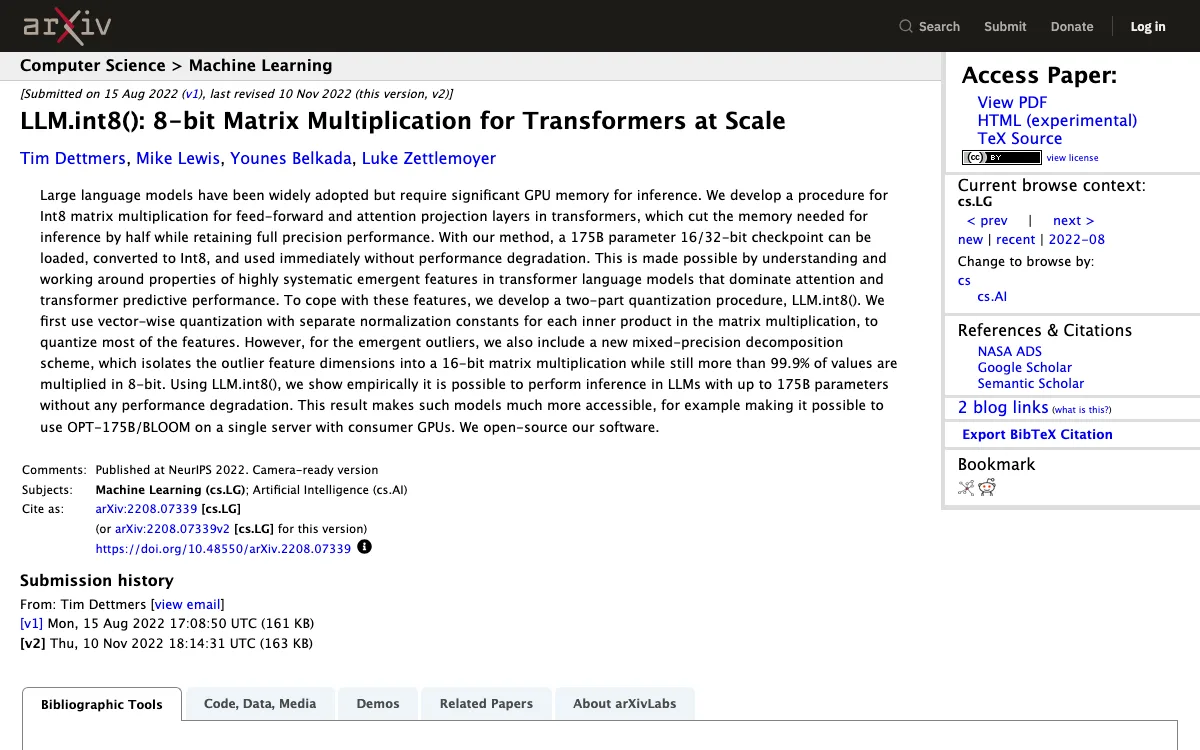

With our method, a 175B parameter 16/32-bit checkpoint can be loaded, converted to Int8, and used immediately without performance degradation.(Abstract)— from arXivView official source →
We reduce the perplexity drop by 54% (using llama.cpp perplexity evaluation) when quantizing down to Q4_0.(Understanding performance, precision, and quantization)— from GoogleView official source →
How to pick a quantized model for your PC
Pick the quantized version by working out how big its weights are and checking that they fit in your GPU's memory, called VRAM. Google's Gemma 3 figures show how much room 4-bit saves for the same model.
VRAM needed to load Gemma 3 weights
| Model | 16-bit (BF16) | 4-bit (int4) |
|---|---|---|
| Gemma 3 27B | 54 GB | 14.1 GB |
| Gemma 3 12B | 24 GB | 6.6 GB |
| Gemma 3 4B | 8 GB | 2.6 GB |
| Gemma 3 1B | 2 GB | 0.5 GB |
Weights only; running the model also needs VRAM for the KV cache. Source: Google Developers Blog.
Estimate the size as parameters × bits ÷ 8
You can estimate a model's weight size in bytes as parameters × bits ÷ 8. A 7B model at 4 bits works out to 7 billion × 4 ÷ 8 = 3.5 billion bytes, or about 3.5 GB.
Add a little for the rounding scales, as the 4.89-bit average of Q4_K_M shows. If you would rather not do the math, the VRAM calculator covered in "modelmap: An LLM VRAM Calculator That Maps Models" works it out per GPU.
Leave room for the KV cache
The formula covers the weights only, so leave extra VRAM for the KV cache. The KV cache holds the running conversation, and Google points out that its figures above exclude it. The cache grows with the context length, so a long chat or a large document needs more headroom than a short prompt.
A bigger 4-bit model can beat a smaller 16-bit one
If 8 bits fits, use it; if not, use 4 bits, and treat 3 bits and below as a last resort. With a fixed amount of VRAM, a larger model at 4 bits often beats a smaller one at full precision. In the llama.cpp table, LLaMA 13B at Q4_K_M takes 7.32 GB and scores 5.3002, better than LLaMA 7B at F16, which takes 13.0 GB and scores 5.9066.
Google makes a similar case for its QAT models: Gemma 3 27B at 4 bits runs on a 24 GB RTX 3090, and the 12B model on an 8 GB RTX 4060 Laptop GPU. At 16 bits the 27B model would need 54 GB.
Note: This figure only represents the VRAM required to load the model weights. Running the model also requires additional VRAM for the KV cache, which stores information about the ongoing conversation and depends on the context length(See the Difference: Massive VRAM Savings)— from GoogleView official source →
Use 4-bit to fit a model and 8-bit to keep quality
LLM quantization stores a model's weights in fewer bits, usually 8 or 4 instead of 16, so the model needs half or a quarter of the memory. The number of weights does not change. GGUF is the file format most local tools load, and GPTQ and AWQ are methods for doing the rounding.
8-bit is nearly identical to the original and 4-bit loses a little, but below 4 bits the loss climbs fast. To choose, estimate the weights as parameters × bits ÷ 8, leave room for the KV cache, and take the highest bit width that fits your VRAM.
FAQ
- Is LLM quantization related to quantum computing?
- No. The word comes from signal processing, where it means mapping a smooth range of values onto a small set of steps. LLM quantization does exactly that to a model's weights and runs on ordinary GPUs and CPUs. Nothing about it involves quantum hardware.
- What does Q4_K_M mean?
- Q4_K_M is a quantization type in llama.cpp's GGUF files. Q4 means the weights are mostly stored at about 4 bits, K means it uses the k-quants scheme added in June 2023, and M (medium) means part of the weights are kept at 6 bits to protect accuracy. On Llama 3.1 8B it averages 4.89 bits per weight.
- Does quantization reduce the number of parameters?
- No. Quantization changes how many bits each weight uses, not how many weights there are. An 8B model is still an 8B model after 4-bit quantization; each of its 8 billion weights just takes a quarter of the space it did at 16 bits.
Related articles
 Embedding Gemma Transcribe: speed and accuracyEmbedding Gemma Transcribe turns Google's EmbeddingGemma 2 into a free Mac speech to text app: an hour of English in 12.6 s, at about 5% word error rate.
 What is a context window? How much an AI can readA context window is the text, in tokens, an AI reads for one reply. Prompts, chat history, files and the reply all count. When it fills, old messages drop.
 DiffusionGemma: Google's open diffusion LLMDiffusionGemma is Google's open-weight diffusion LLM: about 1,500 tokens per second on one H100, but Gemma 4 regains the throughput lead near 32 users.
 Gemma Downloads Pass 1 Billion, 100,000+ VariantsGemma downloads passed 1 billion on August 20, 2026, and over 100,000 variants exist. Uses run from orbit to a cancer pathway verified in living cells.