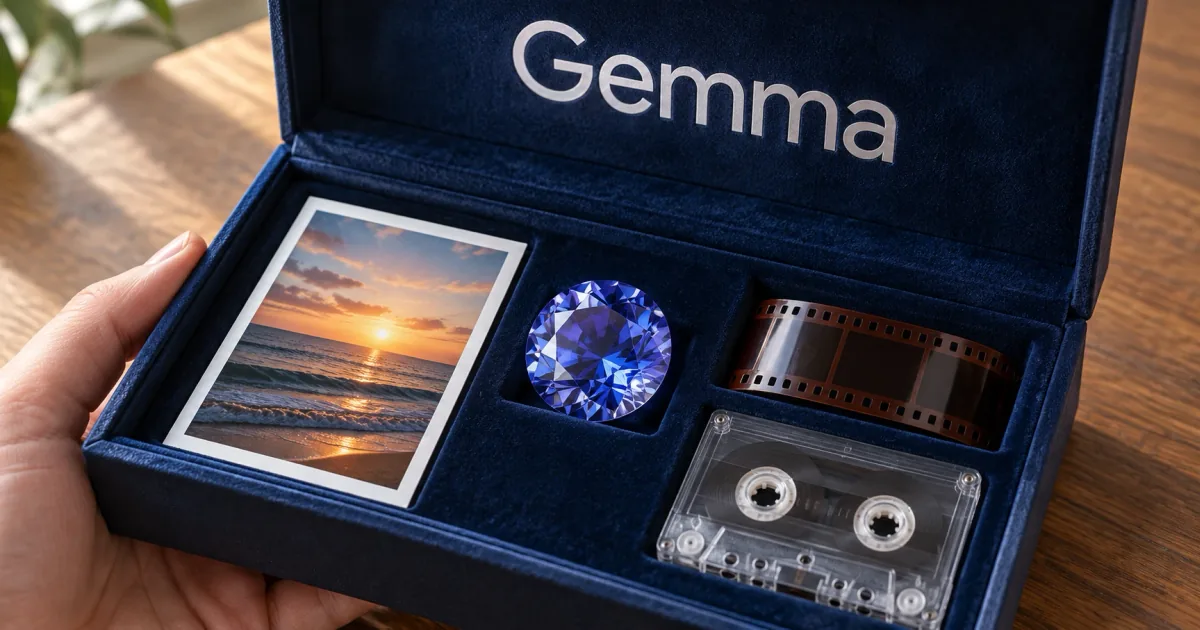
EmbeddingGemma 2 is an open multimodal embedding model
EmbeddingGemma 2 at a glance
EmbeddingGemma 2 is an open embedding model from Google DeepMind that runs on your own device. It converts text, code, images, video and audio into vectors that live in the same 768-dimensional space, so one query can match results in any of those formats. The model has 740 million parameters, is based on the Gemma 4 architecture, and is licensed under Apache 2.0, which permits commercial use.
Because it needs no network connection, you can index private photos, documents or voice notes without sending them anywhere. That makes it a good fit for apps that handle personal data.
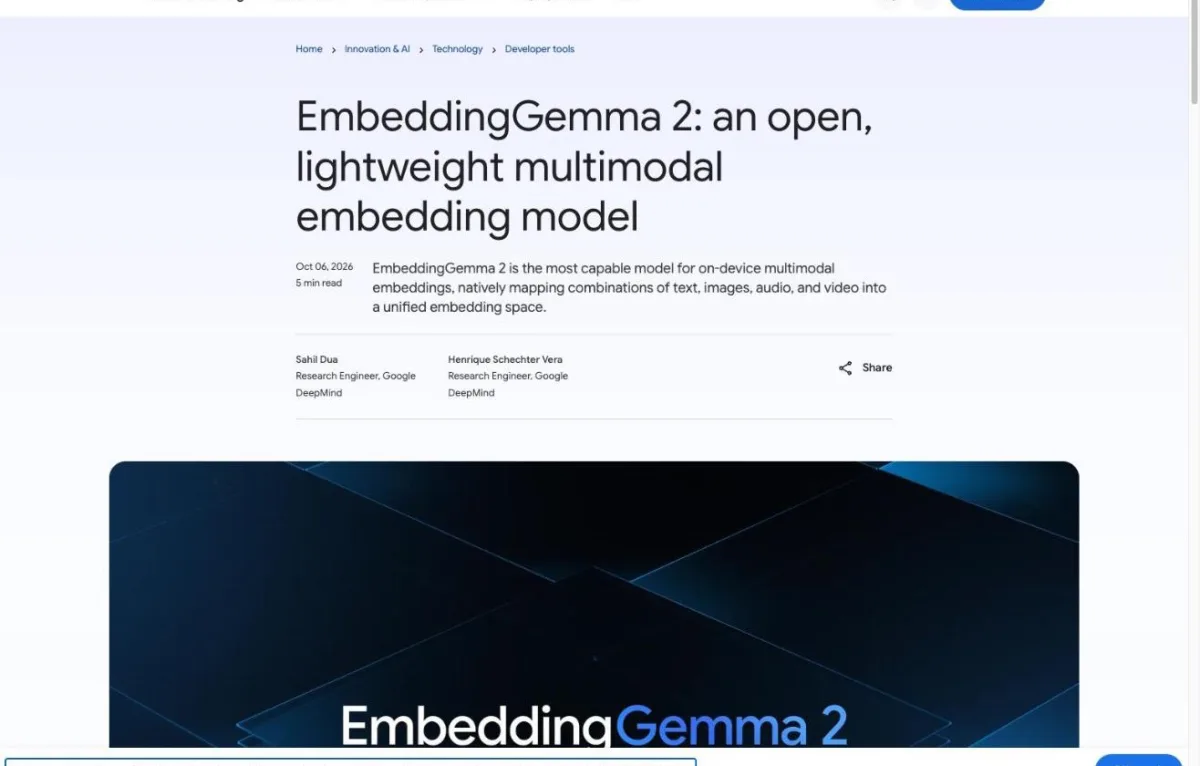
"Built on the Gemma 4 architecture and released under a commercially permissive Apache 2.0 license, EmbeddingGemma 2 has 740 million parameters, making it optimal for on-device inference."/"EmbeddingGemma 2 is the most capable model for on-device multimodal embeddings, natively mapping combinations of text, images, audio, and video into a unified embedding space."(opening)— from GoogleView official source →
What are embeddings, and why does RAG need them?
An embedding is a list of numbers that represents what a piece of content means. Content with similar meaning gets similar numbers, so a search for "sunset at the beach" can surface a photo whose file name says nothing about beaches. Searching by these vectors instead of by keywords is called vector search.
RAG, short for retrieval-augmented generation, is the pattern where an app first finds relevant documents and then hands them to a chatbot to answer from. The embedding model does the finding. It does not write any text itself, and if it retrieves the wrong documents, the chatbot cannot give a good answer.
From text only to image, audio and video search
The first EmbeddingGemma, released last year, handled text only and passed 20 million downloads. Google says developers used it for on-device search and for RAG pipelines that keep data private.
Version 2 widens that to images, audio and video. You can look up a video clip from a voice memo, or search hours of recordings with a typed question, and one model does all of it. The context window also grew to 8K tokens, four times the first model's.
Google's edge team describes the setup this replaces as a chain of three models: one captions images, one transcribes speech, and one embeds the resulting text. Collapsing that chain into a single model cuts both latency and memory.
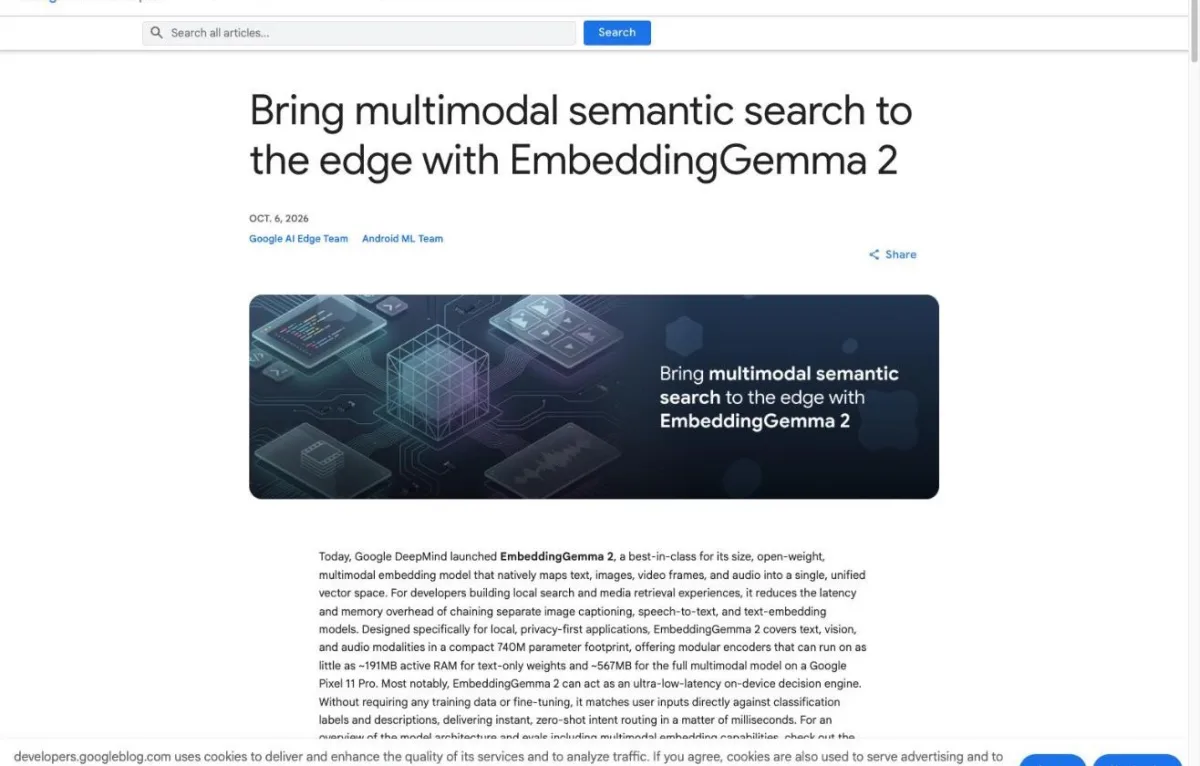
"We introduced EmbeddingGemma last year to provide a lightweight option for high-quality text embeddings, to help your apps organize, search, and connect information directly on consumer hardware."/"With more than 20 million downloads, builders have used it to power smarter on-device search tools and privacy-first retrieval augmented generation (RAG) pipelines."(opening)— from GoogleView official source →
"For developers building local search and media retrieval experiences, it reduces the latency and memory overhead of chaining separate image captioning, speech-to-text, and text-embedding models."(opening)— from GoogleView official source →
Gemini Embedding 2 runs in the cloud, not as on-device AI
Gemini Embedding, including Gemini Embedding 2, is a hosted product that runs in Google's cloud; EmbeddingGemma 2 runs on your own phone or computer. Google built the open model from the same technology, but you download the weights instead of calling an API. If your data cannot leave the device, that difference decides the choice on its own.
Cloud vs on-device embeddings from Google
| Gemini Embedding | EmbeddingGemma 2 | |
|---|---|---|
| Where it runs | Google's cloud | Your phone or PC |
| Where your data goes | Sent to the API | Stays on the device |
| Internet needed | Yes | No |
Google lists what the on-device route buys you: data stays private, the pipeline gets faster, and search keeps working with no connection. For health notes, family photos or internal files, those three points usually settle the question.
"Built from the same technology as Gemini Embedding models, EmbeddingGemma 2 is:"/"Generating embeddings locally helps ensure data privacy, reduces pipeline latency, and empowers developers to build cross-modal search and retrieval that works entirely offline."(feature list; Enabling semantic search, routing, and retrieval, fully on-device)— from GoogleView official source →
Quantization cuts text-only memory to 191MB on Pixel 11 Pro
Active RAM on a Pixel 11 Pro, quantized
Bar height is relative to the largest value (567MB = 100). Source: Google blog.
Quantization stores a model's weights at lower numeric precision so they take less memory. With quantization, the text-only model needs about 191MB of active RAM on a Pixel 11 Pro, and the full multimodal model about 567MB. Google trained the model with quantization in mind (quantization-aware training) so the weights hold up at INT4 and INT8.
Keep in mind that these figures cover the model weights. Your app's own memory use comes on top.
"Optimized for on-device performance: Runs efficiently within tight resource constraints. With quantization, on a Google Pixel 11 Pro, EmbeddingGemma 2 requires as little as ~191MB active RAM for text-only weights and ~567MB for the full multimodal model."(feature list)— from GoogleView official source →
"Quantization-Aware Training (QAT): Compresses model weights to INT4 and INT8, bringing multimodal vector search within reach of mid-range consumer hardware."(optimizations)— from GoogleView official source →
Text embeddings start at 270M, multimodal embeddings at 740M
The model is modular: a 270M-parameter core handles text and code, and you add a 170M vision encoder or a 300M audio encoder only if you need them. An encoder is the part that turns a given input type into vectors.
| Setup | Parameters |
|---|---|
| Text and code | 270M |
| Text + images/video | 440M |
| Text + audio | 570M |
| Everything | 740M |
Every setup writes into the same vector space. A query embedded with the 270M text-only setup can be compared directly with documents embedded by the full model, so adding photos to a text index later does not force a rebuild.
The model also shares its text tokenizer and audio encoder with Gemma 4. Running both side by side therefore costs less memory than two unrelated models would.
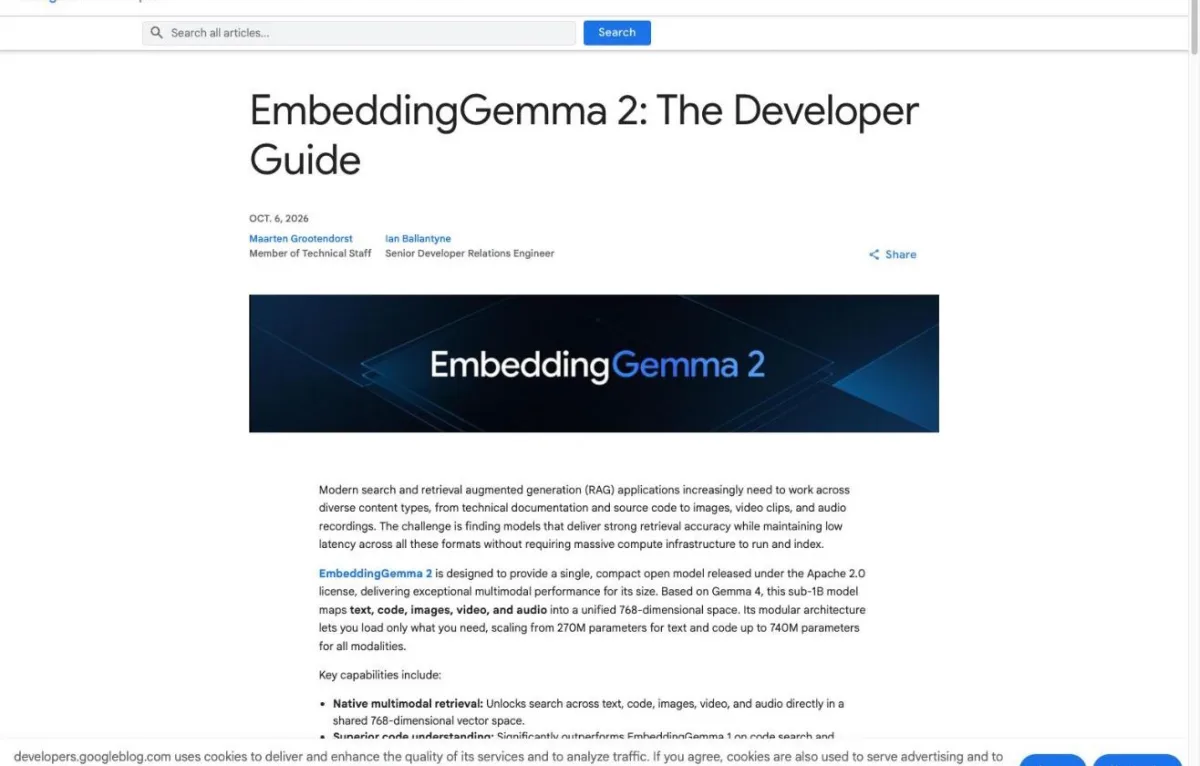
"Modular memory footprint: Selectively load only the encoders you need at runtime: 270M (text/code), 440M (text + vision), 570M (text + audio), or 740M (full multimodal), all projecting into the same compatible vector space."/"In sentence-transformers, all four encoder setups load from the same checkpoint, so they share one vector space: a query embedded with the 270M text-only setup can be matched directly against documents embedded with the full model."(overview; dimensions)— from GoogleView official source →
Matryoshka embeddings cut vector database storage up to 6x
A vector database stores embeddings and finds the nearest ones quickly. EmbeddingGemma 2 is trained with Matryoshka Representation Learning (MRL), so you can keep just the first 512, 256 or 128 of its 768 dimensions. Going all the way to 128 dimensions cuts storage and memory by up to 6x.
Storage for one million vectors (bfloat16)
Bar height is relative to the largest value (1.5GB = 100). Source: Google Developers Blog developer guide.
In practice that means six times as many vectors in the same memory, which matters on a phone. One rule to remember: queries and documents must use the same dimension, or the comparison breaks.
Shorter vectors also lose some retrieval quality. The limits section near the end shows how much at each size.
"Flexible vector storage: Matryoshka Representation Learning (MRL) enables dynamic truncation from 768 dimensions down to 128 dimensions, cutting vector database storage requirements while retaining much of the original quality."/"For instance, in bfloat16 precision, storing a million 768-dimensional vectors takes roughly 1.5 GB of memory, while truncating them to 128 dimensions requires just 250 MB. That 6x reduction allows you to store six times as many embeddings in the same memory budget, making it much easier to fit large indexes in memory or on-device."/"Queries and documents must use the same dimension:"(overview; dimensions)— from GoogleView official source →
8K context limits for audio search and video search
One request can hold up to 58 video frames, 29 images or 5.5 minutes of audio, because the context window is 8K tokens (8,192). You can also mix them in one input.
Video is sampled at one frame per second by default, and audio should be 16 kHz mono. A long video therefore has to be split into scenes before you embed it.
"Extended context ready: Features an 8K token context window (4x larger than EmbeddingGemma 1), allowing it to process up to 5.5 minutes of audio, 29 images, 58 video frames, or interleaved combinations thereof directly on local hardware."(feature list)— from GoogleView official source →
"Video is sampled at 1 frame per second by default, and audio should be 16 kHz mono."(inputs)— from GoogleView official source →
MTEB code search score climbs from 68.76 to 78.68
MTEB Code score, first model vs EmbeddingGemma 2
Bars are 0–100 scores; higher is better. Google's own measurement. Source: Google blog.
 EmbeddingGemma (v1)EmbeddingGemma 2
MTEB (Massive Text Embedding Benchmark) is a widely used test suite for embedding models. On its code track, EmbeddingGemma 2 scores 78.68, up 9.92 points from the first model's 68.76. Multilingual text performance stays level with version 1.
Google pitches the code gain at indexing a local codebase and at retrieval for coding agents. Its developer guide shows the 270M text-only setup embedding the whole Hugging Face transformers repository, with a Gemma 4 agent searching it.
Google also claims leading scores among multimodal embedders under one billion parameters on MTEB Code and MAEB, its audio benchmark. It adds that the model beats some specialist models more than twice its size.
"EmbeddingGemma 2 matches the strong multilingual text performance of EmbeddingGemma while delivering a significant 9.92-point improvement on code performance (in MTEB Code, from 68.76 to 78.68), making it well-suited for local codebase indexing, semantic code search, and coding agent retrieval."/"Best-in-class for its size: Achieves leading scores among sub-1B multimodal embedders for its size across benchmarks like MTEB (Massive Text Embedding Benchmark) Code and MAEB (Massive Audio Embedding Benchmark), while matching or outperforming many larger models across text, vision, and audio tasks."(Achieving top-tier quality for code, vision, and audio; feature list)— from GoogleView official source →
Ollama, LM Studio and Hugging Face support EmbeddingGemma 2
Where to start, by task
| Task | Tools |
|---|---|
| Get the weights | Hugging Face, Kaggle |
| Run it on a laptop | Ollama, LM Studio, llama.cpp |
| Use it from Python | sentence-transformers, transformers |
| Serve it | vLLM, SGLang |
| Run it on Apple silicon | MLX |
| Store the vectors | Qdrant |
| Ship it in a mobile app | MediaPipe, LiteRT |
| Run it in a browser | transformers.js, WebGPU |
The weights are on Hugging Face and Kaggle, and the model already works in Ollama, LM Studio and the other common local runtimes. Google says it worked with those projects ahead of launch so the model would run on day one.
If you already run a local chatbot in Ollama or LM Studio, adding EmbeddingGemma 2 gives you the retrieval half of a RAG setup in the same tool. For fine-tuning on your own data, Google points to a guide from Unsloth. For a sense of what a laptop can run, see Local LLM Coding Now Hits 75% of Cloud AI.
"We worked closely with the following partners to ensure EmbeddingGemma 2 works immediately where you build:"/"Download the models: Find the model weights on Hugging Face and Kaggle, with Gemini Enterprise Agent Platform Model Garden availability coming soon."/"Use your favorite development tools: Serve the model efficiently using transformers, sentence-transformers, MLX, vLLM, llama.cpp, SGLang, Ollama, and LMStudio. Store your embedding vectors with Qdrant."/"Fine-tuning: Follow guidance by Unsloth for how to fine-tune EmbeddingGemma 2 for your use cases."(Getting started with EmbeddingGemma 2)— from GoogleView official source →
Sentence Transformers code for semantic search
The quickest path in Python is sentence-transformers version 6.1.0 or later, which accepts images, audio and video as well as text. Load the model by its Hugging Face ID and encode queries and documents separately.
from sentence_transformers import SentenceTransformer

model = SentenceTransformer("google/embeddinggemma-2", truncate_dim=256)
query_emb = model.encode("ocean waves at sunset", prompt_name="SearchQuery")
doc_emb = model.encode("Notes from the beach trip", prompt_name="Document")
Use the SearchQuery prompt name for what the user types and Document for what you store. If you shorten the vectors, set truncate_dim once when loading the model so queries and documents always match.
"You can run EmbeddingGemma 2 across text, code, images, video, and audio with the sentence-transformers library (v6.1.0 or later):"/"To use one dimension for every call, set it at load time instead: SentenceTransformer(MODEL_ID, truncate_dim=256)."(usage; dimensions)— from GoogleView official source →
Pair with Gemma 4 for offline AI and local RAG
Combine EmbeddingGemma 2 with a generative model like Gemma 4 and the whole RAG loop, from search to answer, runs on the device. Because the two share a tokenizer and an audio encoder, the pair uses less memory than you might expect, and neither model needs an internet connection.
Google's own example is Google AI Edge Foresight, an experimental Mac app built on both models. It helps with meeting notes, indexes your conversation transcripts and private files, and pulls up details mid-meeting, while the data stays on the machine.
How far Gemma 4 itself can go is covered in Gemma 4 31B vs Sonnet 5: same score, 40x cheaper. That piece is useful when choosing which generator to pair with the embedder.
"When paired with generative models such as Gemma 4, EmbeddingGemma 2 enables on-device RAG pipelines that understand complex multimodal data. Because EmbeddingGemma 2 is built on Gemma 4 and shares its text tokenizer and audio encoder, developers can run both models together in a unified pipeline with a lower combined total memory footprint."(Enabling semantic search, routing, and retrieval, fully on-device)— from GoogleView official source →
"We are excited to announce the launch of Google AI Edge Foresight for Mac, an experimental app that brings a context-aware meeting companion directly to your device."/"Powered by fully local AI processing, Foresight seamlessly assists with note-taking, indexing, and recalling your conversation transcripts and private files."/"Powered by EmbeddingGemma 2 and Gemma 4 models, Foresight delivers:"(Productivity boost and context retrieval in Google AI Edge Foresight on Mac)— from GoogleView official source →
MediaPipe today, ML Kit for Android in the coming weeks
For mobile apps, the entry points are Google AI Edge's MediaPipe and LiteRT. MediaPipe gives you ready-made embedding, retrieval and decision tasks, while LiteRT is the lower-level runtime for custom pipelines.
In its October 6 announcement, Google said the model will also arrive on Android as an ML Kit service in the coming weeks. That route means you do not have to bundle the model in your app, and it adds NPU acceleration on devices that have one.
To try it before writing code, install the Google AI Edge Gallery app. It now includes two demos, Instant Media Search and Video Moments Finder, that search your own photos and videos on the phone.
"In the coming weeks, we will also make this model available as a service on Android, accessible through ML Kit, including using NPU acceleration to further optimize performance across a broad range of devices."/"By integrating with ML Kit developers can get production-grade quality for EmbeddingGemma out of the box without having to manage the model or worrying about APK bloat."/"Today, we are adding two interactive showcases powered by EmbeddingGemma 2 to the Google AI Edge Gallery app: Instant Media Search and Video Moments Finder."(opening; Instant Media Search and Video Moments Finder in Google AI Edge Gallery)— from GoogleView official source →
Limits: self-reported MTEB and 128-dimension vector search
Image, video and audio retrieval quality by dimension
Share of full 768-dimension quality. Storage is one third at 256 and one sixth at 128. Source: Google Developers Blog developer guide.
Every EmbeddingGemma 2 benchmark number comes from Google itself. Treat them as a starting point, not as a guarantee for your data.
The bigger practical catch is dimension size. Compared with full 768-dimension vectors, 256 dimensions keep about 95% of retrieval quality for images, video and audio. At 128 dimensions, media retrieval drops to about 75% and text and code to about 90%, and Google itself asks you to test on your own data before using 128 dimensions for multimodal search.
A simple check works well: write a few dozen queries with the document you expect at the top, then compare 768, 256 and 128 dimensions on that set. Pick the smallest size that still returns the right answers. EmbeddingGemma 2 is a free, on-device way to search text, images, audio and video in one index, starting at about 191MB of RAM.
"256d (3x storage reduction): Storage-constrained indexes. Keeps most of the full quality of the original embedding on text and code and about 95% on image, video, and speech retrieval, at a third of the storage."/"128d (6x storage reduction): Large text-only indexes and first-stage shortlisting (shortlisting before re-ranking). Text and code retains around 90% quality, but image, video, and speech retrieval quality drop to around 75%. Validate on your target data before deploying 128d for multimodal queries.."(choosing a dimension)— from GoogleView official source →
FAQ
- What is EmbeddingGemma 2?
- It is an open embedding model from Google DeepMind, released on October 6, 2026. It turns text, code, images, video and audio into vectors in one shared space, so a query in one format can find matches in another. It has 740 million parameters and runs on phones and laptops.
- How is it different from Gemini Embedding 2?
- Gemini Embedding runs as a hosted service in Google's cloud. EmbeddingGemma 2 is built from the same technology, but you download the weights and run it on your own hardware, so the data you index never has to leave the device.
- Does it really run on a phone?
- Yes. Google measured about 191MB of active RAM for the text-only model and about 567MB for the full multimodal model on a Pixel 11 Pro, both with quantization. It also works with no internet connection.
- Can I use EmbeddingGemma 2 commercially?
- Yes. It is released under the Apache 2.0 license, which allows commercial use. The weights are on Hugging Face and Kaggle, so you can ship it inside your own app or service.
Related articles
 Embedding Gemma Transcribe: speed and accuracyEmbedding Gemma Transcribe turns Google's EmbeddingGemma 2 into a free Mac speech to text app: an hour of English in 12.6 s, at about 5% word error rate.
 Gemma 4 31B vs Sonnet 5: same score, 40x cheaperGemma 4 31B matched Claude Sonnet 5 at 1.34 on AlphaSense’s 245 finance questions, for about 1/40 the cost per question. How it was measured and scored.
 Sign Language AI: SL2T Translates ASL on Pixel 11Sign language AI from Google DeepMind: SL2T turns American Sign Language into English text in Gboard and Live Transcribe on Pixel 11. ASL only at launch.
 LFM2.5 DSpark and QAD: Faster Decode, Better 4-bitLFM2.5 DSpark draft models from Liquid AI add speculative decoding for up to 3.18x throughput, and QAD 4-bit GGUF files keep about 97% of BF16 accuracy.