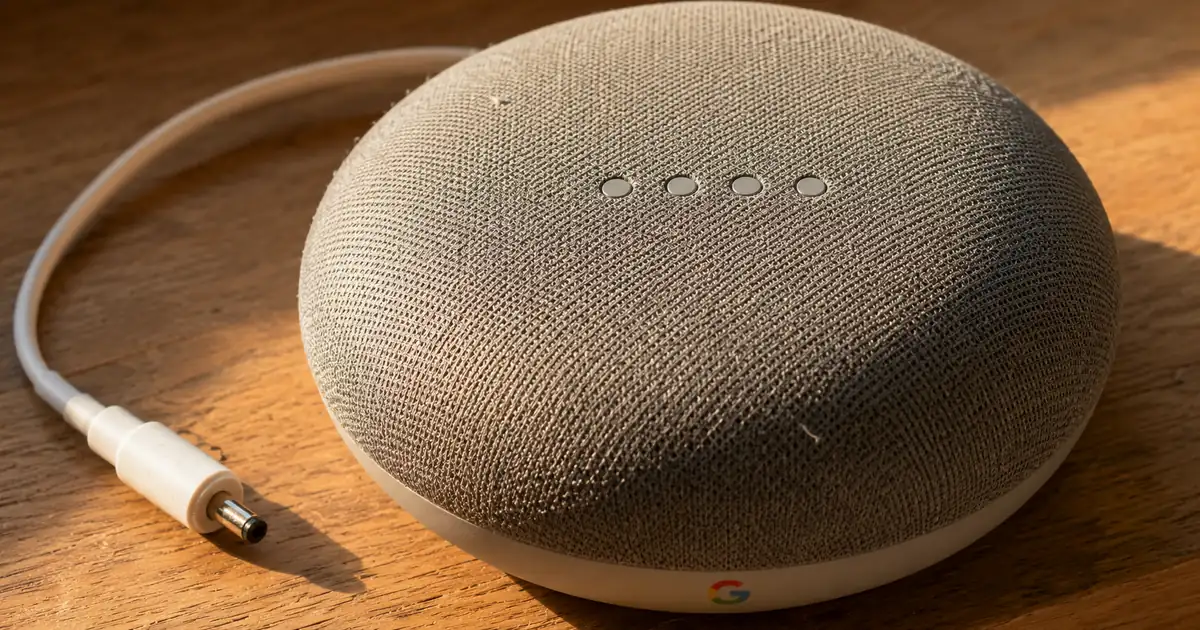
Google Assistant is going away on phones and tablets for most users, and Google named September 4, 2026 as the date. The change follows the phone: paired watches, earbuds and Android Auto cars move to Gemini with the phone, while speakers, TVs and cars with Assistant built in stay on Assistant. Phones below Gemini's requirements keep Assistant for now, and most other users cannot switch back.
Google Assistant shutdown date is September 4, 2026
September 4, 2026 is the date Google set for most users to lose Google Assistant on phones and tablets, along with the option to switch back. The date comes from an update in a Gemini Apps Community post. That update says Gemini is now the assistant experience on Android because Assistant on mobile is being discontinued, and it gives no other reason.
The date is an announcement, and none of Google's three pages on the change says whether the cutoff actually took effect. Check your own phone before assuming it has happened. The post also keeps an older message underneath the update, in which Google says it was adjusting a previously announced timeline, so older coverage may quote an earlier target.
Two details in the update matter more than the date. The wording is "most users", not everyone, and Google says it emailed the users whose phone or accessory will be affected. Phones that fall below Gemini's requirements are a separate case with their own rules.
UPDATE: Because Google Assistant on your mobile device is being discontinued, Gemini—our next-generation AI-powered assistant—is now the assistant experience on Android. / On Sept. 4th, 2026 most users will no longer be able to use or switch back to Google Assistant on your phone or tablet. / We have sent an email with more details to users whose mobile device or peripheral will be impacted. — From the passages on the discontinuation itself, the date and the "most users" qualifier, and the individual notification of affected usersView official source →
Wear OS watches and Android Auto follow the phone to Gemini
Watches running Wear OS, compatible headphones and earbuds, and Android Auto vehicles move to Gemini with their paired phone. Google's post names these three as examples of peripherals (accessories paired with the phone) that switch when the phone does. The pattern in that list is dependence on the phone, not the kind of gadget.
The help page for the Gemini mobile app covers paired mobile devices too: it says Gemini replaces Google Assistant on smart watches, headphones and earbuds, including earbuds with Assistant built in. So "built in" alone does not keep a paired accessory on Assistant.
Cars split both ways. A car that runs Android Auto follows the phone to Gemini, while a car with Assistant built in keeps Assistant for now.
When Gemini becomes the assistant on your mobile device, it will also be the assistant on peripherals that are paired with your mobile device, like watches running Wear OS, headphones or earbuds compatible with Gemini, vehicles running Android Auto. — From the passage on which peripherals switch over when the phone moves to GeminiView official source →
Gemini will replace Google Assistant on your other paired mobile devices, like smart watches, headphones, and earbuds with Google Assistant built in. — From the note on paired mobile devicesView official source →
Speakers, TVs and locked Pixel Tablets keep Google Assistant
Google's help page says smart displays, speakers, TVs, cars and Pixel Tablets with Assistant built in stay on Google Assistant. It describes these as devices that "will continue to be directly powered by Google Assistant". A phone moving to Gemini does not switch off Assistant on the speaker in the kitchen.
The same page adds a narrower line for tablets: on Pixel Tablets that are locked, including in Hub Mode, Google Assistant will continue to respond to "Hey Google." Google's post names tablets alongside phones, so tablets in general are on the phone side, and the Pixel Tablet stays on Assistant only when it is locked. None of Google's pages spells out what an unlocked Pixel Tablet does.
Cars are where the two groups meet. A car running Android Auto moves with the phone, while a car with Assistant built in stays on Assistant. For any device, the question is whether it is an accessory paired with your phone or a non-mobile device with Assistant built in.
Staying is not the same as staying for good. Google's blog post says it is bringing a Gemini-powered experience to home devices like speakers, displays and TVs, and that Assistant keeps operating on them until then, without saying when.
Where each device lands, according to Google's pages
Other devices with Google Assistant built-in — such as Smart Displays, smart speakers, TVs, cars, and Pixel Tablets — will continue to be directly powered by Google Assistant. / On other non-mobile devices, including Smart Displays, smart speakers, TVs, cars, and Pixel Tablets that are locked, including in Hub Mode, Google Assistant will continue to respond to “Hey Google.” — From the statement that other devices with Google Assistant built in continue to run on it, and the note that narrows the Pixel Tablet to the locked stateView official source →
We're also bringing a new experience, powered by Gemini, to home devices like speakers, displays and TVs. / Until then, Google Assistant will continue to operate on these devices. — From the passage on home devicesView official source →
Phones below Gemini's requirements are unchanged for now
Phones below Gemini's minimum system requirements keep Assistant for now, since Google says their Assistant functionality "will not change at this time". That sentence is a footnote to a Google blog post. It attaches to the blog's statement that the classic Google Assistant will no longer be accessible on most mobile devices, and it is the exception to that "most".
"At this time" describes a status, not a promise. None of the three pages gives a date or a later plan for these phones, so "unchanged for now" should not be read as "supported indefinitely."
The footnote does not list the requirements or the models that fall below them, and the help page names no models either; it only warns that the Gemini mobile app may not be available for all languages, devices, accounts or locations. Only the blog post says how affected users are told: Google says it emailed them, so that email is the first place to look.
the classic Google Assistant will no longer be accessible on most mobile devices / For those who have a mobile device that doesn’t meet the minimum system requirements to run Gemini, Google Assistant functionality will not change at this time. — From the statement on ending availability on mobile devices, and the footnote covering devices that do not meet the minimum system requirementsView official source →
The Gemini mobile app may not be available for all languages, devices, accounts, or locations. — From the availability warning at the top of the pageView official source →
Most users cannot switch back to Google Assistant
Google's post says most users can neither use Google Assistant on a phone or tablet nor switch back to it from September 4, 2026, so going back is not a plan to rely on. For most users the decision left is how to set Gemini up, not whether to return to Assistant. The exceptions are phones below Gemini's requirements and devices that are neither phones nor paired accessories.
The Gemini help page has a "Switch to Google Assistant" section that says you can switch to Google Assistant as your primary assistant in your settings, and that section does not mention any cutoff. That section describes the setting as it is today, and the post is the page that gives a date. Someone who reads only the help page could conclude the way back is open.
most users will no longer be able to use or switch back to Google Assistant on your phone or tablet. — From the date sentence, the part on switching backView official source →
You can switch to using Google Assistant as your primary assistant on your phone or tablet in your settings. — From the section titled Switch to Google AssistantView official source →
Work and school accounts lose quick voice actions in Gemini
On a work or school Google account, some Gemini mobile app features are unavailable, including Assistant-powered ones such as quick voice actions. If voice control is part of how you work on a managed phone, decide what replaces quick voice actions before you depend on Gemini.
Google's help page also says to check that a work or school account has a plan or license that includes access to Gemini Apps. Your account administrator can tell you which plan applies.
Supervised accounts have their own limits. For a Google Account managed with Family Link, the person who manages it can turn off access to Gemini Apps for users under 13 (or the applicable age in your country). The help page also says "Hey Google" and some former Assistant features are not available for supervised accounts.
some Gemini mobile app features aren’t available. / This includes features that are powered by Google Assistant / quick voice action features / If you’re using a work or school account, check if you have a plan or license that includes access to Gemini Apps. / you can turn off access to Gemini Apps for users under 13 / “Hey Google” and some features previously available in Google Assistant are not available in all languages and countries, or for supervised accounts. — From the passages on the work or school account limits, the plan or license check, the Family Link option, and supervised accountsView official source →
Four things to check as Gemini replaces Google Assistant
Check four things: the default assist app, how you start Gemini, Voice Match for "Hey Google", and your account type. Take them in that order, because the first decides whether Gemini can act as your assistant at all.
First, check the default assist app. Google says to make sure the Google app is set as your device's default assist app if you want to use Gemini as your mobile assistant.
Second, check how you start Gemini. Touch methods differ by device: press and hold the power button, touch and hold Home, or swipe up from the bottom corner of the screen. Once Gemini is your assistant, "Hey Google" (if enabled) and the touch methods you used for Assistant give quick access to Gemini, Google says, so the gestures you already know carry over.
Third, check Voice Match, the setup that teaches the assistant your voice so it answers "Hey Google". Google says to set it up if you want to use "Hey Google" with Gemini on a phone or tablet, and that the phrase is not available in all languages. Where it is missing, you can still talk to Gemini by tapping Microphone.
Fourth, check your account type. Work and school accounts lose some features, including quick voice actions, and supervised accounts lose "Hey Google" along with some former Assistant features. For a supervised account, look at what Family Link allows before assuming "Hey Google" works.
These four come from the help page. They help you get Gemini working the way Assistant did, but none of them brings Assistant back.
Important: To use Gemini as your mobile assistant, make sure the Google app is set as your device's default assist app. / Activate by touch, which differs by device. / Press and hold the power button. / Touch and hold Home. / Swipe up from the bottom corner of your screen. / You can then get quick access to Gemini using “Hey Google” (if enabled) and touch methods that you previously used to access Google Assistant. / To use "Hey Google" to chat with Gemini on your phone or tablet, set up Voice Match. / “Hey Google” is not available in all languages, but you can still chat with Gemini with your voice — From the passages on the default assist app requirement, the touch activation methods, the carry-over of Assistant gestures, and Voice Match with its language limitView official source →
FAQ
- Does Google Assistant stop working for everyone on September 4, 2026?
- No. Google's wording is "most users", and it covers Google Assistant on phones and tablets. Devices below Gemini's minimum requirements are unchanged for now, and speakers, TVs and other devices with Assistant built in stay on Google Assistant.
- Can I switch back to Google Assistant once Gemini is my assistant?
- Google's post says most users will not be able to switch back from September 4, 2026. Its Gemini help page has a Switch to Google Assistant section that does not mention the cutoff, so the post is the page to go by for the date.
- Do older phones lose Google Assistant too?
- Not necessarily. In a footnote to its blog post, Google says that for a device that does not meet the minimum system requirements to run Gemini, Assistant functionality will not change at this time. Google's post says it emailed the users whose device or peripheral will be affected.
- Do smart speakers and TVs lose Google Assistant as well?
- No. Google's help page says other devices with Google Assistant built in, such as smart displays, smart speakers, TVs, cars and Pixel Tablets, continue to be powered by Google Assistant. A separate line limits the tablet case to Pixel Tablets that are locked, including in Hub Mode.
- What happens to smartwatches and earbuds?
- They follow the phone. Google's post gives watches running Wear OS, headphones and earbuds compatible with Gemini, and vehicles running Android Auto as examples of peripherals that get Gemini as their assistant when the paired phone does.
- Is it the same on a work or school Google account?
- Not quite. Google's help page says some Gemini mobile app features are unavailable on a work or school account, including features that are powered by Google Assistant, such as quick voice actions. If voice control matters on a managed phone, settle what replaces those actions before relying on Gemini.
Related articles
 AI fact check: only 40% of cited stats hold upAI fact check: Trakkr traced 1,285 stats cited by ChatGPT, Perplexity, Gemini, Claude and AI Overviews. Only 40% led to a matching study. How to check one.
 Gemini create files: edit PDFs and docs in chatGemini create files: docs, PDFs, slides and sheets now open in the chat as previews you can edit. Phones edit only PDFs; the web handles the rest.
 Chrome enhanced autofill and Gmail: turn it offChrome enhanced autofill now suggests order numbers, tracking info, and flight bookings from Gmail. Who gets it, and how to turn it off or remove suggestions.
 Google Messages not sending? Restart after new SIMGoogle Messages not sending after you added a SIM to your Pixel? A restart fixed it on my Pixel 10a. If it doesn't, try these four fixes in order.