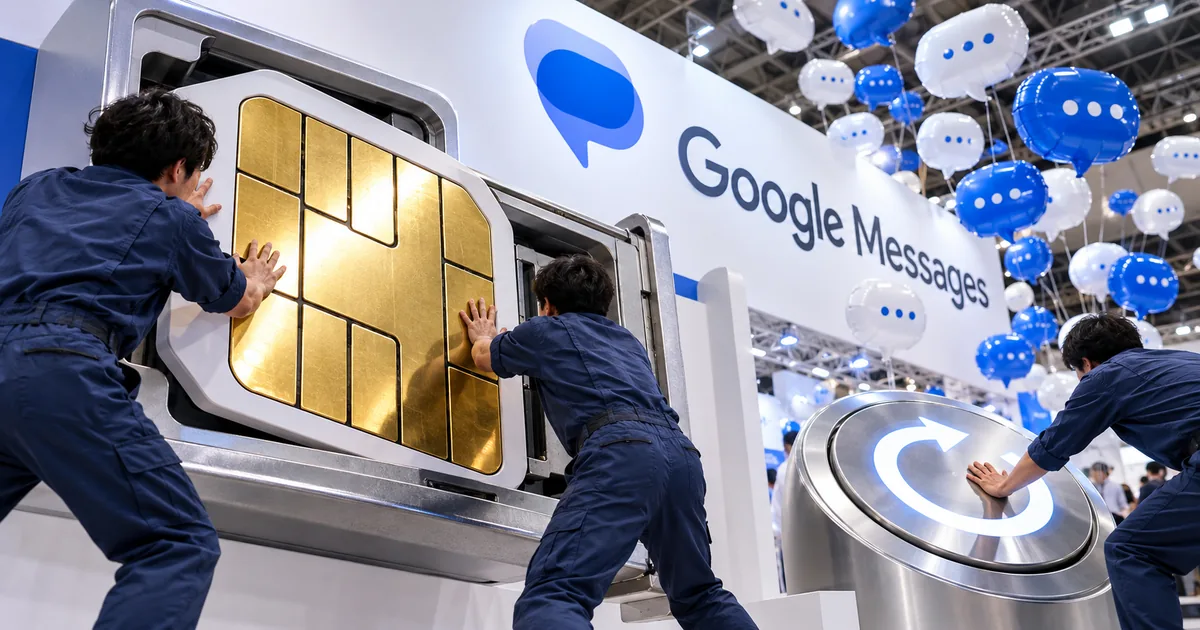
Restart first when Messages asks you to insert a SIM card
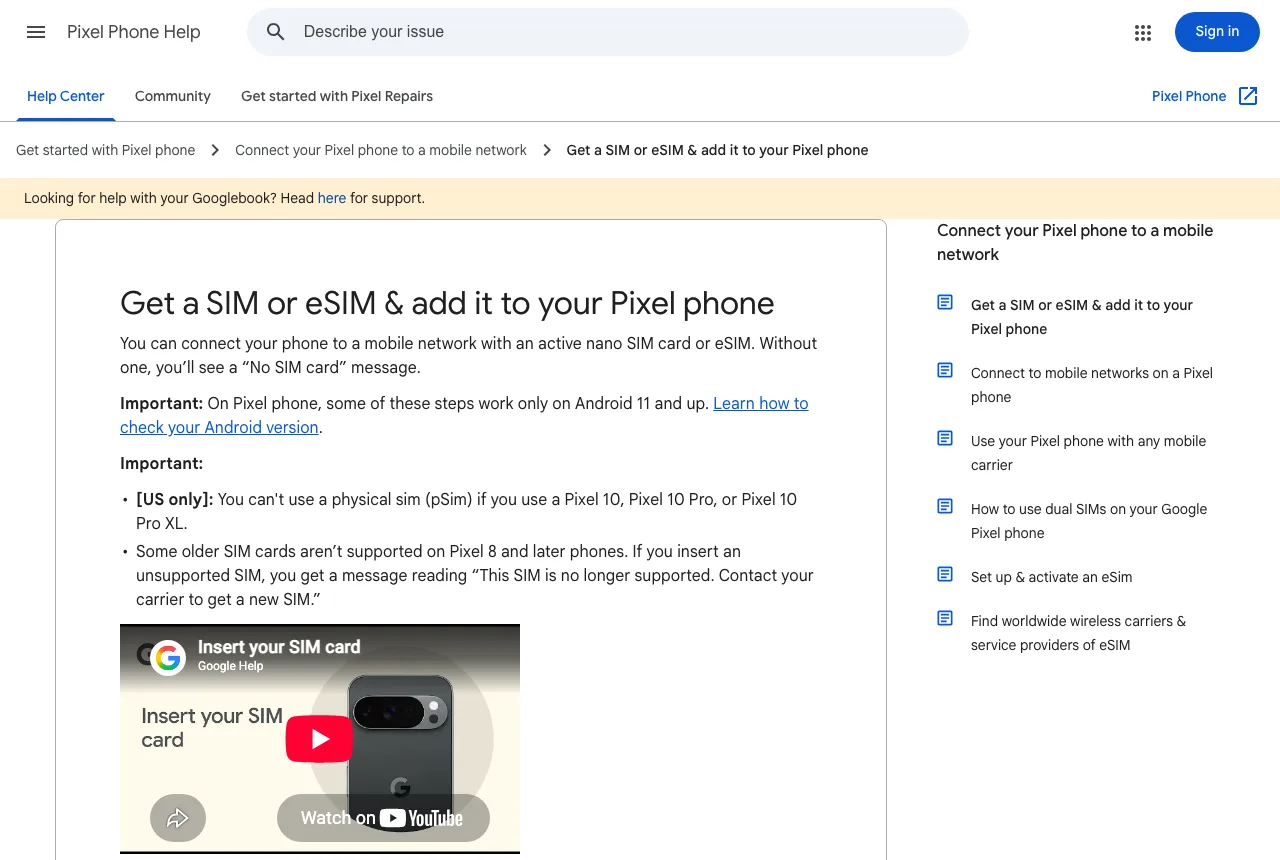
If you inserted the SIM and have not restarted since, restart the phone now. Google's Pixel help says you may need a restart to get mobile service after adding a SIM. A restart changes no settings, which makes it the cheapest thing to try.
To restart a Pixel that is on, press the power button for about 3 seconds, then tap Restart. You do not need to take the SIM out first.
What happened on a Pixel 10a set up without a SIM
I set up my Pixel 10a on Wi-Fi only and inserted a physical SIM from the Japanese carrier Japan Communications afterward. Calls went through in both directions and texts arrived. But when I replied to a text in Google Messages, the app asked me to insert a SIM card to continue and the reply did not send.
The SIM was in and the phone could make calls, so the message seemed to point at a faulty card or a badly seated tray. What I had not done was restart the phone even once since inserting the SIM.
One restart was enough to send the reply
After one restart, the reply went out from the same conversation. I did not change any setting or take the SIM out.
If you just moved your number to a Pixel, restart it once before you start texting. That keeps the insert-SIM message from showing up at the moment you need to reply.
You may need to restart your phone to get mobile service. — from Pixel Phone HelpView official source →
Why Google Messages is not sending without a working SIM
Google Messages asks for a SIM when the phone cannot use the one inside it. A plain text message travels over your carrier's network, and the SIM is what lets the phone onto that network.
Calls and incoming texts can still work while replies fail. Right after the SIM went in, my Pixel 10a was in exactly that state, and a restart cleared it.
Texts need the SIM even on Wi-Fi
Being on Wi-Fi does not let an SMS go out without the SIM. Google's Pixel help puts it simply: without an active SIM card or eSIM, the phone shows a "No SIM card" message and cannot connect to a mobile network.
Wi-Fi can carry a message only when RCS chats are turned on. Anything that falls back to SMS still needs the SIM, which is why the error points at the card rather than your internet connection. If Android text messages are not sending from any app, the same SIM check applies.
You can connect your phone to a mobile network with an active nano SIM card or eSIM. Without one, you’ll see a “No SIM card” message. — from Pixel Phone HelpView official source →
Pairing with a computer is not the cause
Pairing Google Messages with a computer or tablet does not take the SIM away from the phone. Messages for web shows what is on the phone, and the phone still does the sending.
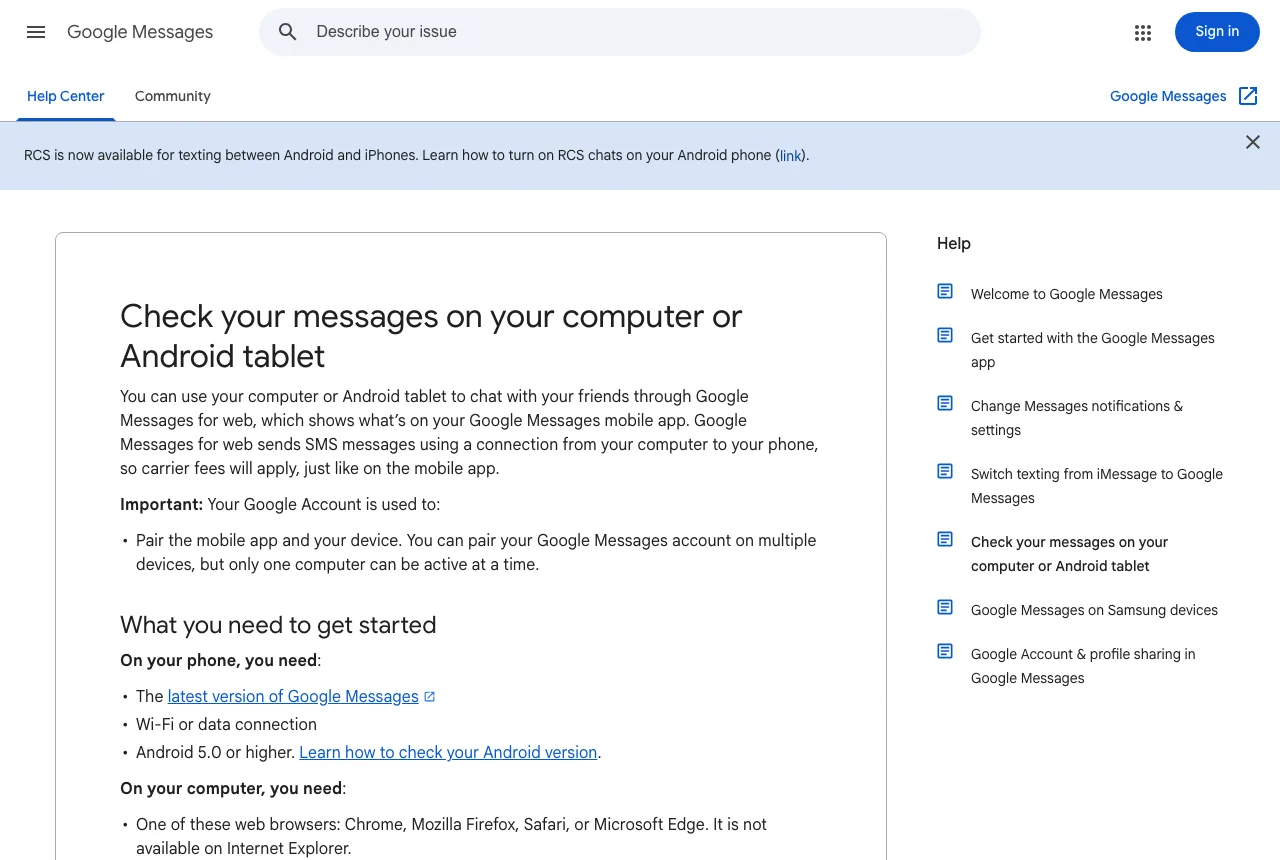
Google says Messages for web sends SMS through a connection from your computer to your phone, which is why carrier fees still apply. Unpairing will not change the SIM, so you can leave the pairing alone.
Google Messages for web sends SMS messages using a connection from your computer to your phone, so carrier fees will apply, just like on the mobile app. — from Google Messages HelpView official source →
Four fixes to try if a restart does not help
If the restart did not fix it, work through these four steps in order and stop as soon as a reply goes out. They run from least effort to most.
- Check Use SIM and the default SMS app
- Clear the cache of the Messages app
- Power off and reseat the SIM card
- Reset mobile network settings
Check Use SIM and the default SMS app
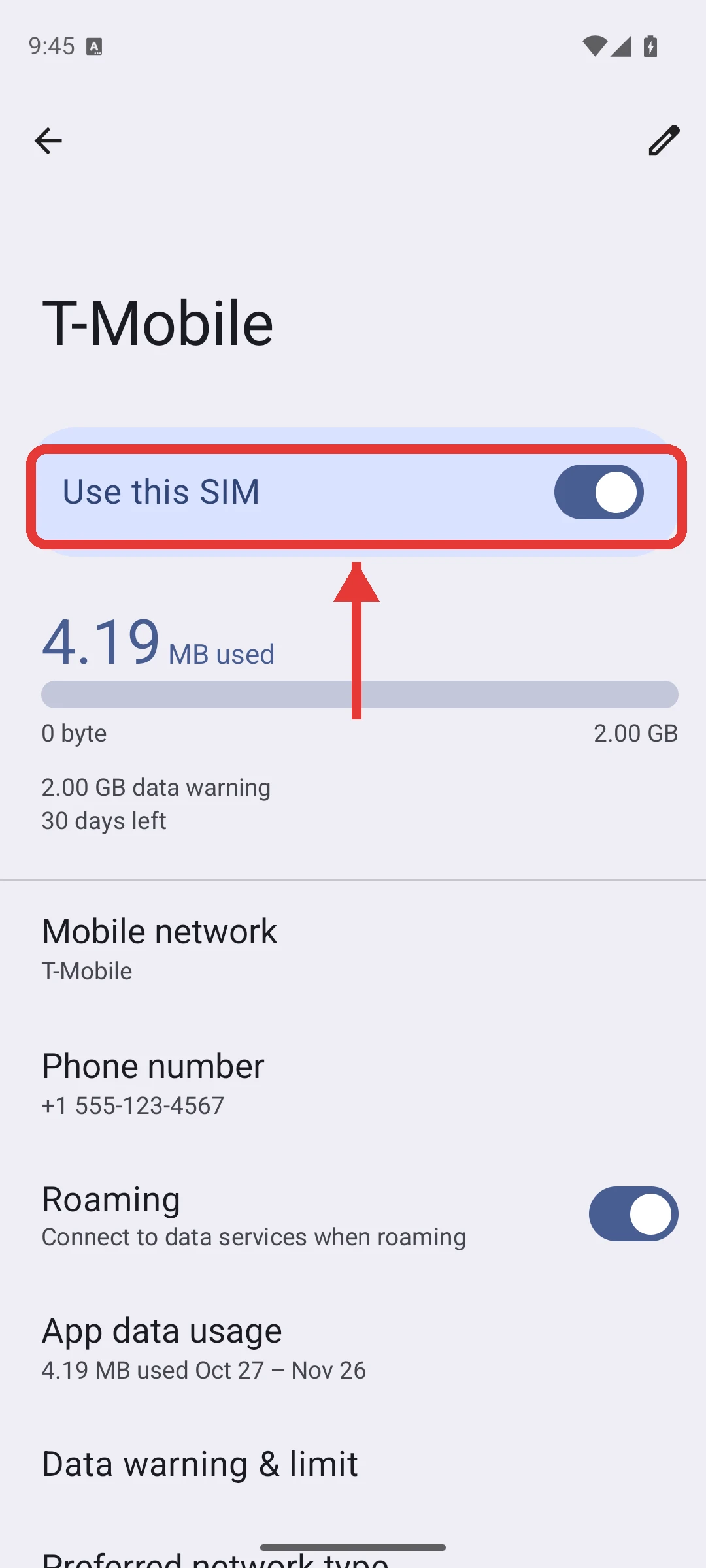
If the Use SIM switch is off, the phone will not send texts even with a SIM in the tray. Open Settings, go to Network & internet, then SIMs, and tap your carrier's name.
Turn on Use SIM if it is off. On Android 16 the switch reads Use this SIM.
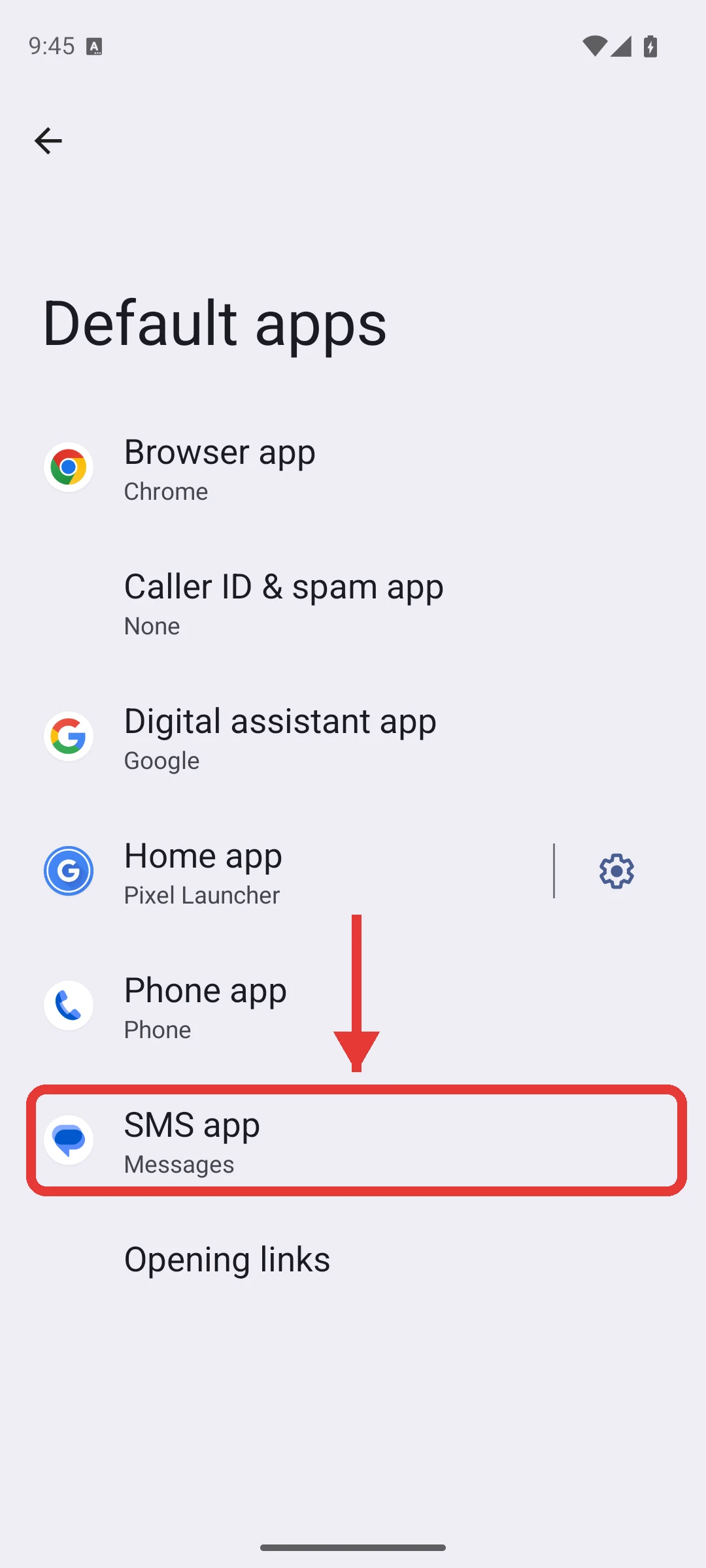
Next, open Apps, then Default apps, then SMS app, and make sure Messages is selected. If another texting app is the default, Google Messages cannot send.
Make sure “Use SIM” is on. — from Pixel Phone HelpView official source →
Verify that Google Messages is set as your default texting app. — from Google Messages HelpView official source →
Clear the cache of the Messages app
Clearing the cache removes temporary files and leaves your conversations in place. Open Settings, then Apps, then See all apps, then Messages, then Storage & cache, and tap Clear cache.
Do not tap Clear storage on the same screen. That button erases everything the app has saved.
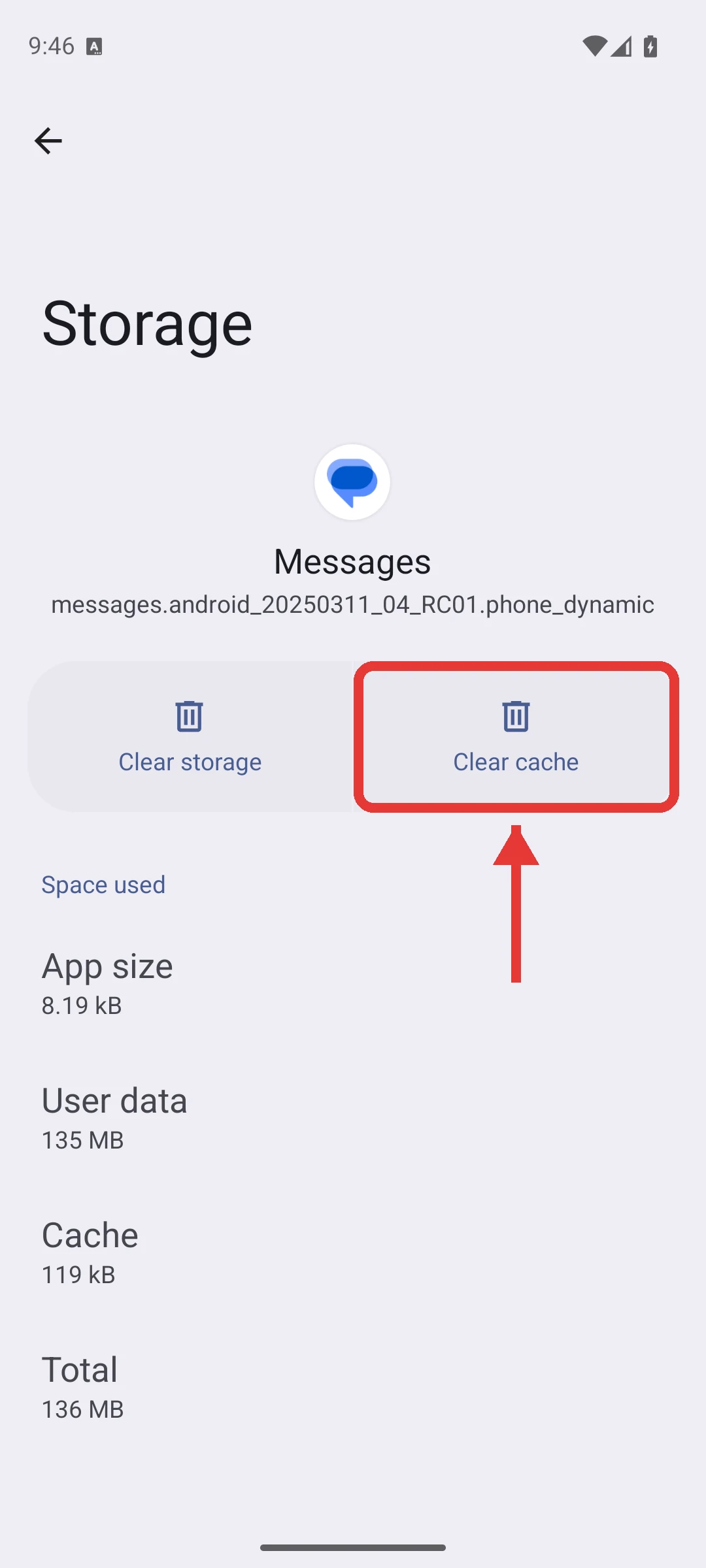
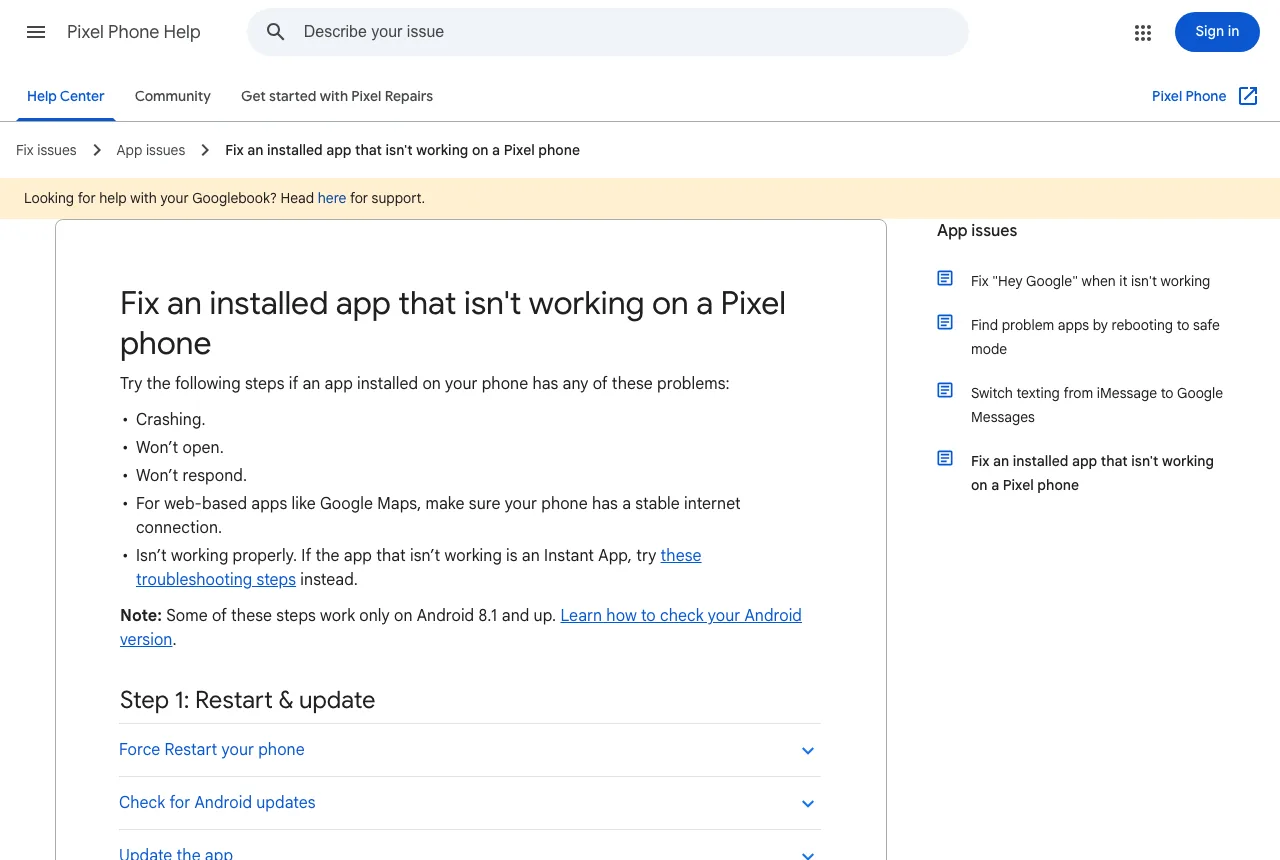
Clearing cached data can free up needed space by removing temporary files. / Any data saved in this app will be erased. — from Pixel Phone HelpView official source →
Power off and reseat the SIM card
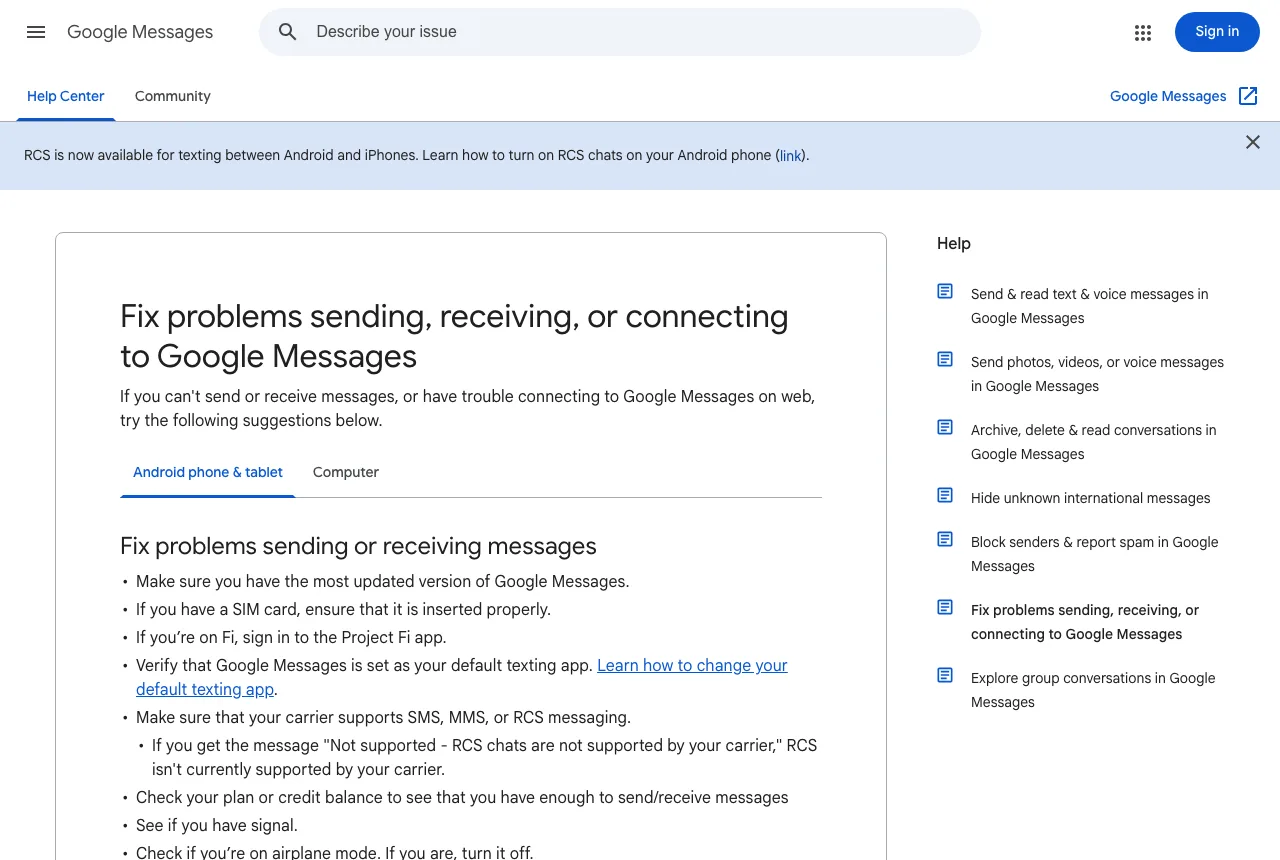
Google's Messages help asks you to make sure the SIM card is inserted properly, and reseating it is how you check. Turn the phone off, push a SIM eject tool into the hole beside the tray, slide the tray out, and set the card back in.
Check that the card lies flat in the tray and faces the right way before you push the tray back. Then turn the phone on and try the reply again.
If you have a SIM card, ensure that it is inserted properly. — from Google Messages HelpView official source →
Reset mobile network settings
A Pixel can reset its mobile network settings without touching your saved Wi-Fi networks. Open Settings, go to System, then Reset options, and tap Reset mobile network settings.
The option to avoid here is Reset Bluetooth & Wi-Fi, which sits on the same screen. It deletes saved Wi-Fi connections and is not needed for texts.
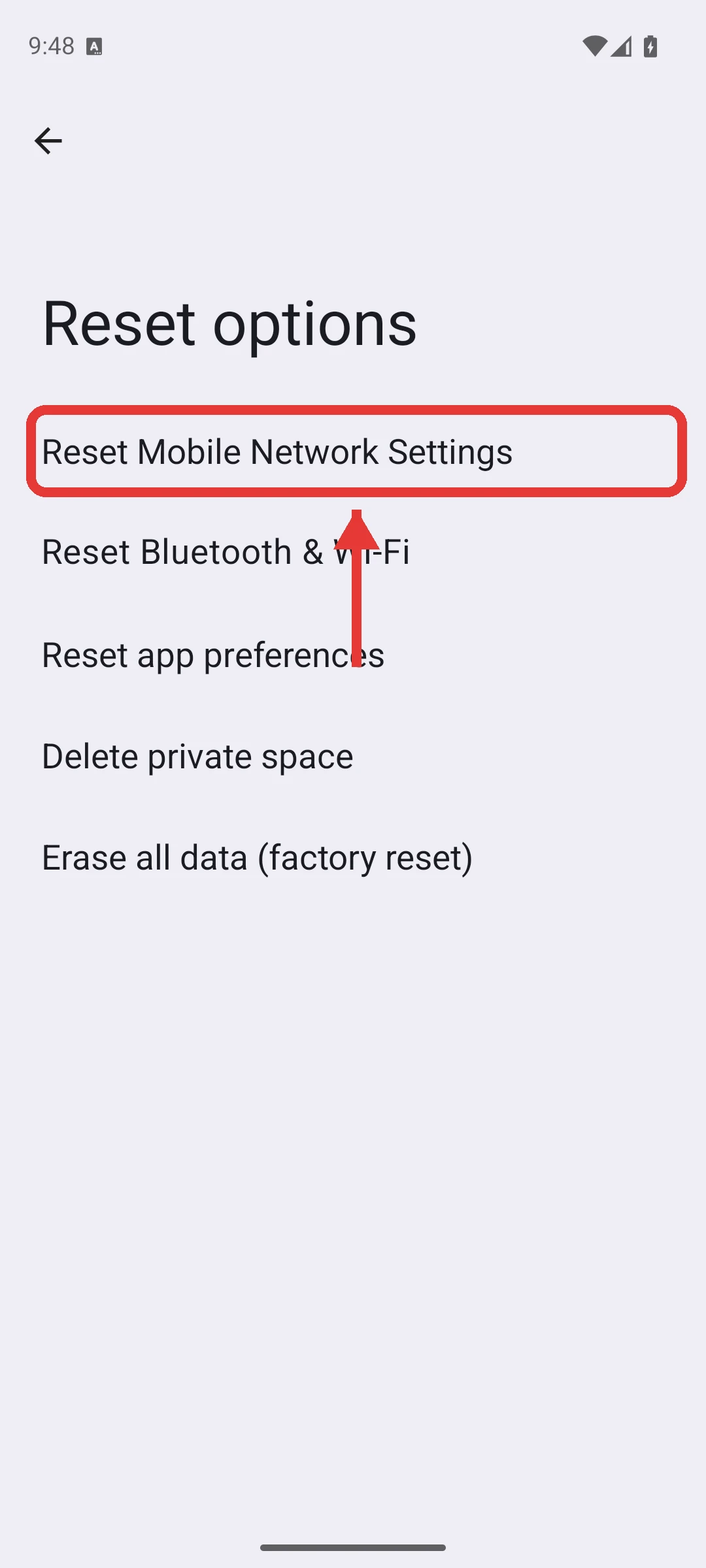
This option deletes your saved Wi-Fi connections. — from Pixel Phone HelpView official source →
Test the SIM in another phone, then call your carrier
What the other phone tells you
| Result in the other phone | Likely cause |
|---|---|
| Texts still fail | The SIM or your plan |
| Texts send | A setting on the Pixel |
If none of the four fixes worked, the problem is more likely the SIM itself or your plan than a setting on the phone. Moving the SIM to another phone, as the table shows, tells you which side to chase.
Move the SIM to another phone
If texts also fail in another phone, the SIM or the plan is at fault. If your old phone is still around, put the SIM back in it and send a text.
If the text goes out from the other phone, the SIM is fine, so go back to the Pixel and run the four fixes again. If it fails in the other phone as well, ask your carrier for a replacement SIM.
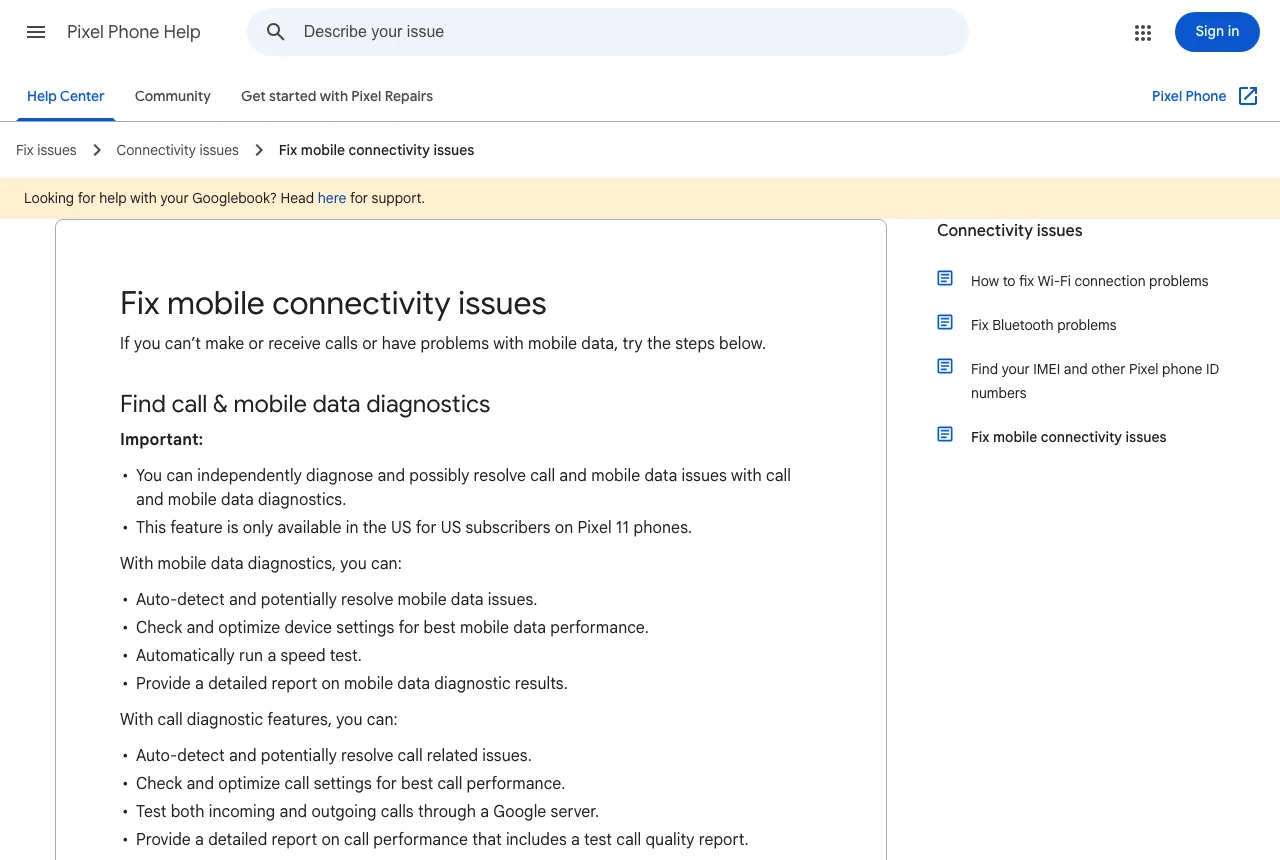
If the issue persists and you have another phone, install the SIM card into the other phone to see if the issue is with the SIM card. / Contact your carrier for a replacement SIM card. — from Pixel Phone HelpView official source →
Ask your carrier about SMS and a replacement SIM
Some mobile plans do not include SMS. On a plan like that, the SIM can be working perfectly and texts still will not send.
If you are not sure what your plan covers, ask your carrier whether it includes SMS. Ask whether they can add texting to the plan or move you to one that has it, and request a replacement SIM if the card turns out to be the problem.
Make sure that your carrier supports SMS, MMS, or RCS messaging. — from Google Messages HelpView official source →
Add a restart to every SIM swap
When you set up a phone on Wi-Fi and add the SIM later, restart it right after the SIM goes in. Calls and incoming texts start working first, so a phone that cannot send yet looks perfectly fine until you try to reply.
That first failed reply is also the moment it is easiest to blame the SIM. One line in your switching routine, "insert SIM, then restart," avoids that scare. And before you call the move finished, send one text yourself: watching it go out is the only way to know that Google Messages is not stuck on sending.
FAQ
- I switched from an iPhone and texts from iPhone users stopped arriving. Why?
- Your phone number may still be registered with iMessage, so iPhones may keep routing messages to iMessage instead of sending them to you by SMS. Apple says you might need to deregister iMessage if you switched to a non-Apple phone and are not getting RCS or SMS messages. You can do it from the old iPhone, or online if you no longer have it.
- Which SIM sends my texts if I use two SIMs?
- The SIM you picked for text messages in Settings. A Pixel 3a or later can run one physical SIM and one eSIM at the same time, and you choose which one handles calls and which handles texts on the SIMs screen. After moving your number, check that texts are set to go out on the line you expect. One exception: a Pixel 3a bought in Japan cannot hold two SIMs.
- What is the difference between RCS chats and SMS?
- RCS is a newer messaging standard, and with RCS chats turned on it can send messages over Wi-Fi. SMS travels over the carrier's network, so it needs a working SIM. When a chat falls back to SMS, a phone that cannot use its SIM will not send the message.
Related articles
 Keyboard symbols: names and how to type all 33Keyboard symbols: names and the keys that type them in a searchable list, plus Alt codes and Mac Option shortcuts for special characters not on the keyboard.
 AI fact check: only 40% of cited stats hold upAI fact check: Trakkr traced 1,285 stats cited by ChatGPT, Perplexity, Gemini, Claude and AI Overviews. Only 40% led to a matching study. How to check one.
 Reddit to require logins as search referrals fallReddit will test a logged-in-only site outside the US in Q4. Search referrals fell over 1M a week in October; its CEO says Google's AI Mode drives no traffic.
 AI crawler training opt-out in one robots.txt ruleAI crawler training opt-out now takes one robots.txt rule. OpenAI, Google and Microsoft will honor it, Microsoft from Feb. 1, 2027. Until then, name each bot.