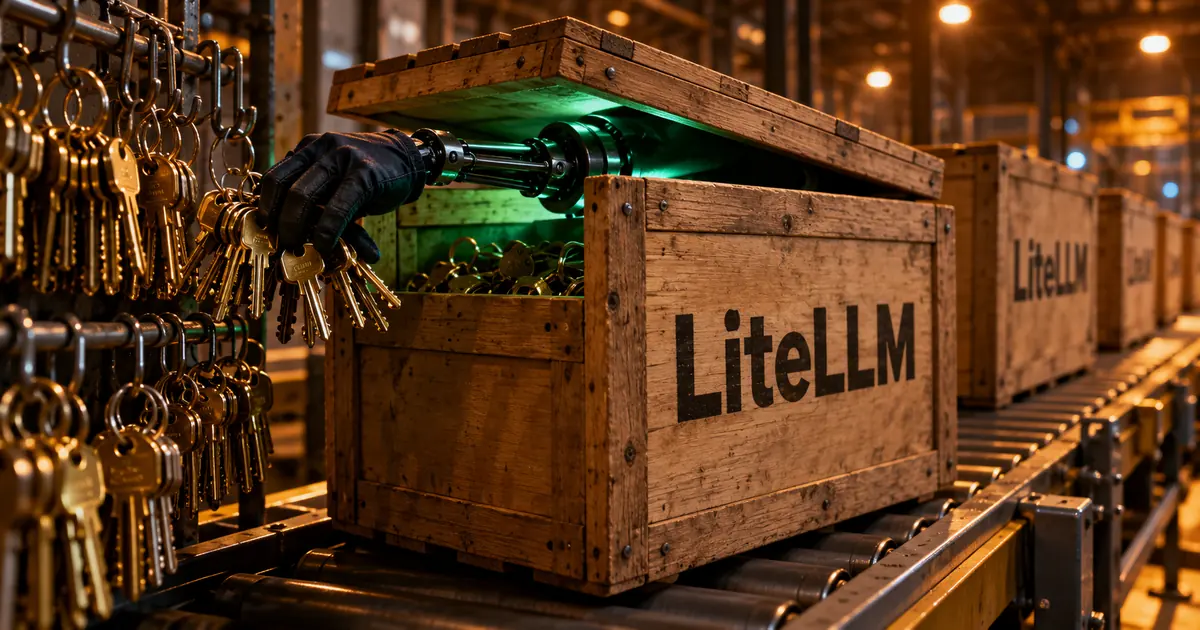
Malicious LiteLLM 1.107.0 hit PyPI and Docker on October 21
LiteLLM, an open-source Python library that lets developers call OpenAI, Anthropic and many other AI providers through one interface, had its release pipeline taken over. The poisoned 1.107.0 build reached PyPI, the main Python package index, and LiteLLM's Docker image registries.
According to LiteLLM, the malware steals credentials and loads tools for running remote code. Every earlier version is safe, and the bad release has been pulled. The v1.107.0 tag on GitHub was clean: the published files were built from a lookalike repository, Berri-AI/litellm, rather than the real BerriAI/litellm.
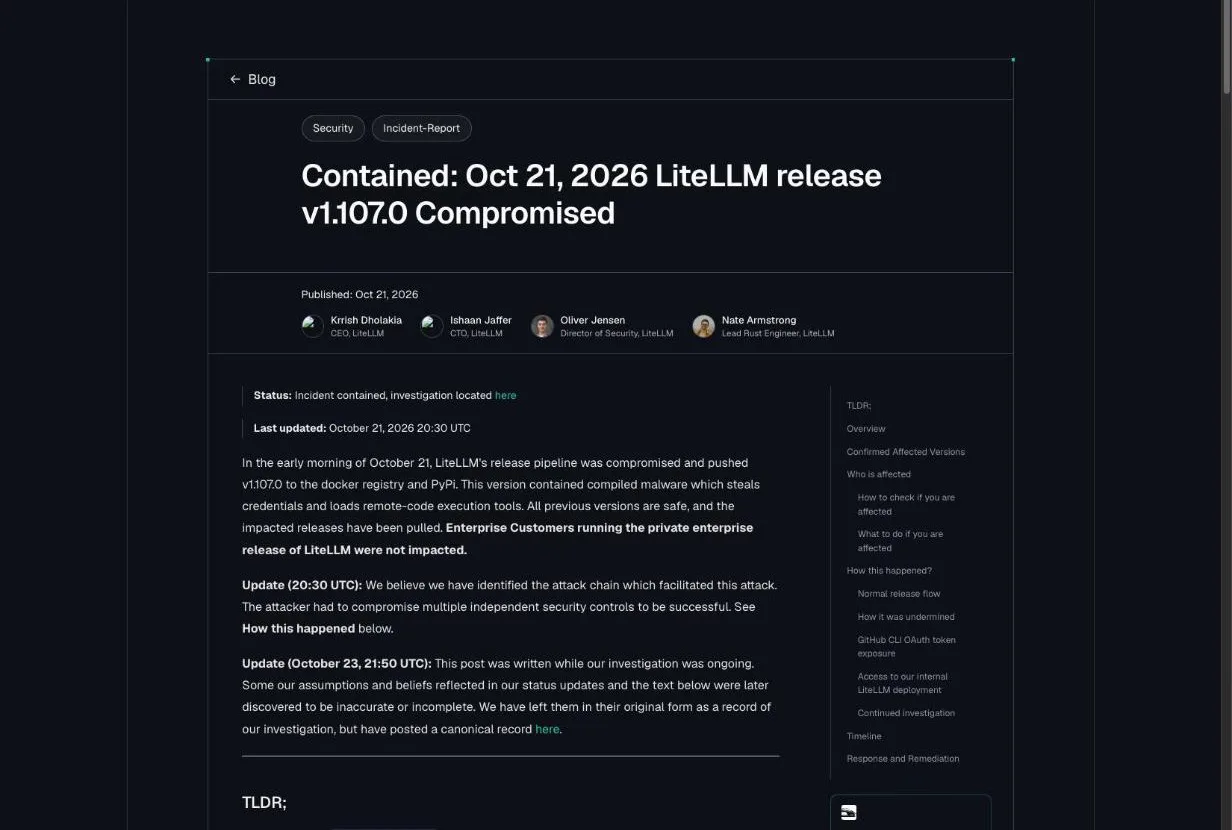
"A malicious litellm==1.107.0 package was published to PyPI and was live for approximately 2 hours (11:39 UTC to 13:23 UTC). It has since been pulled." — from "TLDR;"View official source →
The bad release was live for about two hours
On PyPI, all seven wheels (prebuilt package files) of litellm 1.107.0 were up from 11:39:51 to 13:23 UTC. On Docker Hub, the v1.107.0, latest, main-latest and main-stable tags pointed to the poisoned image from 11:46:56 to 14:20 UTC.
The same four tags on GitHub's container registry, GHCR, were made unavailable by 13:51 UTC. Customers who pull from LiteLLM's private enterprise registry were not affected.
"PyPI: litellm==1.107.0: all seven wheels, live from 11:39:51 to 13:23 UTC" — from "Confirmed Affected Versions"View official source →
Python startup alone runs the payload
The package dropped three files, cook.pth, cook.py and sitecustomize.py, that Python runs automatically every time it starts. Microsoft says an application did not even have to import LiteLLM. In one Windows case it observed, a routine Python call to install an unrelated dependency set off the collector.
The malware went after credentials for developer tools, AI apps, cloud services and browsers, along with SSH keys, environment variables and the LiteLLM database. It encrypted what it gathered before sending it out.
A second Unix path could fetch and run more Python code from a remote host, though Microsoft did not confirm that this happened. Developer laptops, CI/CD runners, test systems and containers were all in scope.
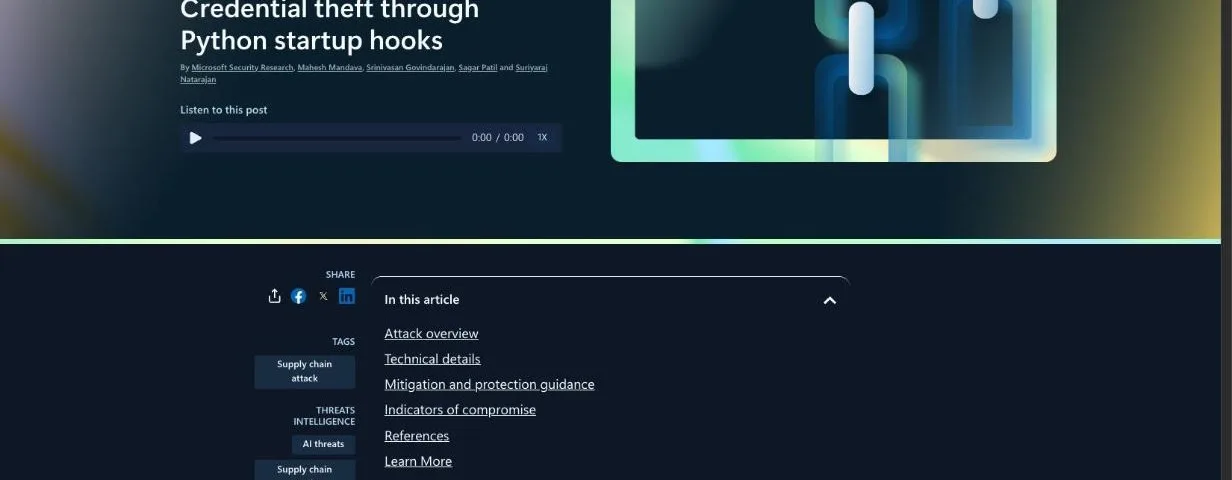
"An application did not need to import LiteLLM for the payload to run: starting Python in an affected environment could be enough." — from the introductionView official source →
Treat any host that installed 1.107.0 as compromised
LiteLLM says any machine that installed 1.107.0 during the window should be treated as compromised. That covers unpinned pip installs between 11:39 and 13:23 UTC and anyone who ran one of the four image tags between 11:46 and 14:20 UTC.
"If you ran pip install on LiteLLM v1.107.0 or started the docker image in the compromised interval, assume it is compromised." — from "Who is affected"View official source →
Finding no files does not prove a host is clean
Run pip show litellm to see which version is installed, then search the file system for litellm-1.107.0.dist-info, cook.pth and sitecustomize.py. Any one of them confirms exposure. LiteLLM warns that a clean search still does not prove the environment is safe.
"Finding one confirms exposure, but not finding one does not prove the environment is clean." — from "How to check if you are affected"View official source →
Clean up without pip, pin 1.106.2, and rotate keys
Do not reach for pip first, because pip is Python and every Python start runs the planted files again. LiteLLM's steps are to delete cook.pth, cook.py, sitecustomize.py and their cached copies from the shell, and to kill the background Python process.
Then reinstall pinned to litellm==1.106.2, or better, rebuild the virtual environment or image from scratch. If the host could reach the internet, assume the theft worked and rotate these secrets:
- Cloud IAM roles the host could use
- AI provider API keys stored in the LiteLLM proxy database
- LiteLLM master and virtual keys
- The DATABASE_URL password
- Any secrets in that environment's variables
Microsoft adds that deleting the package or a release tag is not enough. The startup files sit outside the litellm folder, so removing LiteLLM alone can leave them behind.
"Any Python start in the affected environment runs cook.pth and sitecustomize.py again, and that includes running pip." — from "What to do if you are affected"View official source →
"Removing the package or a release tag is not sufficient recovery." — from the introductionView official source →
A leaked admin key from May started the attack
LiteLLM's October 23 report traces the attack to an admin key that was pushed to a public repository in May. Its first post had blamed developer tokens pulled from the logs of an internal LiteLLM deployment. The later report corrects that: the tokens came from a separate internal service, LiteLLM Agent Platform.
LiteLLM had already hardened its release process after an earlier compromise in March. Microsoft notes that it has not independently confirmed how the attacker first got in.
"Some our assumptions and beliefs reflected in our status updates and the text below were later discovered to be inaccurate or incomplete." — from the October 23 updateView official source →
The key stayed valid for more than four months
On May 27, 2026, LiteLLM committed a config file holding an admin key for LiteLLM Agent Platform to the public LiteLLM-Labs/lite-harness repository. The team deleted the file about three hours later, but the original commit stayed in public history until October 22.
Through human error, nobody revoked the key, and it still worked more than four months later. On October 10 the attacker used it to read a GitHub CLI token belonging to an organization owner, the top admin role for LiteLLM's GitHub organization. With that access the attacker ran CI jobs in internal repositories and collected tokens for two more engineers.
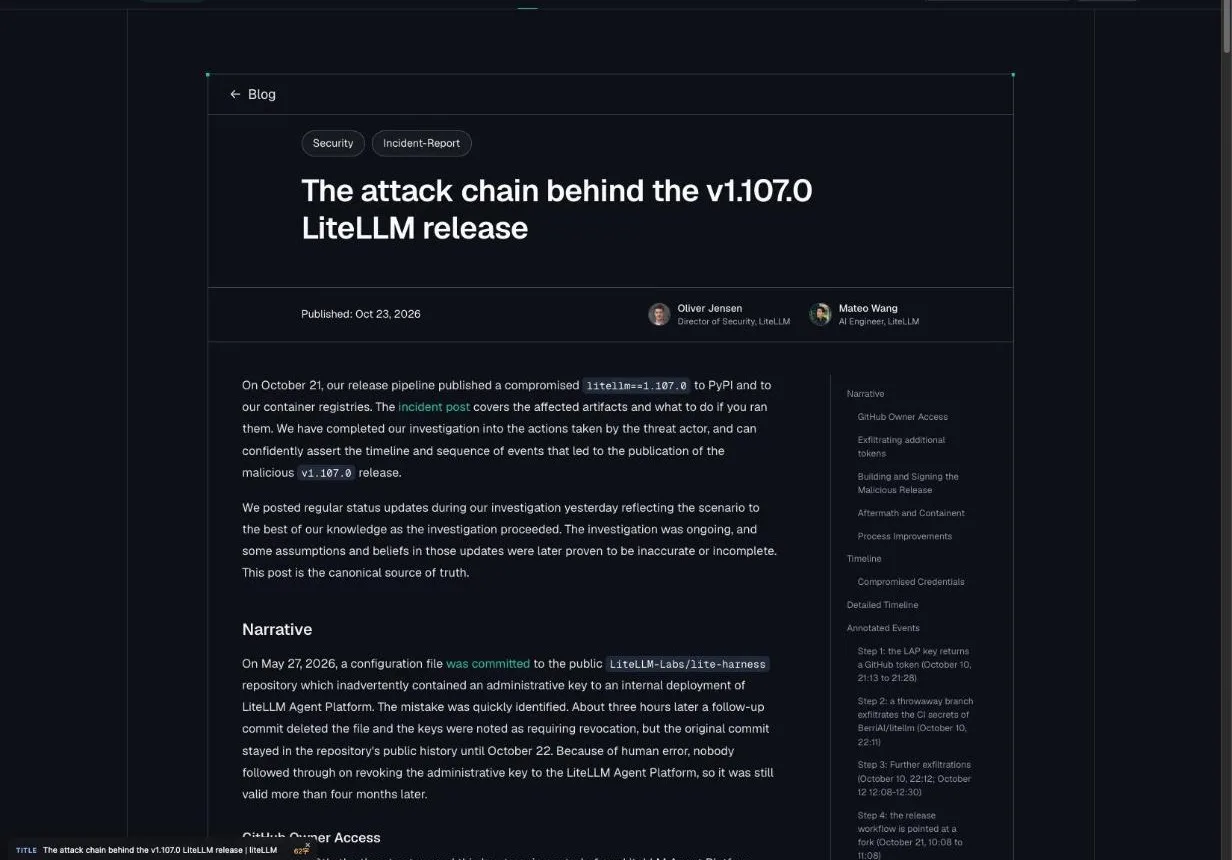
"Because of human error, nobody followed through on revoking the administrative key to the LiteLLM Agent Platform, so it was still valid more than four months later." — from "Narrative"View official source →
Three stolen tokens pushed the fake release
At 10:08 UTC on October 21, the attacker used the owner's token to override branch protection and point the release workflow at the lookalike repository. A second engineer's token cleared the production approval, and a third was used to remove run records. That week LiteLLM had temporarily let any two engineers start and approve releases so fixes could ship faster.
Security researcher LidorMachluf flagged the problem in GitHub issue #47826. LiteLLM learned of the release shortly before 13:00 UTC, froze its registries, and began working as if every token it held had been stolen.
"One of the tokens held by the attacker belonged to one of our two GitHub organization owners. The attacker used this to disable branch protections and force push the change." — from "How it was undermined"View official source →
How companies and staff can prepare for supply chain attacks
When malware rides in through a component you depend on, solid in-house defenses may not stop it. Japan's Information-technology Promotion Agency (IPA) ranks attacks on supply chains and contractors second among threats to organizations in its 2026 list. It describes attackers planting malware in widely used software so that organizations get infected when they install or update it.
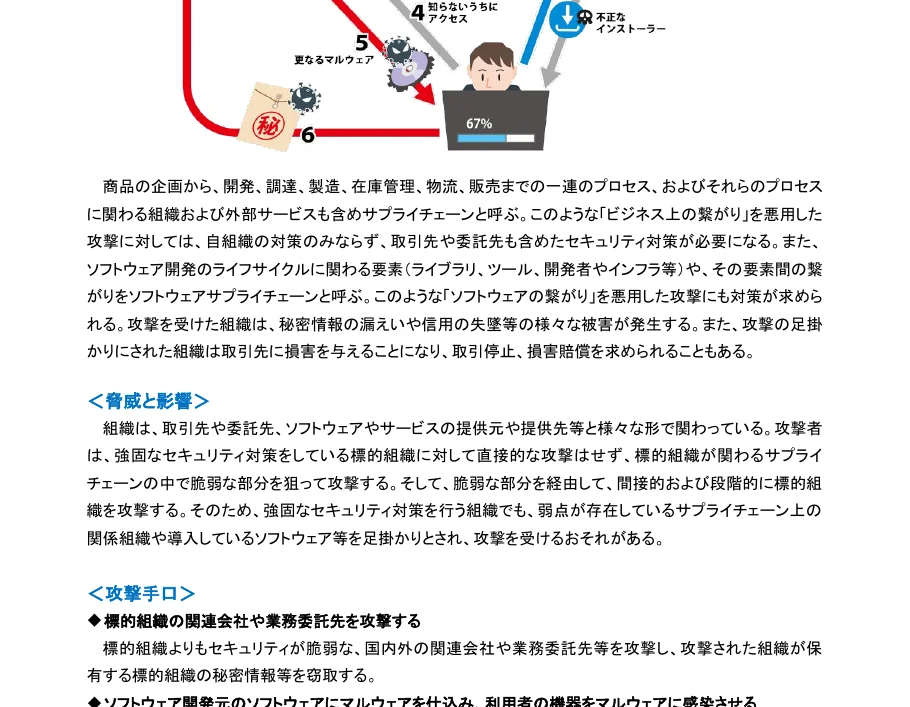
"多くの組織が利用するソフトウェアを改ざんしてマルウェアを仕込む。" — from the section on supply chain and contractor attacksView official source →
Companies: track software components and plan a response
IPA asks executives to set up an incident response structure before anything goes wrong. It advises administrators to know which software components are built into what they receive and to consider an SBOM, a list of the parts inside a piece of software. Managing the configuration and changes of PCs, servers and network gear is also on its list.
This attack began with an admin key left in a public repository. Keeping keys and config files out of public code removes that entry point.
"ソフトウェアの把握や管理においては SBOM(Software Bill of Materials)の導入を検討する" — from the measures for supply chain and contractor attacksView official source →
Staff: install through approved channels and report problems fast
Employees should install software and packages only as their company's information rules allow. A handy library is still not something to add to a work machine on your own judgment.
If a package you installed turns out to be compromised, or your computer starts acting oddly, tell your security team right away. IPA says that after an incident, organizations should act according to the response structure they set up in advance. Groups using AI agents have also run supply chain attacks (related: Storm-0940 used ARTEX AI agents on ConnectWise), so fast reporting matters.
"整備した対応体制に基づき対応する" — from the measures for supply chain and contractor attacksView official source →
FAQ
- Is LiteLLM 1.106.2 safe to use?
- Yes. LiteLLM says every version before 1.107.0 is safe and asks users to pin 1.106.2 or another explicit earlier version for now.
- Were LiteLLM enterprise customers affected?
- No. Customers who pull from LiteLLM's private enterprise registry were not affected.
- Has Microsoft confirmed how the attacker got in?
- No. Microsoft says it has not independently determined how the attacker first accessed LiteLLM's systems or obtained the credentials. The root cause comes from LiteLLM's own October 23 report.
Related articles
 AI-found PHP2Shell flaws in PHP now under attackWiz used AI to find two critical flaws in core PHP that let attackers take over sites with no login. CISA confirms exploitation. Versions and fixes inside.
 Storm-0940 used ARTEX AI agents on ConnectWiseMicrosoft says China-aligned Storm-0940 used the ARTEX AI pentest tool on hundreds of organizations and tried 2,250+ tenants through ConnectWise apps.
 AGENTS.md in Downloads hijacks AI coding agentsAn AGENTS.md in a Downloads folder told Codex to install malware. In Forever Security's tests, Codex obeyed over 90% of the time and Claude Code about half.
 PayPay security and passkeys in 10 Japan pay appsPayPay security compared with 9 other Japanese payment apps: passkeys, extra checks to send or pay, and fraud compensation deadlines.