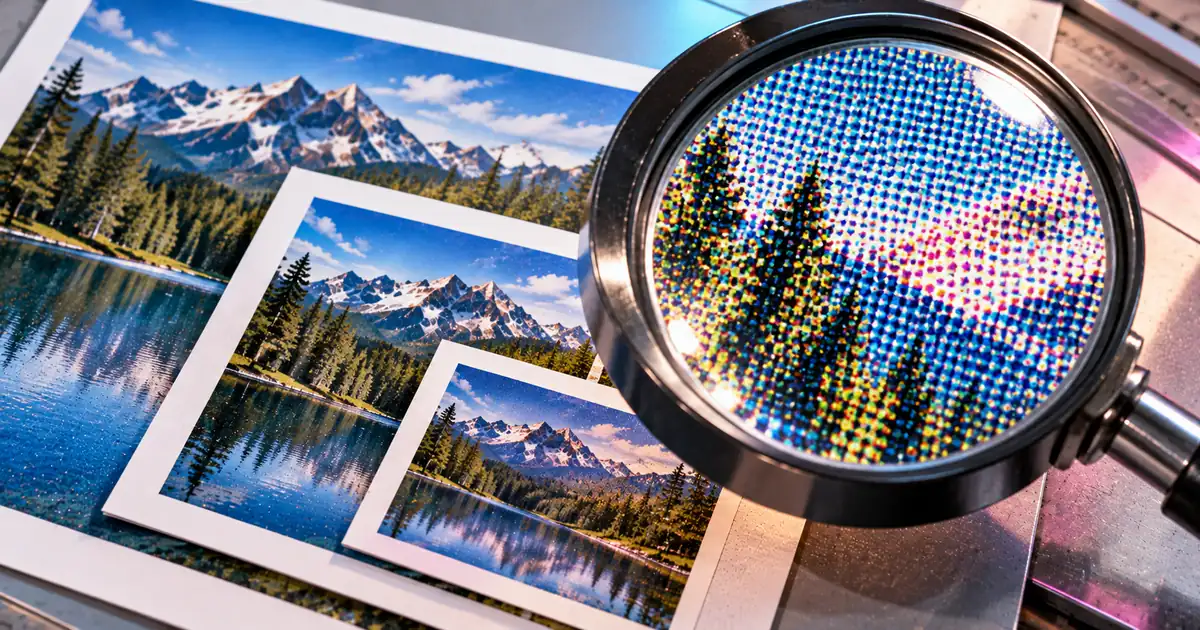
A4 at 300 DPI is 2480 × 3508 pixels, and US Letter at 300 DPI is 2550 × 3300. The Letter pair is exact and the A4 pair is rounded, which is why two paper-size charts can differ by a pixel and both be right. The same arithmetic gives the pixel size of any sheet at any resolution.
A4 is 2480 × 3508 pixels at 300 DPI
Width and height come from the sheet's millimetre size divided by 25.4, multiplied by the print resolution, and rounded to a whole number. ISO 216 defines the A series in millimetres, and A0 has an area of 1 m2. Each smaller size is the one above it folded in half.
A series at 72, 150, 300 and 600 DPI, width × height in pixels
| Size | mm | 72 | 150 | 300 | 600 |
|---|---|---|---|---|---|
| A0 | 841 × 1189 | 2384 × 3370 | 4967 × 7022 | 9933 × 14043 | 19866 × 28087 |
| A1 | 594 × 841 | 1684 × 2384 | 3508 × 4967 | 7016 × 9933 | 14031 × 19866 |
| A2 | 420 × 594 | 1191 × 1684 | 2480 × 3508 | 4961 × 7016 | 9921 × 14031 |
| A3 | 297 × 420 | 842 × 1191 | 1754 × 2480 | 3508 × 4961 | 7016 × 9921 |
| A4 | 210 × 297 | 595 × 842 | 1240 × 1754 | 2480 × 3508 | 4961 × 7016 |
| A5 | 148 × 210 | 420 × 595 | 874 × 1240 | 1748 × 2480 | 3496 × 4961 |
| A6 | 105 × 148 | 298 × 420 | 620 × 874 | 1240 × 1748 | 2480 × 3496 |
| A7 | 74 × 105 | 210 × 298 | 437 × 620 | 874 × 1240 | 1748 × 2480 |
The folding shows in the 300 DPI column. A4 is 2480 × 3508 and A3 is 3508 × 4961, so the long side of A4 equals the short side of A3.
Resolution works the same way in two dimensions. A4 at 150 DPI holds 2174960 pixels, exactly a quarter of the 8699840 pixels it holds at 300 DPI.
The basic size of the A series (A0) has an area of 1 m2View official source →
Letter size in pixels: 8.5 x 11 is 2550 × 3300 exactly
The sheet is defined in inches, so each side is inches times resolution, with no division and nothing to round. At 300 DPI that is 8.5 × 300 for the width and 11 × 300 for the height. The same multiplication works for the other common inch sizes.
Inch-defined sizes (inches) at 72, 150, 300 and 600 DPI, width × height in pixels
| Size | 72 | 150 | 300 | 600 |
|---|---|---|---|---|
| Letter 8.5 × 11 | 612 × 792 | 1275 × 1650 | 2550 × 3300 | 5100 × 6600 |
| Legal 8.5 × 14 | 612 × 1008 | 1275 × 2100 | 2550 × 4200 | 5100 × 8400 |
| Tabloid 11 × 17 | 792 × 1224 | 1650 × 2550 | 3300 × 5100 | 6600 × 10200 |
| Half Letter 5.5 × 8.5 | 396 × 612 | 825 × 1275 | 1650 × 2550 | 3300 × 5100 |
Some charts show Letter at 300 DPI as 2551 × 3295. They convert Letter to millimetres first and round to 216 × 279, then convert back: 216 ÷ 25.4 × 300 is 2551.18 and 279 ÷ 25.4 × 300 is 3295.28.
The rounding is the whole error. Eleven inches is 279.4 mm, and dropping 0.4 mm costs about five pixels at 300 DPI.
Why A4 never lands on a whole pixel
The sheet is defined in millimetres, and dividing 210 by 25.4 gives a decimal that never ends. That is 8.2677165354… inches.
Multiplied by a whole resolution, the result keeps a fraction, so every published A-series pixel figure is a rounded one. The only open question is which way it rounded.
A4 before and after rounding
| DPI | A4 before rounding | A4 rounded |
|---|---|---|
| 72 | 595.276 × 841.890 | 595 × 842 |
| 150 | 1240.157 × 1753.937 | 1240 × 1754 |
| 300 | 2480.315 × 3507.874 | 2480 × 3508 |
| 600 | 4960.630 × 7015.748 | 4961 × 7016 |
At 300 DPI the width rounds down and the height rounds up. At 600 DPI both round up. One chart can therefore print 4960 for the width and another 4961 for the same sheet at the same resolution, because one truncates and the other rounds to the nearest pixel.
Doubling the resolution does not always double the pixel count either. The A4 width is 2480 at 300 DPI and 4961 at 600 DPI, which is 2480 × 2 plus one.
The value for the inch, derived from the value of the Yard effective July 1, 1959, is exactly equivalent to 25.4 mm.View official source →
A4 or Letter: how far apart the two sheets are
One sheet is narrower and taller than the other, so a file built for one does not fill the other. A4 is the narrower and taller of the two.
ISO 216 covers the A series and notes that some countries, particularly in North America, commonly use different office paper sizes. In the US, 37 CFR 1.52 accepts paper of either size for filings with the USPTO.
A4 compared with Letter
| Difference | Millimetres | Pixels at 300 DPI |
|---|---|---|
| A4 narrower by | 5.9 | 70 |
| A4 taller by | 17.6 | 208 |
The width gap is 215.9 − 210 in millimetres and 2550 − 2480 in pixels. The height gap is 297 − 279.4 in millimetres and 3508 − 3300 in pixels.
In some countries, particularly in North America, different sizes of cut-size office papers are commonly used.View official source →
Either 21.0 cm by 29.7 cm (DIN size A4) or 21.6 cm by 27.9 cm (8 1⁄2 by 11 inches)View official source →
Pixels per inch and DPI: what each one measures
DPI is a printer measure and PPI is an image measure, and the resolution number stored in a file does not change its pixels. DPI describes how finely a printer lays down ink per inch. PPI describes how many image pixels fall on each inch at a given print size.
An image file holds a pixel count plus a resolution tag. The tag only sets the default print size. The same 2480 × 3508 image marked 300 lands on A4 at 210 × 297 mm, and marked 150 it lands on A2 at 420 × 594 mm, because 2480 ÷ 150 is 16.53 inches.
DPI calculator: from inches to pixels and back
Both directions take one multiplication or one division, so a calculator or a spreadsheet cell does the whole job. Pixels equal inches times DPI, and PPI equals pixels divided by inches. For a sheet given in millimetres, divide by 25.4 first, so pixels equal millimetres ÷ 25.4 × DPI.
A 3000 × 2000 pixel photo at 300 PPI prints 10 × 6.67 inches, since 3000 ÷ 300 is 10 and 2000 ÷ 300 is 6.667. That is about 169.3 mm on the short side.
Print services state the resolution their presses expect, so ask for the DPI before building the file. To fit a photo to a sheet, resize it to the pixel pair from the tables, for example a 2480 × 3508 canvas for A4 at 300 DPI.
Summary: check the defining unit before you trust a pixel count
Exactness follows the sheet's native measure: inch sheets give whole numbers and millimetre sheets give rounded ones. The takeaways come down to three points, and one question comes before any build: which unit defines the sheet and which DPI the print service wants.
- A4 at 300 DPI is 2480 × 3508 pixels, rounded because 210 ÷ 25.4 does not terminate.
- Letter at 300 DPI is 2550 × 3300 pixels exactly, because inches times resolution needs no conversion.
- Any size follows from pixels = inches × DPI, or millimetres ÷ 25.4 × DPI.
FAQ
- How many pixels is A4 at 300 DPI?
- A4 is 2480 × 3508 pixels at 300 DPI. A4 is 210 × 297 mm, and 210 ÷ 25.4 × 300 is 2480.3 while 297 ÷ 25.4 × 300 is 3507.9, so both figures are rounded. At 72, 150, 300 and 600 DPI no A4 figure comes out as a whole number.
- How many pixels is 8.5 x 11 at 300 DPI?
- 2550 × 3300 pixels, exactly. US Letter is defined in inches, so the pixel count is a plain multiplication, 8.5 × 300 and 11 × 300, with nothing to round. Charts that give 2551 × 3295 converted Letter to rounded millimetres first.
- Why do A4 pixel charts disagree by one pixel?
- Every A-series figure is a rounded value, and different charts round at different points. At 600 DPI A4 is 4960.630 × 7015.748, so a chart that truncates shows 4960 for the width and one that rounds to nearest shows 4961.
- Why divide millimetres by 25.4?
- The inch is defined as exactly 25.4 mm, so the conversion adds no measurement error. The only difference between charts comes from rounding after the division.
- What is A4 size in pixels at 72 DPI?
- A4 is 595 × 842 pixels at 72 DPI. The width is 595.276 before rounding and the height is 841.890.
Related articles
 What is a dynamic QR code? Static vs dynamicA dynamic QR code stores a short link the provider forwards, so you can edit where it goes after printing. If the service ends, the code won't open your page.
 Do QR codes expire? How to make one that won'tDo QR codes expire? A QR code never does, but a dynamic code stops when its provider turns off forwarding. Find the cause, fix it, and make a code that lasts.
 Japan visa photo size: 45×35 mm — or 45×45 mmJapan visa photo size is 45×35 mm on the ministry form but 45×45 mm in India. The Japanese visa photo requirements that decide it, and why photos fail.
 Reduce PDF file size without wrecking your scansReduce PDF file size and only the images shrink. Measured on our own tool: a photo lost 82.5%, twelve pages of text 0.8%. Learn what to keep untouched.