
SynthID Detector is now open to everyone
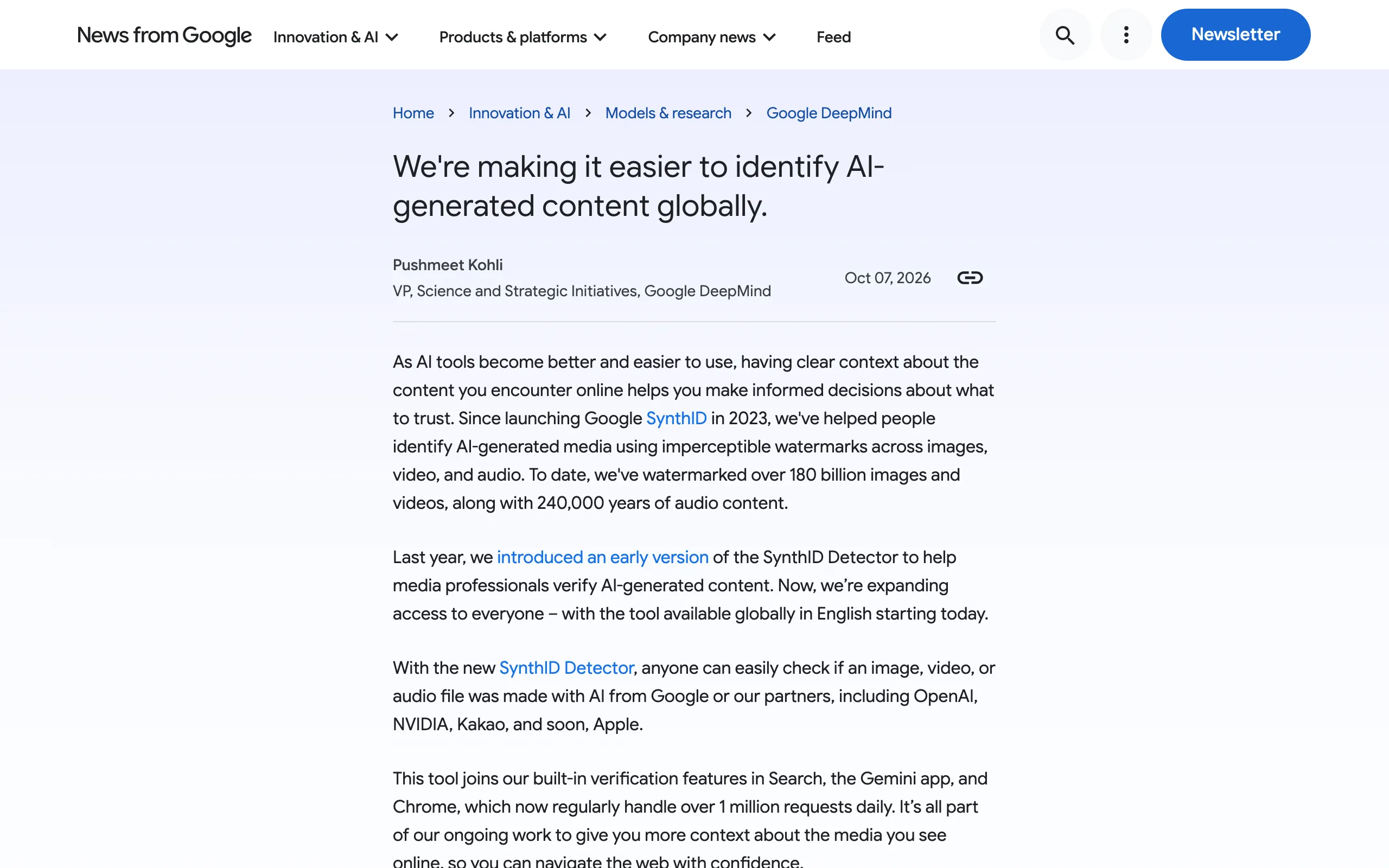
SynthID Detector is a Google website that tells you whether a file carries a SynthID watermark. You upload an image, a video or an audio clip, and the site reports whether the watermark is there.
How SynthID watermarks work
SynthID is a watermark that an AI model writes into a file at the moment it creates it, and people cannot see or hear it. Google launched it in 2023. Unlike a logo in the corner of a picture, the mark lives inside the pixels or the sound itself, so you need a detector to find it.
Google says it has watermarked more than 180 billion images and videos and 240,000 years of audio so far. A visible label on an image is a separate thing from this mark. (Related: Gemini Watermark: What the New Toggle Removes)
SynthID embeds digital watermarks directly into AI-generated images, audio, text or video. The watermarks are embedded across Google’s generative AI consumer products, and are imperceptible to humans – but can be detected by SynthID's technology. / It’s added the moment content is created — From the description of how SynthID adds its watermark and why people cannot perceive itView official source →
Since launching Google SynthID in 2023, we've helped people identify AI-generated media using imperceptible watermarks across images, video, and audio. To date, we've watermarked over 180 billion images and videos, along with 240,000 years of audio content. — From the passage on when SynthID launched and how much media it has markedView official source →
Open to everyone in English since October 7, 2026
Anyone can now use SynthID Detector, in English, from anywhere in the world. Google gave an early version to media professionals in 2025, so the October 7 launch moves it from a press tool to a public one.
The website sits alongside checks Google already built into Search, the Gemini app and Chrome. Those built-in checks now handle more than 1 million requests a day.
Last year, we introduced an early version of the SynthID Detector to help media professionals verify AI-generated content. Now, we’re expanding access to everyone – with the tool available globally in English starting today. / This tool joins our built-in verification features in Search, the Gemini app, and Chrome, which now regularly handle over 1 million requests daily. — From the passage on the early version, the public launch and the existing built-in checksView official source →
How to check if an image is AI-generated in three steps
Three steps from upload to result
A check takes three steps: sign in, upload a file, and read the result. The tricky part is not the upload. It is knowing what the result does and does not say.
Which AI companies and file types it covers
The detector recognizes media from Google and from companies that have adopted SynthID, which today means OpenAI, NVIDIA and Kakao. Google lists Apple as coming soon, and the FAQ says the list will grow as more AI companies adopt the watermark.
Media from those partners' own generators carries the same kind of mark, which is why one site can check them all. (Related: SynthID Watermark on ChatGPT Audio: What It Proves)
The site handles three kinds of media. For images it reports whether a watermark is present, and for video and audio it marks the segments that carry one. The file picker accepts 20 extensions:
- Images (11): jpg, jpeg, png, bmp, webp, avif, heic, heif, tiff, tif, gif
- Audio (6): wav, mp3, ogg, flac, aac, m4a
- Video (3): mp4, mov, webm
With the new SynthID Detector, anyone can easily check if an image, video, or audio file was made with AI from Google or our partners, including OpenAI, NVIDIA, Kakao, and soon, Apple. — From the passage naming the companies whose media the detector can checkView official source →
This technology was pioneered by Google DeepMind and has been adopted by Nvidia, OpenAI, and Kakao. SynthID is integrated across a growing ecosystem of models and this list continues to grow as more AI organizations adopt SynthID watermarking. / The SynthID Detector currently supports three content types:Images — Detects the presence of a watermark in the imageVideo — Detects segments of the video with the watermarkAudio — Detects segments of the audio with the watermark / .jpg,.jpeg,.png,.bmp,.webp,.avif,.heic,.heif,.tiff,.tif,.gif,.wav,.mp3,.ogg,.flac,.aac,.m4a,.mp4,.mov,.webm — From the FAQ on adopters and supported content types, and the extensions the file picker acceptsView official source →
Signing in and uploading a file
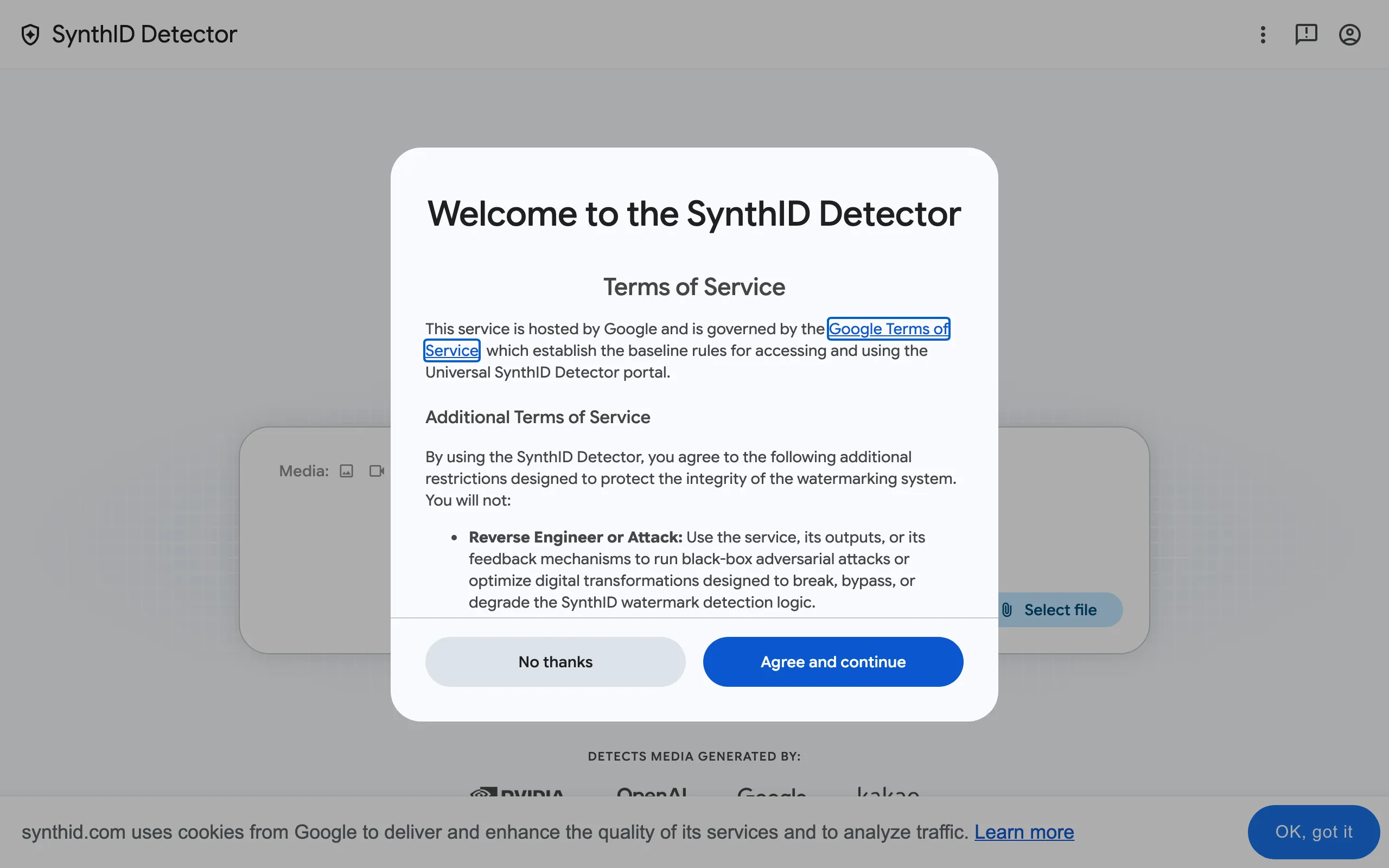
You must sign in before the site will run a check, and you can sign in through a third-party provider such as Apple. After that, click "Select file" and choose the image, video or audio clip you want to test.
Upload the best copy you have. The FAQ warns that heavy compression and editing affect detection, so the original file someone sent you is a better test than a screenshot or a version saved from social media.
If you authenticate using a third-party account (such as Apple), Google processes and retains basic account identifiers shared by your provider (including email address, user ID, and sign-in provider details) to manage your authentication session, prevent abuse, and prevent duplicate accounts. / Use high-quality media files for best results, as heavy compression and editing impact detection. — From the notes on third-party sign-in and on file qualityView official source →
What the two results mean
"Watermark detected" means the file was likely made or edited by an AI model that uses SynthID. "Watermark not detected" means the site found no confident signal, which lowers the odds that a SynthID model touched the file but does not rule AI out.
False positives exist too. The FAQ says that in very rare cases SynthID can trigger on a file that has no watermark. When the source of a file matters, ask the sender how it was made instead of relying on a single result.
Watermark detected: A SynthID watermark is present in the content, and it was likely edited or generated by a SynthID-enabled AI model. Watermark not detected: No confident signal was found, so it was not likely to have been edited or generated by a SynthID-enabled AI model. Although this does not totally rule out AI generation or manipulation. / In very rare cases SynthID can also falsely trigger on non-watermarked content. — From the FAQ entry on the two results and on false positivesView official source →
What happens to your upload afterward
According to synthid.com, your file is deleted as soon as the result comes back, and a digital signature of it is deleted after 24 hours. The site keeps that signature, tied to your account, only to enforce the daily usage limit. The terms also ban three things:
- Using the service to probe for ways to break or bypass the watermark
- Submitting files through scripts instead of the website
- Opening extra accounts to get around the daily limit
Google can suspend access for any of these. If a file is confidential or shows other people's faces, check your organization's rules first, because the upload does go to Google for processing.
Media Processing & Immediate Deletion: Media files you upload for verification are processed in real-time. Once the detection results are returned to you, the original media files are immediately deleted. Anti-Abuse Data Retention: To enforce daily usage quotas and defend the service against automated attacks, we securely store a digital signature of your media. This signature is mapped to your user identifier and permanently deleted after 24 hours. / Reverse Engineer or Attack: Use the service, its outputs, or its feedback mechanisms to run black-box adversarial attacks or optimize digital transformations designed to break, bypass, or degrade the SynthID watermark detection logic. Automate or Scrape: Bypass the user interface to programmatically submit requests, scrape data, or use the frontend as an automated API to run bulk media verification queries. Evade Quotas: Create multiple accounts, leverage automated tools, or manipulate system identifiers to circumvent the service's rate-limiting restrictions. / Google reserves the right to immediately suspend your access for violations of these Terms. — From the deletion and data-retention notice and the list of banned usesView official source →
A "not detected" result doesn't mean a human made it
Why AI-made media can still come back as not detected
A clean result only tells you the detector found no SynthID mark. It does not tell you a person made the file. There are two common reasons AI-made media slips through, and the detector also has questions it is not built to answer.
Media from AI tools that never used SynthID
If the AI that made a file does not use SynthID, there is no watermark to find. That includes tools from companies outside the partner list and files made before a partner adopted the watermark.
Upload one of those files and you will get "Watermark not detected" even though AI made it. Treat that result as "outside the detector's reach," not as a verdict.
AI-generated content may result in a not detected result if: It was created by a model without SynthID (non-partner or pre-adoption). — From the FAQ list of reasons AI media can return not detectedView official source →
Heavy edits and compression can weaken the watermark
SynthID is built to survive everyday edits such as filters, color changes and lossy saves, but heavy changes can degrade it. Compress or rework a file hard enough and the signal fades below what the detector can confirm.
The FAQ also concedes that someone who tries many transformations may find one that slips past detection. The terms also forbid using the site to hunt for such tricks.
We designed SynthID so it doesn't compromise image quality, and allows the watermark to remain detectable, even after modifications like adding filters, changing colours, and saving with various lossy compression schemes. However, the watermark is not infallible and if someone tries many transformations, they may be able to find one that doesn't get detected. / Heavy modifications degraded the watermark signal. — From the FAQ entries on robustness and on heavy modificationsView official source →
It can't separate generated from edited, and it skips text
Even a positive result cannot tell you how much of a file AI produced. The FAQ describes a detected file as "edited or generated" by a SynthID model, so a photo retouched with Google's AI and an image generated from scratch can look the same to the detector.
Text is also out of scope. SynthID can watermark text, but the detector only accepts images, video and audio, so it will not tell you whether ChatGPT or Gemini wrote an essay.
Watermark detected: A SynthID watermark is present in the content, and it was likely edited or generated by a SynthID-enabled AI model. / The SynthID Detector currently supports three content types — From the FAQ entries on what a detected result means and which media types the detector acceptsView official source →
SynthID embeds digital watermarks directly into AI-generated images, audio, text or video. — From the description of the media types SynthID can watermarkView official source →
SynthID Detector vs. general AI image detectors
Watermark checks and artifact-based AI detectors side by side
| Approach | What it looks for | What it can check | How far to trust it |
|---|---|---|---|
| Watermark check (SynthID Detector) | A signal embedded when the file was made | Only media from SynthID adopters | A detected mark is strong evidence |
| General AI image detector | Patterns that AI generation tends to leave | Not limited to SynthID adopters | A probability estimate that can be wrong |
SynthID Detector and a typical AI image detector answer the same question in two different ways. One looks for a signal planted on purpose, and the other looks for traces left by accident. Start with SynthID Detector if you suspect Google, OpenAI, NVIDIA or Kakao made the file, and use a general detector for anything else.
Watermark checks are reliable but narrow
A watermark check is dependable when it finds something, but it only covers models that use SynthID. The FAQ calls it highly reliable and resilient, but limited to content from SynthID-integrated models.
SynthID Watermarking: Verifies media by detecting an intentional signal embedded directly during content creation. It provides high reliability and resilience, though it is limited to identifying content generated by SynthID-integrated models. — From the FAQ description of the watermark approach and its limitsView official source →
Artifact-based detectors cover more ground but estimate
A general AI image detector estimates how likely it is that AI made a file by looking for patterns generation leaves behind. It is not limited to one company's models, but synthid.com's FAQ notes that these tools may be less reliable than watermarking.
An AI photo detector or AI-generated image detector of this kind is what most people find when they search, while SynthID Detector is closer to an AI watermark detector. Used together, the two cover each other's gaps. The watermark check is narrow but firm, and the artifact detector is broad but uncertain.
General AI Detectors: Analyzes passive artifacts and patterns left behind by generative models to estimate the likelihood of AI generation when no embedded signal is present. While broader in scope, these tools can sometimes be less reliable than watermarking. — From the FAQ description of general AI detectorsView official source →
What SynthID Detector can and can't confirm
SynthID Detector confirms one thing: whether a file carries a watermark from Google, OpenAI, NVIDIA, Kakao or another SynthID adopter. It runs at synthid.com, works in English worldwide, and takes a sign-in and an upload.
A "Watermark detected" result is strong evidence that a SynthID model made or edited the file. A "Watermark not detected" result is weaker than it sounds, because AI tools without SynthID and heavily edited files both land there. Text and Apple's AI are outside its reach for now.
Use the result as one piece of evidence, and ask the sender when the origin matters. If you plan to upload photos, you can first remove their location and camera details with a browser-based EXIF remover.
FAQ
- Can SynthID Detector check images made with Apple's AI?
- Not yet. Google names OpenAI, NVIDIA and Kakao as partners whose media it can check today, and lists Apple as coming soon. Until Apple's support goes live, a file made with Apple's AI will not be recognized.
- Where else can I check a file for SynthID?
- Google Search, the Gemini app and Chrome have SynthID verification built in, and Google says those features now handle more than 1 million requests a day. SynthID Detector adds a standalone website on top of them.
- How long has SynthID been around?
- Google launched SynthID in 2023. Since then it has watermarked more than 180 billion images and videos and 240,000 years of audio.
Related articles
 AI Image Detection: 3 Free Tools to Spot AI PhotosStart AI image detection with free tools: read the file's records, check for a SynthID watermark and get a Hive score. Trace the source only if they disagree.
 Reddit to require logins as search referrals fallReddit will test a logged-in-only site outside the US in Q4. Search referrals fell over 1M a week in October; its CEO says Google's AI Mode drives no traffic.
 Gemini create files: edit PDFs and docs in chatGemini create files: docs, PDFs, slides and sheets now open in the chat as previews you can edit. Phones edit only PDFs; the web handles the rest.
 What is Genie 4? Google's world model with audioGenie 4 is Google DeepMind's world model that adds ambient sound and live dialogue to explorable worlds. Only testers have it; Ultra subscribers are next.