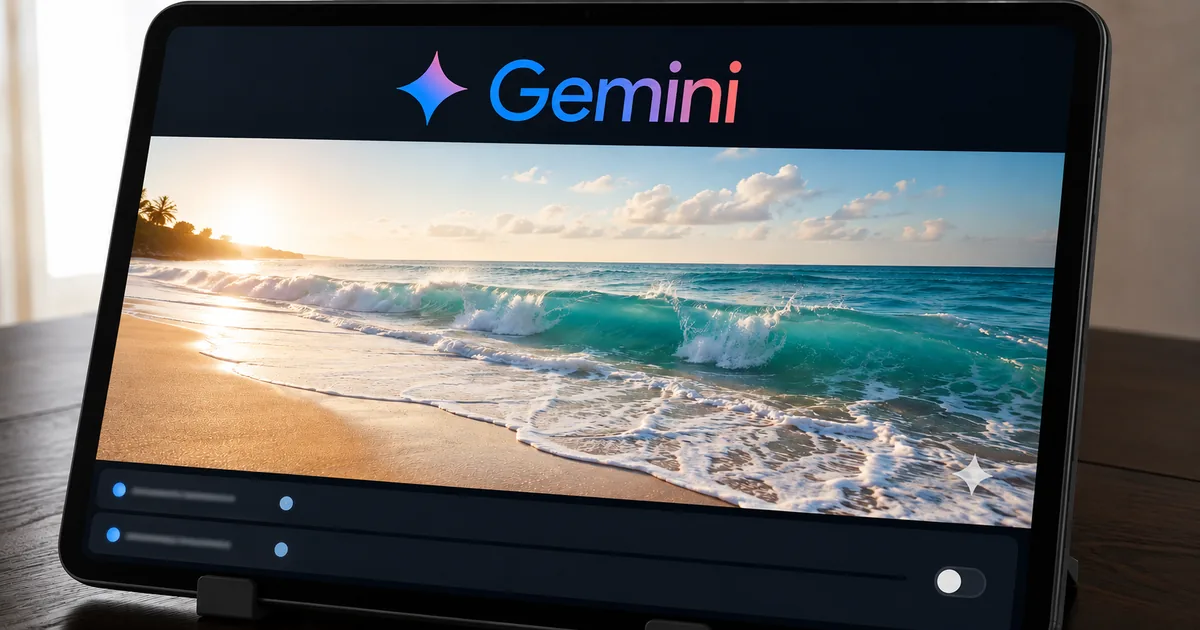
What the Media Watermark toggle does
The toggle removes the visible mark on images, video and music, and nothing else. The change is small in the interface and larger in what it signals about how Google now thinks labeling should work.
Scope of the setting
Where the setting lives, and what it covers
The change was announced by Google's VP for Gemini in a post on X and reported by TechCrunch, not in a post on the company blog, so the detail available is what that post and that reporting contain. The setting covers three models, and it arrives over the coming days, so not every account gets it at the same time.
Check the surface list before you rely on this. Google named Gemini and Flow at launch, with Search support described as coming soon, so output from different Google entry points may not behave the same way during the rollout.
"Josh Woodward, the company's VP for Gemini, said in a post on X that this toggle will be available for Nano Banana, Omni, and Lyria models. He specified that the setting to turn the visible watermark off will be available in Gemini and Google's video editor, Flow, with support for Search coming soon."(the announcement)/"The feature is rolling out in the coming days, and once available, users will be able to go to Settings > Media Watermark to turn the visible mark on or off."(TechCrunch・rollout)View official source →
"Gemini Omni Flash is a model that can create anything from any input – starting with video."(Google blog)View official source →
Why the visible mark was in the way
TechCrunch frames the change as a shift in how labeling is approached. A visible mark often makes the output less useful for professional and creative work, where it is an ingredient in something else rather than a finished post.
That cost is real, and the badge offered less protection in return than it appeared to. A visible mark is also the easiest kind to crop out, which makes it weak evidence in exactly the cases where evidence matters.
"The change reflects an evolving approach to labeling AI-generated media, as visible watermarks can often make content less useful for professional and creative work, but the need to identify AI-generated content remains."(TechCrunch)View official source →
What stays in the file
Two provenance mechanisms survive the toggle, and they work in different ways. Neither is visible, and neither is under the user's control.
Three layers, one switch
SynthID is embedded and stays
Google adds SynthID at the moment content is created. It sits inside the media itself, and Google states it does not change image or video quality. It is imperceptible to people and readable by Google's detection tooling.
SynthID is why Google can afford to make the badge optional. Removing a mark from the surface of an image does not touch a signal carried in the pixels, so the detection path Google points users toward keeps working either way.
"SynthID embeds digital watermarks directly into AI-generated images, audio, text or video. The watermarks are embedded across Google's generative AI consumer products, and are imperceptible to humans – but can be detected by SynthID's technology."(How SynthID works)/"SynthID adds an invisible digital watermark to an AI-generated image (or video segment). The watermark doesn't change the image or video quality. It's added the moment content is created"(Google DeepMind・How SynthID works)View official source →
C2PA metadata travels with the file
C2PA is the other half. It is an open standard for recording where a file came from and how it was edited, carried alongside the file rather than inside the pixels. Google's stated position is that both signals stay on whatever the toggle is set to, and that Gemini and Search can still tell you whether an image was AI-generated.
"The Coalition for Content Provenance and Authenticity, or C2PA, provides an open technical standard for publishers, creators and consumers to establish the origin and edits of digital content."(what C2PA is)/"Content Credentials function like a nutrition label for digital content, giving a peek at the content's history available for anyone to access, at any time."(C2PA・Content Credentials)View official source →
""We're striking a balance here between creative control and safety: while the visible watermarks are now optional, invisible SynthID watermarks and C2PA metadata are still being used for transparency. So you can still use Gemini or Search to see if an image was AI-generated," he wrote."(TechCrunch)View official source →
Moving verification outside Google
What will outlast the toggle is a change in who gets to do the checking. Until now the check meant asking Gemini or Search, and Credentio puts it inside other developers' apps.
Where checking happens
- BeforeAsk Gemini or Search whether an image was AI-generated
- NowCredentio, an open-source library, lets developers validate inside their own apps
- ConsequenceProvenance checks can run where the file is handled, without a round trip to Google
Credentio and local validation
Google is open sourcing a library that puts a validation mechanism inside third-party applications. That moves the check from a service you query to a component you ship.
If you build anything that ingests user media, Credentio matters more than the toggle. A local check runs on upload, at whatever volume you handle, and does not depend on an external endpoint staying up.
"Google is also open sourcing a new library called Credentio to let developers embed a local validation mechanism in their apps."(TechCrunch)View official source →
What to assume about a file with no visible mark
The practical rule changes in one direction only. An image without a badge is no longer evidence that it was not generated by Gemini, and it never was strong evidence in the first place.
Going the other way still works. Based on the statements quoted above, a SynthID hit or intact C2PA data remains a positive signal, so provenance checks should read the file rather than look at it.
For the same question at a different lab, see Claude Text Watermark: What a Hit Actually Proves. For the transparency rules driving much of this work, see EU AI Act Enforcement Begins: Article 50 Labels. Vendor announcements and standards documentation are easier to compare once both are plain text.
FAQ
- Where is the setting?
- Open Settings, then Media Watermark, to turn the visible mark on or off. It is rolling out across the Gemini app and Flow, Google's video editor, with support for Search described as coming soon.
- Does turning it off make the file undetectable?
- No. Google's stated position is that switching off the visible mark leaves the invisible SynthID watermark and the C2PA metadata untouched, which is what detection actually relies on. The change is to the appearance of the output, not to its provenance signals.
- Which models does it cover?
- Three models were named: Nano Banana, Omni and Lyria. Google describes Omni as its video model; the toggle applies in the Gemini app and in Flow, with Search support coming soon rather than at launch.
Related articles
 Gemini create files: edit PDFs and docs in chatGemini create files: docs, PDFs, slides and sheets now open in the chat as previews you can edit. Phones edit only PDFs; the web handles the rest.
 Gemini 4 Carbon vs Argon: Pricing and AccessGemini 4 Carbon vs Argon: Carbon opened to paid API developers, businesses and Google AI Ultra on Nov 10, at the same $2/$10 per 1M token price as Argon.
 Gemini free tier goes Flash-Lite only on October 9The Gemini free tier is Flash-Lite only from October 9, 2026. Flash needs AI Plus ($4.99/month), Pro needs AI Pro ($19.99), and Deep Think stays Ultra-only.
 Gemini Notebook (formerly NotebookLM) explainedGemini Notebook is what NotebookLM became on July 16, 2026. Free users get 50 chats and 3 Audio Overviews a day and it now reads ebooks bought on Google Play.