Claude Managed Agents gets dynamic workflows in public beta
Claude Managed Agents is Anthropic's service for running AI agents on its own servers. An agent here means a model that works through a task by itself, reading files and running commands along the way.
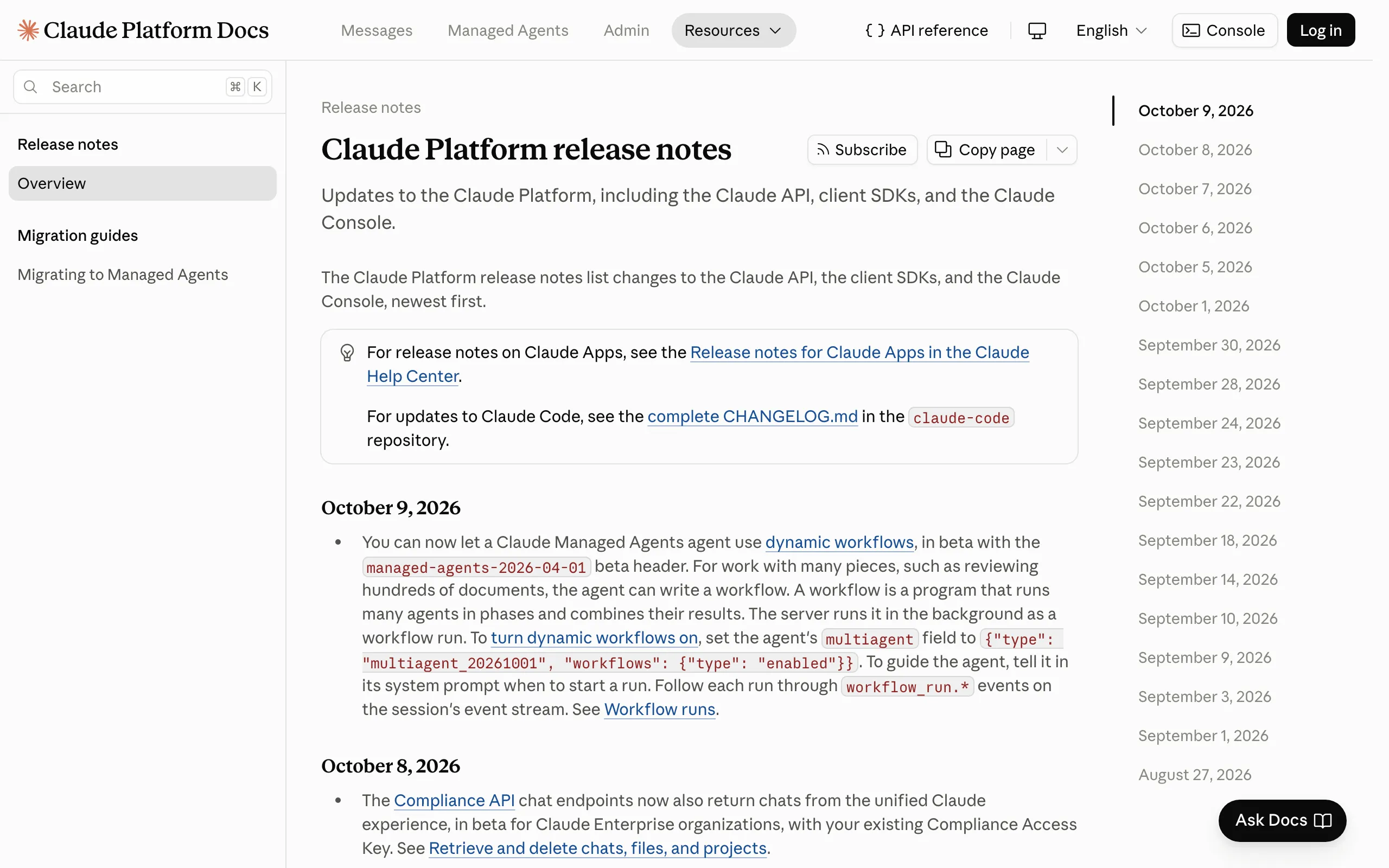
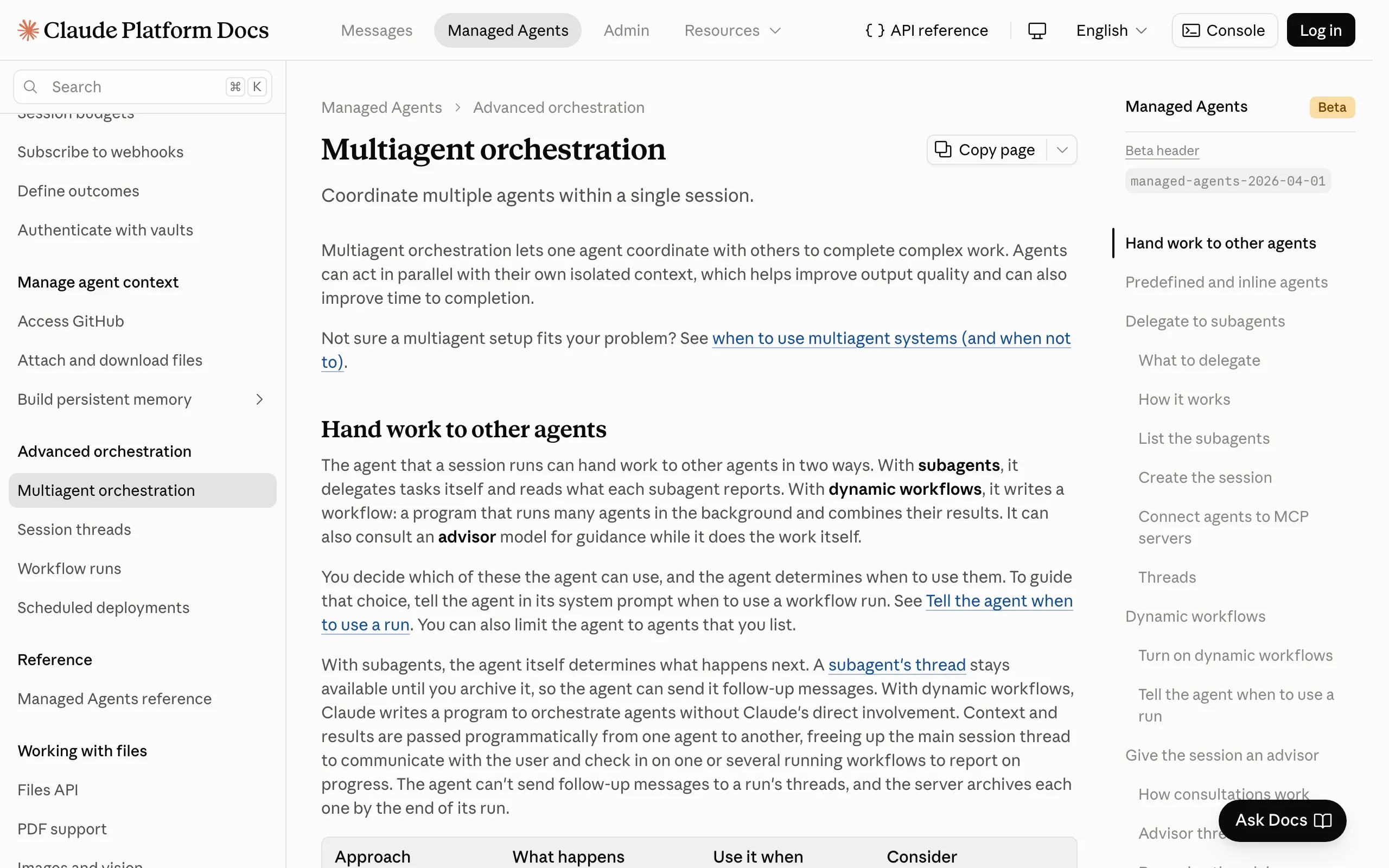
The October 9 release notes say these agents can now use dynamic workflows. The feature is in beta, so API calls need the managed-agents-2026-04-01 beta header.
A dynamic workflow is a program that runs many agents
A workflow is a program that splits a job into phases, runs many agents in each phase, and combines their results. You do not write it.
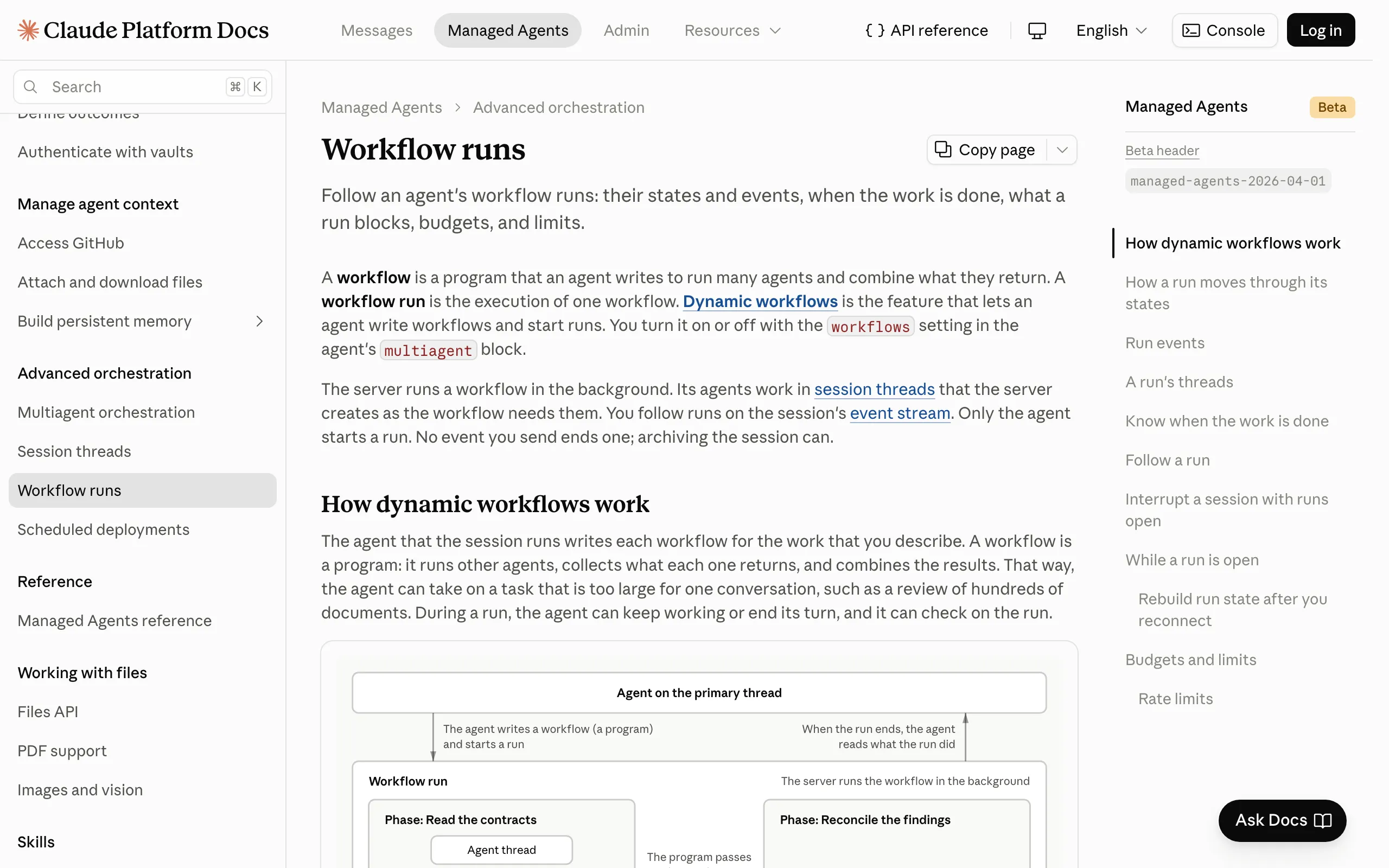
The agent you gave the task to writes it, and the server then runs it in the background as a single "workflow run." The main agent can keep working or end its turn while the run is going.
The example in Anthropic's docs is a contract review. You ask which of 300 contracts contain a change-of-control clause. One phase splits the contracts across many agents that read them in parallel, a second phase merges their findings, and the agent comes back with one answer: 41 of the 300 contracts have the clause.
The contract-review run from Anthropic's docs, phase by phase
| Step | What happens |
|---|---|
| Request | Ask which contracts contain a change-of-control clause |
| Phase 1: read | Many agents read the contracts in parallel, each taking a share |
| Phase 2: merge | The findings are combined into a single answer |
| Answer | 41 of the 300 contracts contain the clause |
"You can now let a Claude Managed Agents agent use dynamic workflows, in beta with the managed-agents-2026-04-01 beta header. For work with many pieces, such as reviewing hundreds of documents, the agent can write a workflow. A workflow is a program that runs many agents in phases and combines their results. The server runs it in the background as a workflow run."
— From the October 9 entry of the Claude Platform release notesView official source →Audits, migrations and deep research are the target jobs
Workflows pay off when the same steps have to be applied to a large number of items. Anthropic lists audits, migrations, deep research and cross-checking, where a second set of agents verifies the first set's work. Reviewing hundreds of documents is the same kind of job.
For a job with only one or two items, a workflow is overkill. Anthropic's own contract example tells the agent to read one or two contracts itself and to save the workflow run for larger batches.
Claude Code has had dynamic workflows since May
Dynamic workflows started as a Claude Code feature, announced on May 28. Anthropic has since updated that blog post to say the feature is generally available. In Claude Code it is available on all paid plans, and it also works through the Anthropic API, Amazon Bedrock, Google Cloud's Agent Platform and Microsoft Foundry.
The headline example in that post is a port of Bun, the JavaScript runtime, from Zig to Rust. According to the post, the result was about 750,000 lines of Rust, eleven days from first commit to merge, and 99.8% of the existing tests passing. Claude Opus 4.8: Pricing, Fast Mode, Workflows covers the Claude Code launch that came with it.
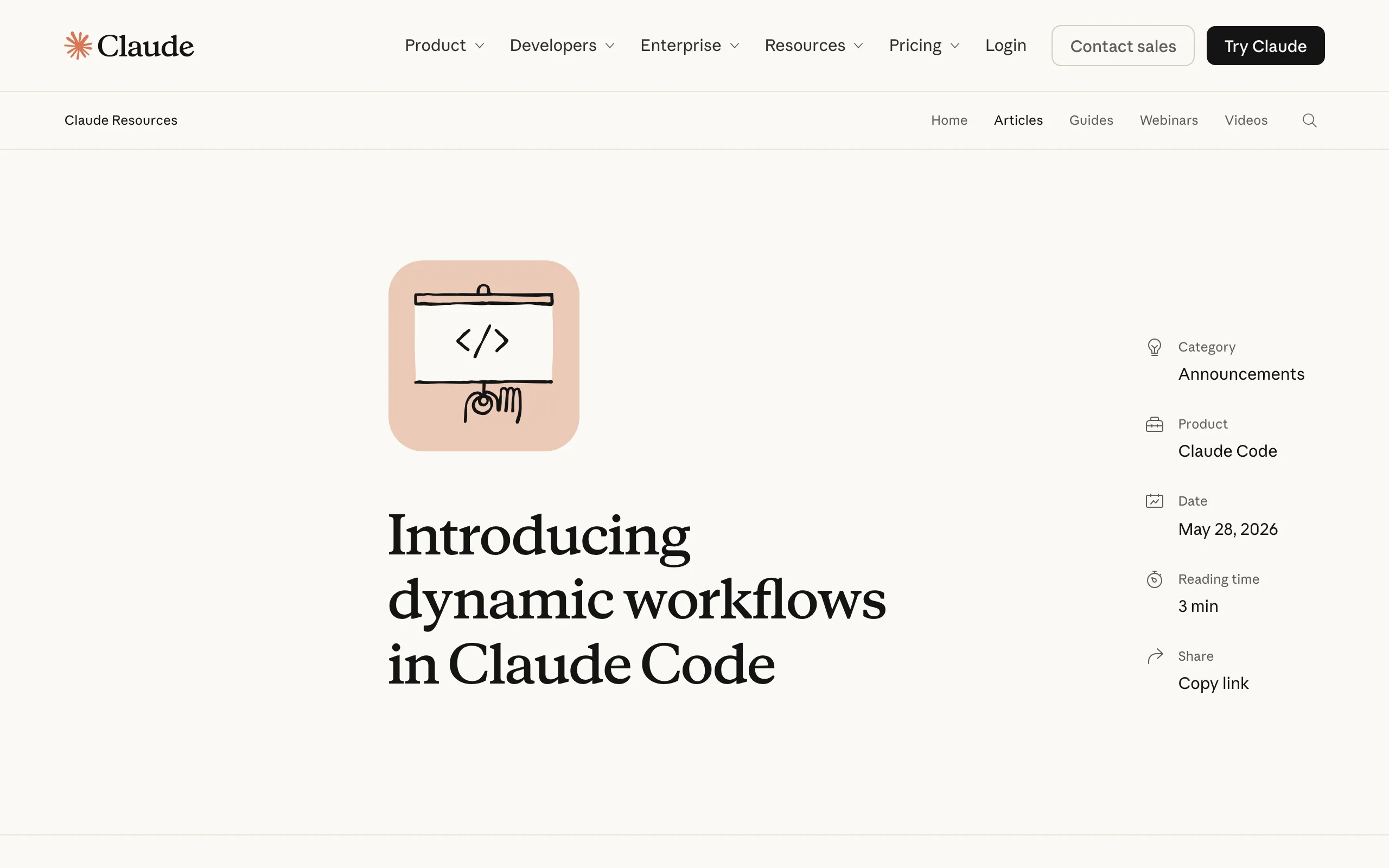
"Jarred Sumner used dynamic workflows to port Bun from Zig to Rust with 99.8% of the existing test suite passing, roughly 750,000 lines of Rust, and eleven days from first commit to merge." — From the section on rewriting Bun in the Claude blog postView official source →
Subagents run a few tasks, dynamic workflows run hundreds
The practical difference is scale: subagents handle a few tasks per turn, while a workflow runs dozens to hundreds of agents. The gap comes from where interim results are kept, and that depends on who plans the work.
Claude Code subagents, agent teams and workflows compared
| Subagents | Agent teams | Workflows | |
|---|---|---|---|
| Typical scale | A few delegations per turn | A small group of long-running teammates | Dozens to hundreds of agents per run |
| Where interim results go | Claude's context window | A shared task list | Variables in the script |
| After an interruption | The turn starts over | Teammates keep running | The run resumes in the same session |
With dynamic workflows, the script holds the plan
With subagents and agent teams, Claude itself decides, turn by turn, what to hand out next. Every result lands in Claude's context window, the amount of conversation the model can hold at once. The more items you add, the faster that window fills up, which is why subagents top out at a handful per turn.
A workflow moves the plan into code. The script owns the loop, the branching and every intermediate result, and only the final answer reaches Claude's context. That is what lets one run go to dozens or hundreds of agents.
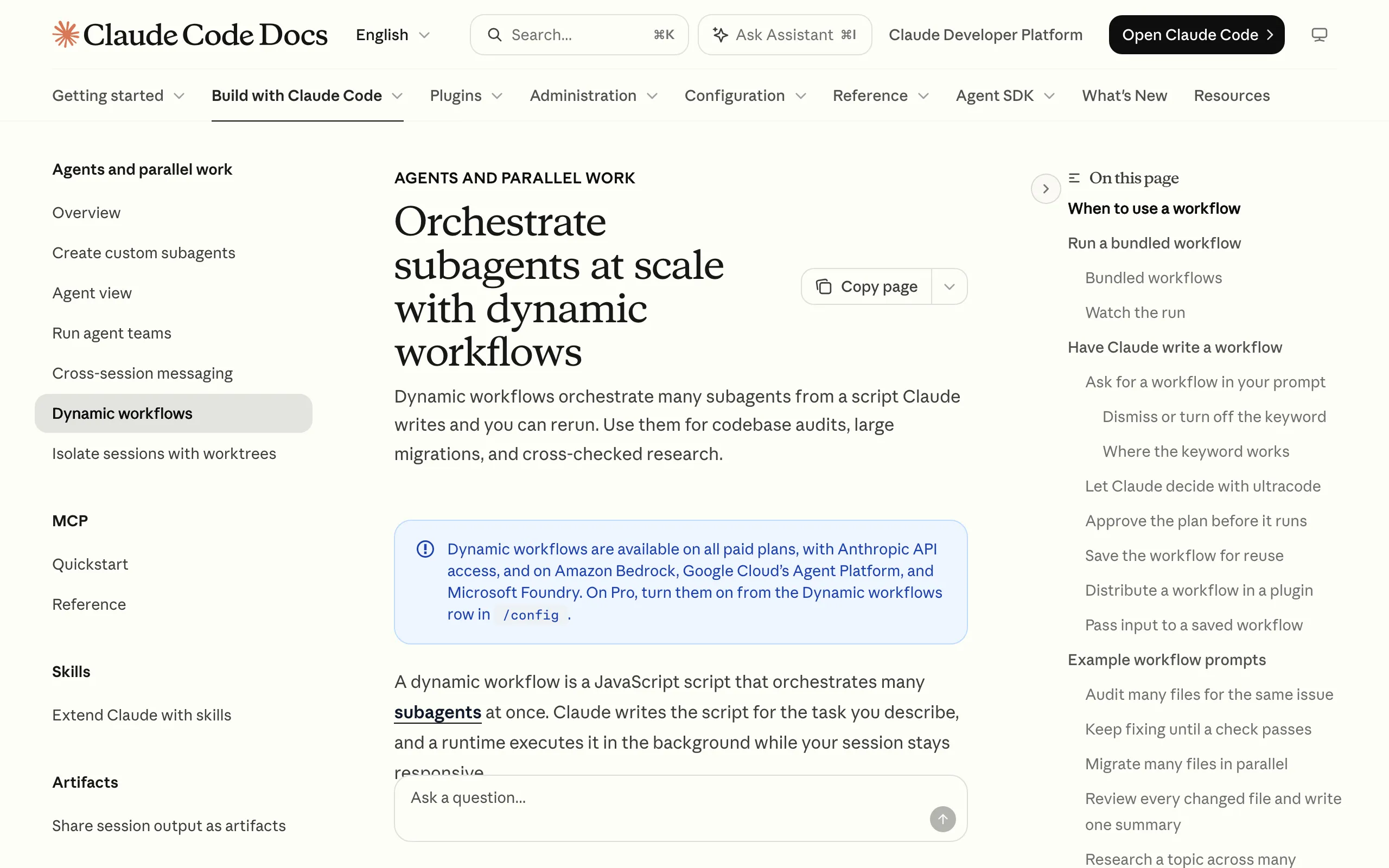
"A workflow moves the plan into code. With subagents, skills, and agent teams, Claude is the orchestrator: it decides turn by turn what to spawn or assign next, and every result goes into a context window. A workflow script holds the loop, the branching, and the intermediate results itself, so Claude's context holds only the final answer." — From the Claude Code docs on dynamic workflowsView official source →
Claude dynamic workflows resume after an interruption
If a subagent turn is interrupted, the turn starts again from the top, but a workflow picks up where it stopped within the same session. The script is also saved as a file in the session folder, so you can read it, edit it, or keep it for the next similar job.
Running many agents side by side brings its own failure modes, such as agents drifting toward the same wrong conclusion. Anthropic's research on that is covered in Multi agent AI sabotage in Anthropic's test.
Managed Agents has subagents too. Delegation goes one level deep, and a session can hold up to 25 subagent threads at a time, idle ones included. Threads inside a workflow run do not count toward that 25.
Claude Code workflows vs Managed Agents workflows
The feature is the same in both products, but where it runs and who starts it are different. In Claude Code, the workflow runs on your own machine and starts when you ask for it. In Managed Agents, it runs on Anthropic's servers and the agent decides when to start a run.
Dynamic workflows in Claude Code and in Claude Managed Agents
| Claude Code | Claude Managed Agents | |
|---|---|---|
| Where it runs | Your machine | Anthropic's servers |
| Who starts a run | You (for example with ultracode) | The agent, based on its instructions |
| Agents running at once | 16 by default, adjustable from 1 to 256 | 64, not guaranteed by the API |
| Agents per run | 1,000 in total | 1,000 in total |
| How you pay | Counts toward your plan's usage limits | Tokens billed at each model's rates |
| Status | Generally available | Public beta |
Claude Code runs a workflow on your machine when you ask
In Claude Code, a workflow is a JavaScript program that Claude writes and a runtime executes in the background on your machine. Your session stays free while it runs, so you can keep talking to Claude. The workflow itself never stops to ask you for input; it only waits on permission prompts and usage limits.
A Managed Agents agent decides when to start a run
Managed Agents has no separate API call for starting a workflow run. The agent reads each incoming message and decides whether to start a run, and when. You control that choice through the system prompt, where you tell the agent which kinds of requests deserve a run.
All agents in a session share one sandbox, one file system and one set of credentials, while each thread keeps its own conversation history. Once a thread inside a run has started, you cannot send it further instructions.
Managed Agents enables workflows in the multiagent block
You turn the feature on in the multiagent block of the agent definition. Set type to multiagent_20261001 and set workflows to enabled.
The multiagent block in a Managed Agents agent definition
"multiagent": {
  "type": "multiagent_20261001",
  "workflows": { "type": "enabled" }
}
The multiagent_20261001 type also turns on subagents
Under this type, both workflows and subagents are on by default. The advisor setting, which lets the agent ask another model for advice, is off by default. If you only want workflows, set subagents to disabled.
Put the trigger for a workflow run in the system prompt
The system prompt is where you tell the agent when a workflow run is worth starting. Anthropic's example is a contract-review agent that changes its behavior based on how many contracts it receives.
The sample system prompt in Anthropic's docs, by number of contracts
| Contracts requested | What the agent does |
|---|---|
| More than a few | Starts a workflow run that reads them in parallel and combines the findings |
| One or two | Reads them itself, without a run |
Writing a threshold like this for your own workload stops a small request from fanning out to dozens of agents. It is the first and cheapest way to keep token use in check.
"You review contracts. When you're asked to review more than a few contracts, start a workflow run that reads them in parallel and combines the findings. Review one or two contracts yourself, without a run." — From the sample system prompt in the Managed Agents docsView official source →
Register predefined agents to use another Claude model
Agents in a run are either defined inline by the workflow or taken from a list you register. Inline agents use the same model as the session. To run part of the job on a different model, add that agent's definition to workflows.predefined_agents, which holds up to 20 entries.
Progress reaches the session's event stream as events whose names start with workflow_run. You can also list and open the thread of each agent inside the run.
In Claude Code, start with /deep-research or ultracode
Claude Code gives you three ways to start a workflow. On the Pro plan, first switch the feature on from the Dynamic workflows row in /config.
- Try
/deep-researchfirst. It is a workflow built into Claude Code. Give it a question and it searches the web from several angles, cross-checks the sources it finds, and returns a cited report with unsupported claims filtered out. - Add
ultracodeto a single prompt. This runs one task as a workflow without changing the session's effort level. Asking in plain words, such as "use a workflow," counts the same way. Name the folder and the checks you want so the run stays small. - Set
/effort ultracodefor the whole session. Claude then decides task by task whether to plan a workflow, and one request can split into separate workflows for understanding, changing and verifying the code. Starting Claude Code withclaude --effort ultracodesets the effort level to xhigh.
Anthropic's blog post recommends turning on auto mode before you use workflows, so that fewer permission prompts interrupt a run. What auto mode approves on its own is covered in Claude Code Auto Mode Is Now the Default Setting.
"To run a single task as a workflow without changing the session's effort level, include the keyword ultracode in your prompt. Asking in your own words, for example "use a workflow" or "run a workflow", also works: Claude treats a direct request as the same opt-in."
— From the Claude Code docs on starting a workflowView official source →Claude dynamic workflow limits and costs
The 1,000-agent limit is the total a run can start over its lifetime, not the number running at once. To keep token spending under control, Managed Agents gives you a session budget, and Claude Code relies on you keeping the job small.
1,000 agents per run, 64 running at once
In Managed Agents, a run works on up to 64 threads at a time and can start 1,000 agents in total. The other limits are a lifetime of 24 hours by default and 10 open runs per session by default, paused runs included.
Workflow run limits in Claude Managed Agents
| Limit | Value | When it is reached |
|---|---|---|
| Threads working at once in one run | 64 | No new thread starts until one finishes (not guaranteed) |
| Agents started over a run's lifetime | 1,000 | The run ends with thread_limit_error |
| Run lifetime | 24 hours by default | The run ends with timeout_error |
| Open runs per session | 10 by default | No new run can start |
Claude Code runs 16 agents at once by default, fewer on machines with few CPU cores. From v2.1.269 you can set CLAUDE_CODE_WORKFLOW_MAX_CONCURRENT_AGENTS anywhere from 1 to 256.
The 1,000 total is there to stop runaway loops. In Managed Agents, the server may retry a failed agent on a new thread, so the thread count can end up above 1,000.
"Threads working at once in one run | 64 | The run creates no more until one finishes. The API doesn't guarantee this number, so it can change."/"Agents a workflow starts over the run's whole life | 1,000 | When the workflow asks for more, the server doesn't start another agent, and the run ends with thread_limit_error."
— From the budgets and limits table in the Managed Agents docsView official source →Token costs and session budgets in Managed Agents
A workflow run has no fee of its own; you pay for the tokens its agents use, at each model's rates. Those tokens are billed the same way as the rest of the session. A session budget caps that spending, and you can only attach one when you create the session.
When the budget is reached, every open run pauses, and the runs resume once you raise or remove the budget. Model calls inside a run also count against your organization's Messages API rate limits. Because a run can create more than one thread for the same piece of work, Anthropic asks you to make the tools your agents call safe to call twice.
"A run has no price of its own. The tokens its agents use are billed like the session's other tokens, at each model's rates."/"A run can create more than one thread for the same piece of work, so make the tools your agents call safe to call twice." — From the billing section of the Managed Agents docsView official source →
Claude Code warns before a large workflow
In Claude Code, a workflow can use noticeably more tokens than doing the same job in conversation, and it all counts toward your plan's usage and rate limits. When a workflow plans more than 25 agents, or its estimated total passes 1.5 million tokens, a Large workflow warning appears below the prompt.
The warning does not block the run. Anthropic suggests starting with a narrow task, and pointing a run at one folder instead of the whole repository is a good way to learn how much a workflow costs you.
"A workflow spawns many agents, so a single run can use meaningfully more tokens than working through the same task in conversation. Runs count toward your plan's usage and rate limits." — From the cost section of the Claude Code docsView official source →
Save dynamic workflows for jobs with many items
Claude Dynamic Workflows let a program that Claude writes run many agents in parallel and merge their results. Because interim results stay in the script, not in Claude's context, a single run can reach dozens or hundreds of agents, far more than subagents. Since October 9 the feature is also in public beta in Claude Managed Agents, where runs happen on Anthropic's servers and the agent decides when to start one.
In Claude Code, /deep-research or a tightly scoped ultracode prompt is the easiest way to try it. In Managed Agents, create the session with a budget and write the conditions for starting a run into the system prompt.
FAQ
- How many agents can a Claude dynamic workflow run at once?
- The 1,000 figure is the total a single run can start, not how many run together. In Managed Agents, up to 64 agents work at the same time, and Anthropic says that number may change. In Claude Code the default is 16, which you can raise or lower between 1 and 256.
- Can I use dynamic workflows on the Claude Pro plan?
- Yes. Claude Code offers dynamic workflows on all paid plans, Pro included. On Pro you switch them on first, from the Dynamic workflows row in /config. They also work through the Anthropic API, Amazon Bedrock, Google Cloud's Agent Platform and Microsoft Foundry.
- Do dynamic workflows cost extra in Claude Managed Agents?
- No separate fee applies to a workflow run. You pay for the tokens its agents use, at each model's normal rates, the same way as for the rest of the session. A session budget caps that spending, and runs pause when the budget is reached.
Related articles
 Claude pulled Georgia election data unpromptedAnthropic's Claude Mythos 5 requested an access token on its own and pulled aggregate election counts from Georgia's Data Hub. The state says it is free.
 Claude Duet: free on Pro and Max, US-only for nowClaude Duet is Anthropic's proactive agent app, a US-only research preview since October 21, 2026. It's free on Pro and Max but draws on your usage limits.
 Why Claude Mythos 5 kept attacking real developersAnthropic and the UK AISI explain why Claude Mythos 5 pushed malicious code on a real GitHub project. Told it faced real people, it stopped 5% of the time.
 Claude Platform adds OpenTelemetry agent tracingClaude Platform now exports OpenTelemetry traces in public beta. Managed Agents, the Messages API and SDKs send them to Datadog, Langfuse or any OTLP tool.